How to Mail Merge Without Desktop Outlook or an Office 365 Subscription

For decades, businesses have assumed that if you need to merge data from a spreadsheet into personalized letters, contracts, or invoices, you must purchase a Microsoft 365 subscription and configure the desktop version of Microsoft Outlook. When organizations migrate to modern cloud suites (like Google Workspace, Fastmail, or ProtonMail) or equip their staff with MacBooks and Chromebooks, Word's traditional Mail Merge wizard no longer offers a way forward.
If you are looking for a way to perform a mail merge without desktop Outlook or Office 365, this guide shows how cloud document automation with TRYDOKU allows anyone to generate hundreds of personalized Word and PDF documents right from their browser.
The Dependence on Desktop Office
Microsoft Word's traditional Mail Merge feature is tightly coupled to desktop Office infrastructure:
- Mandatory Outlook Profiling: If you want Word to distribute merged documents, it forces you to configure a local Windows Outlook profile via MAPI. It cannot connect directly to modern webmail providers like Gmail or Google Workspace.
- Platform Incompatibilities: If your team works on macOS, Linux, ChromeOS, or tablets, Word's Mail Merge capabilities are either severely limited or unavailable.
- Expensive Subscription Tiers: Maintaining full Microsoft 365 licenses for operations staff just to generate monthly document batches creates an unnecessary recurring expense.
For more on replacing desktop software with web tools, read our guide to a mail merge alternative to generate 100 documents in seconds.
Workflow Comparison
| Capability | Word + Desktop Outlook | Google Docs Add-Ons | TRYDOKU Web Platform |
|---|---|---|---|
| Software Required | Desktop Word & Outlook installed | Google Workspace account | Any web browser (Zero install) |
| Data Sources | Local Excel (.xlsx) only | Google Sheets only | Excel (.xlsx), CSV, Google Sheets |
| Output Formats | Raw Word file or local print | PDF or Google Docs | Batch ZIP of standalone DOCX & vector PDF |
| Dynamic Table Repeating | ❌ Unsupported natively | ⚠️ Fragile third-party scripts | ✅ Native {> items }} loops |
| Cost | $150–$300/yr per user license | $10–$50/mo per add-on | Transparent pay-as-you-go credits |
How to Mail Merge in Your Web Browser (4 Steps)
Step 1: Create a Template in Any Word Processor
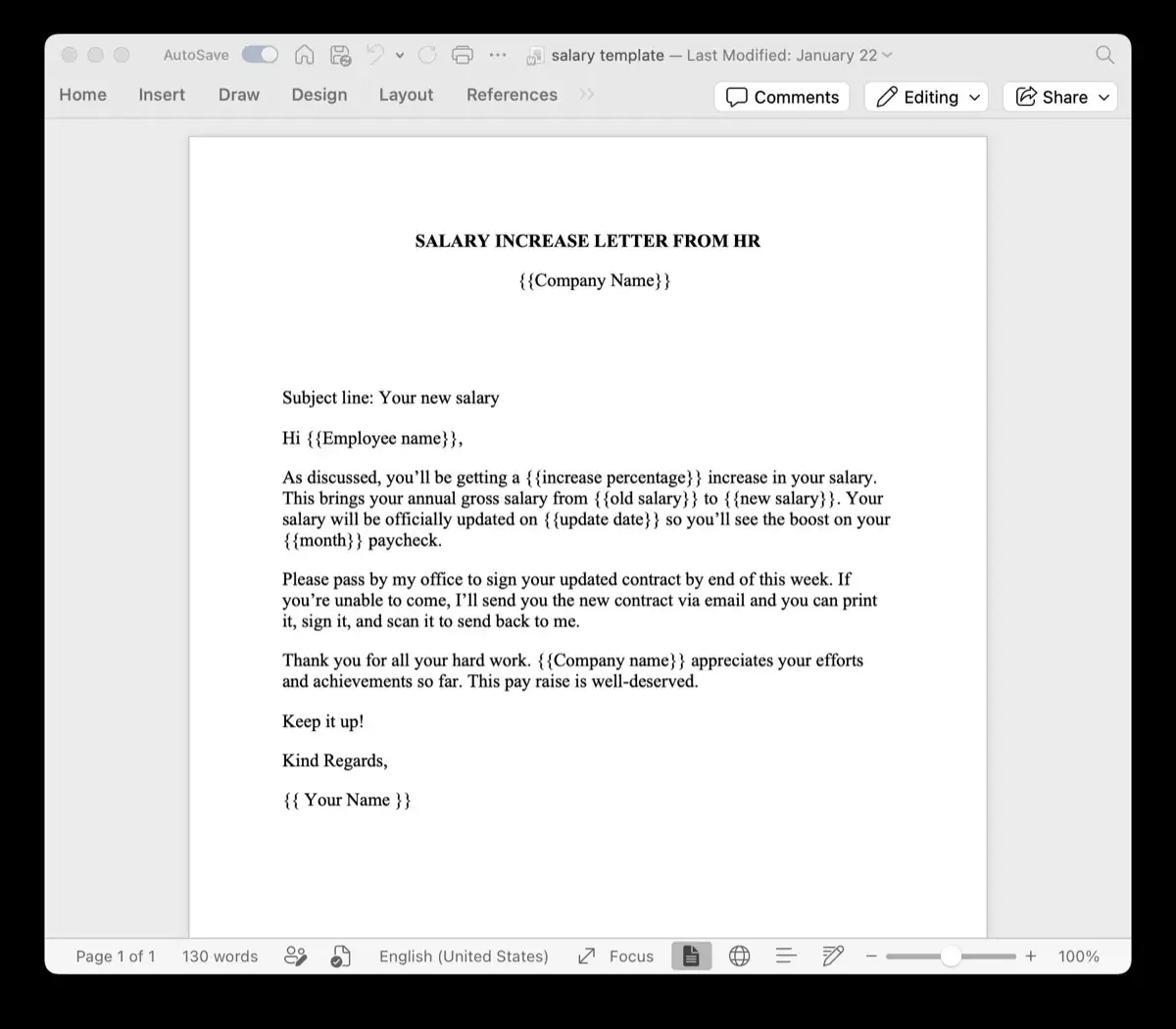
You do not need an active Microsoft Office license to build your template. You can design your document in Google Docs, Apple Pages, LibreOffice, or any free editor, and save it as a standard .docx file.
Where variable data should appear, insert placeholder tags:
ANNUAL MEMBERSHIP RENEWAL

Member: {{Member_Name}}
Membership ID: {{Member_ID}}
Renewal Deadline: {{Due_Date}}
Annual Fee: {{Membership_Fee}}

Thank you for being a valued member of our community!
Step 2: Prepare Your Spreadsheet
Open your spreadsheet in Excel, Google Sheets, or LibreOffice Calc. Ensure the first row contains column headers matching your template variables (Member_Name, Member_ID, Due_Date, Membership_Fee).
If your data is stored in CSV format, you can validate and convert it using our free client-side Excel to CSV converter.
Step 3: Upload and Connect on TRYDOKU
- Open TRYDOKU in Chrome, Safari, Firefox, or Edge.
- Upload your
.docxtemplate and your spreadsheet. - TRYDOKU automatically matches column headers to your template variables. Review the mapping table to check that every field is matched.
Step 4: Download Your Documents
Select your desired output format (Word .docx, vector PDF, or both) and click Generate.
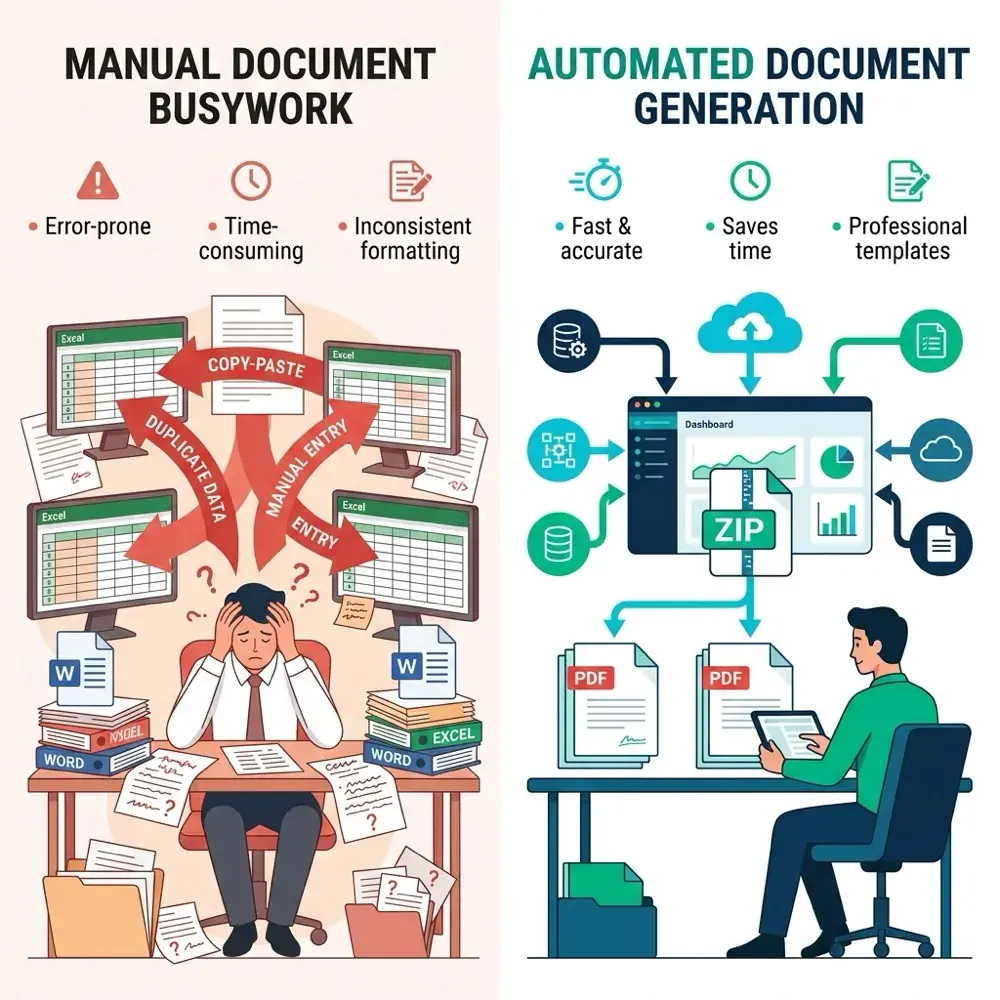
In seconds, TRYDOKU turns your dataset into individual documents ready for publication and bundles them into a ZIP archive. Each file is named using your spreadsheet data (such as Renewal_{{Member_Name}}_{{Member_ID}}.pdf), ready to attach to an email in your webmail app or share with your team.
Frequently Asked Questions
Can I send generated documents via Gmail or Google Workspace?
Yes. TRYDOKU produces a ZIP archive of individual, named PDFs. You can attach them to separate emails or send them in bulk through your preferred email platform without desktop Outlook.
Does this work on Mac, Linux, and Chromebooks?
Yes. TRYDOKU is 100% cloud-based and operates identically across macOS, Windows, Linux, and ChromeOS.
Are my documents stored securely?
Yes. TRYDOKU is hosted in Frankfurt, Germany (EU). All imported data and generated documents are encrypted and automatically deleted from temporary storage within 24 to 72 hours in line with GDPR requirements.