How to Fix Broken Formatting in Word Mail Merge (and a Better Alternative)
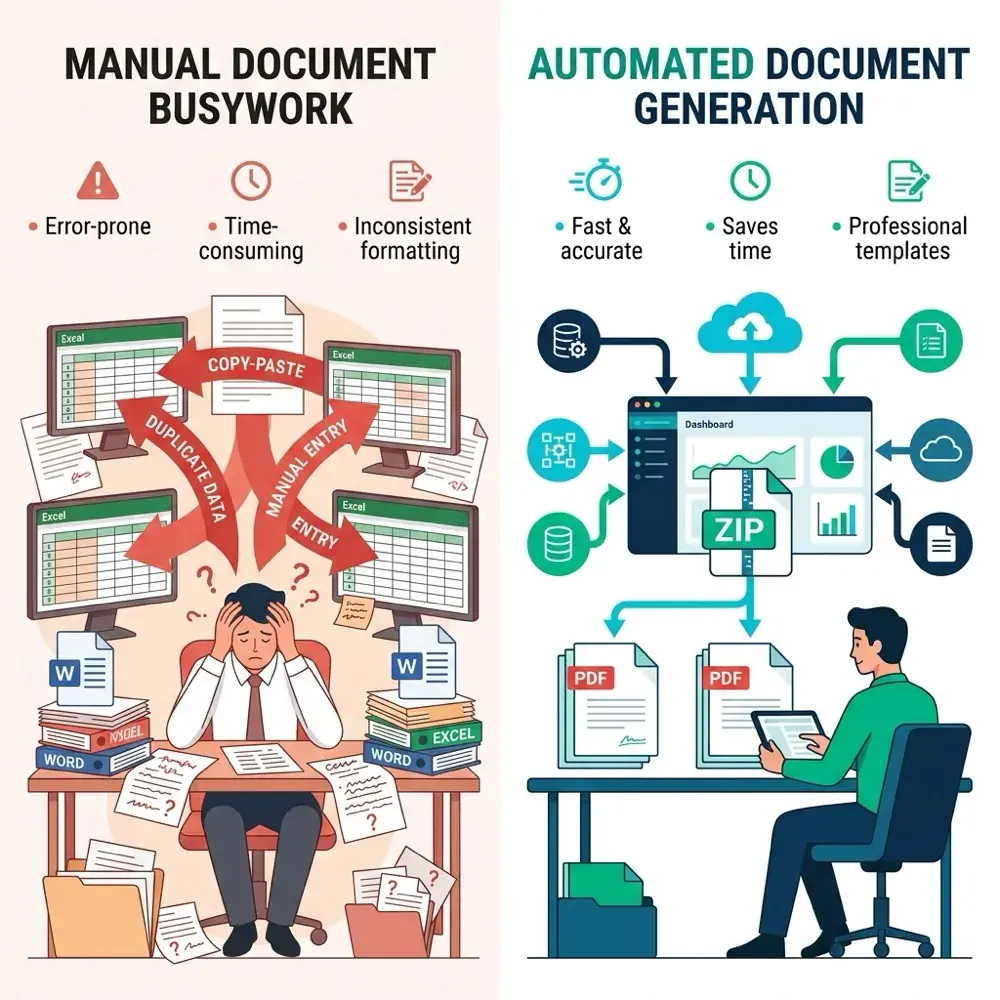
You can spend hours formatting a Microsoft Word document, only for Mail Merge to change the fonts, drop trailing zeros from currency values, turn dates into raw timestamps, or break table borders across pages. These formatting problems have frustrated Word users for years.
This guide explains why formatting breaks during mail merges, shows you the field code switches that fix numbers and dates, and explains how document automation with TRYDOKU resolves these formatting problems permanently.
Why Does Microsoft Word Break Formatting During Mail Merge?
To fix Word's formatting glitches, it helps to understand why they happen:
- Formatting Lost Through OLE DB: When Word connects to an Excel spreadsheet via OLE DB, it ignores Excel's visual formatting. It reads only the underlying floating-point numbers or date serials (e.g. converting
12/31/2026into46387or$45.00into45). - Font Inheritance Overwrites: Word merge fields (
{ MERGEFIELD ClientName }) often fail to inherit the character style of surrounding text, defaulting to Word's base "Normal" font (typically Calibri or Aptos) and changing your brand typography. - Table Border Collapses: When merge data contains text that wraps onto multiple lines, Word's legacy table engine frequently breaks cell padding, causing borders to clip or overflow past page margins.
For a broader look at modern document generation workflows, check out our guide on how to generate multiple Word documents from an Excel list.
Common Formatting Glitches and Word Workarounds
| Formatting Issue | Raw Output in Word | Required Word Fix (Field Code Switch) | TRYDOKU Native Behavior |
|---|---|---|---|
| Currency Values | $45 instead of $45.00 |
{ MERGEFIELD Amount \# "$#,##0.00" } |
✅ Preserves exact Excel formatting |
| Dates | Raw timestamp or M/D/YYYY |
{ MERGEFIELD Date \@ "MMMM d, yyyy" } |
✅ Preserves clean date representations |
| Fonts & Character Styles | Reverts to default font | Press Alt + F9, add \* MERGEFORMAT |
✅ Inherits surrounding font styles 100% |
| Table Row Expansion | Distorted table borders | Manual table property lock | ✅ Native responsive table formatting |
How to Fix Common Mail Merge Formatting Issues in Word
If you use desktop Word, these field code switches resolve common formatting issues:
1. Fixing Currency and Number Formatting
To display numbers with currency symbols and two decimal places:
- In your Word template, click the merge field and press Alt + F9 (or Option + F9 on Mac) to reveal the underlying field code.
- It will look like
{ MERGEFIELD TotalAmount }. - Add the picture switch
\# "$#,##0.00"inside the brackets:{ MERGEFIELD TotalAmount \# "$#,##0.00" } - Press Alt + F9 again to hide the codes, then press F9 to refresh the field preview.
2. Fixing Date Formatting
If dates appear as raw numbers or in the wrong format (e.g. 2026-09-24 00:00:00):
- Press Alt + F9 to show the code.
- Add the date switch
\@ "MMMM d, yyyy":{ MERGEFIELD ExpiryDate \@ "MMMM d, yyyy" } - Press Alt + F9 to return to normal view.
The Modern Alternative: Clean Formatting with TRYDOKU
Field codes can fix number formatting, but they are fragile, difficult to teach, and prone to breaking when someone copies a paragraph.
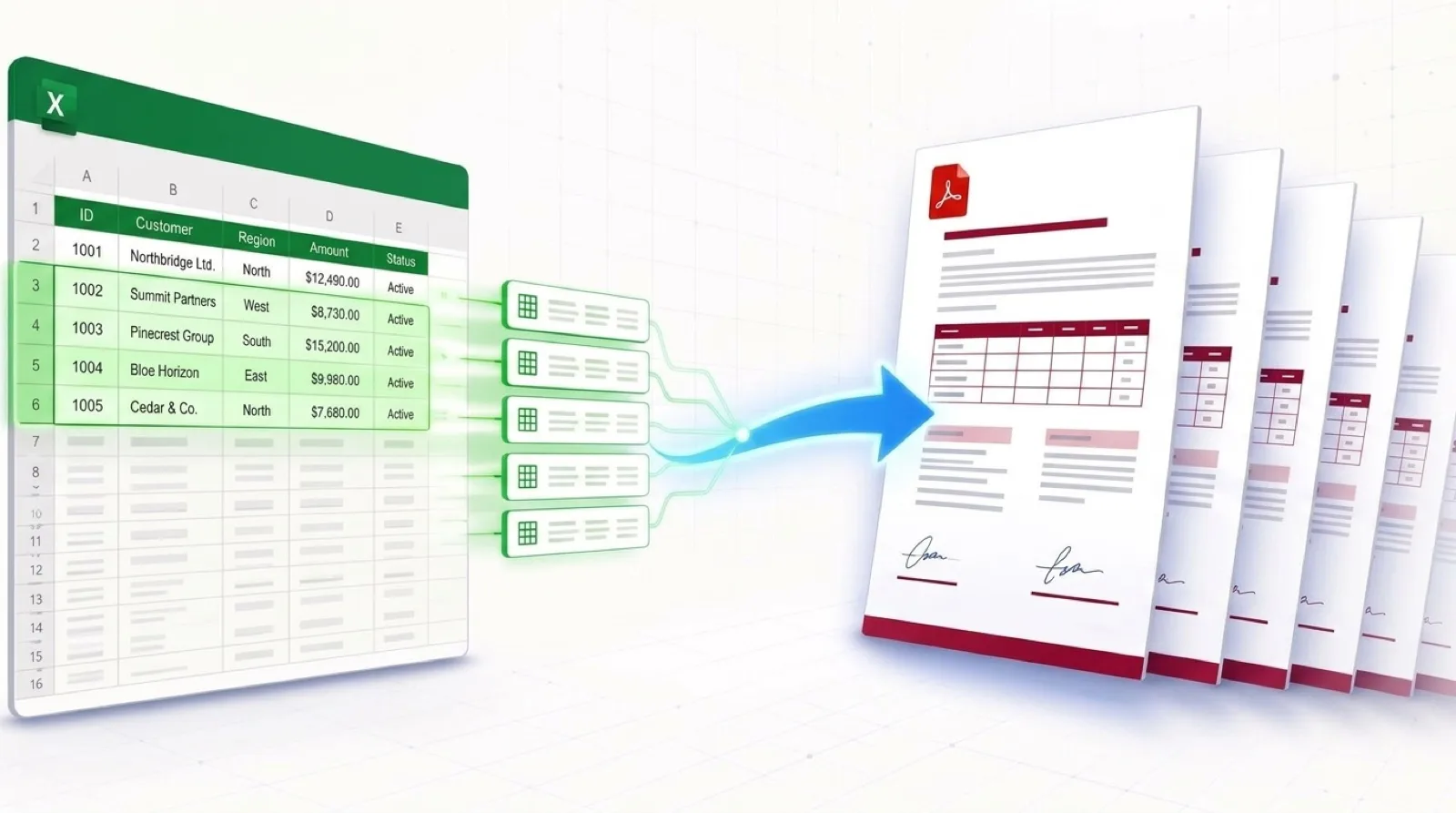
TRYDOKU eliminates field codes entirely by using simple curly brace placeholders (e.g., {{TotalAmount}} and {{ExpiryDate}}).
Why TRYDOKU Preserves 100% of Your Formatting:
- True Style Inheritance: Whatever font, color, weight, or kerning you apply to
{{ClientName}}in Microsoft Word is applied exactly to the merged text. - No Field Code Syntax: You never have to memorize complex switches like
\# "$#,##0.00"or\* MERGEFORMAT. - Zero Table Distortion: Table rows expand naturally while keeping borders, cell padding, and header shading aligned.
- Individual File Exports: TRYDOKU outputs separate, perfectly formatted DOCX and PDF documents in a ZIP archive rather than one large combined file.
Before uploading your template, you can verify your document placeholders using our free browser-based Word template variable parser.
Frequently Asked Questions
Why does Word Mail Merge drop trailing zeros from Excel currency?
Excel stores numbers as raw numeric floats. Word's OLE DB connector reads the raw float (e.g. 45) rather than the cell's visual formatting ($45.00), so restoring that formatting requires complex field code switches.
Can TRYDOKU handle multi-line addresses and paragraphs without breaking formatting?
Yes. If an Excel cell contains line breaks or multi-line paragraphs, TRYDOKU inserts them cleanly without disrupting line spacing or margins.
Does TRYDOKU require an active Microsoft 365 subscription?
No. TRYDOKU operates completely in the cloud. You can upload templates created in any version of Microsoft Word, Google Docs, or Apple Pages.