Working with PDF Documents on iOS: Top iPhone & iPad Apps, Markup & Signing
Working with business documents on a phone or tablet is now a routine part of the day. You might review an employment contract on the way to the airport, adjust an invoice line item between client meetings, or inspect PDF form fields while traveling. The right mobile app makes each task easier.
This guide compares top-rated apps for working with PDF documents on iOS. It covers file compatibility, editing features, and pricing, with practical tips and workflows for your phone or tablet.
Top Recommended Mobile Apps
1. Apple Files & iOS Markup (Built-in)
Best For: Instant zero-install viewing, Apple Pencil markup, and AutoFill form completion
Integrated directly into iOS and iPadOS, Apple Markup is accessible from Files, Safari, Mail, and Photos. In iOS 17 and later, Enhanced AutoFill automatically identifies fillable form fields and prompts you to insert saved contact information, addresses, and stored signatures with a single tap.
Pros:
- Built into the operating system with zero app downloads or subscriptions
- Enhanced AutoFill recognizes form fields and populates contact data automatically
- Apple Pencil integration with pressure sensitivity and low latency on iPad
Cons:
- Cannot edit existing underlying PDF text or replace images
- Lacks advanced batch page numbering and watermark tools
Pricing: Free on all iOS and iPadOS devices.
2. PDF Expert by Readdle
Best For: Professional editing, page management, Apple Pencil handwriting, and iPad productivity
PDF Expert is widely regarded as the leading third-party PDF editor for Apple devices. It allows users to edit underlying PDF text, replace images, reorder or rotate pages, fill out complex forms, and reduce file sizes with smart compression. On iPad, its responsive Apple Pencil support makes annotating legal briefs and textbooks enjoyable.
Pros:
- Direct editing of existing PDF text with automatic font and size matching
- Intuitive page thumbnail grid for dragging, dropping, and merging pages
- Seamless cross-device sync between iPhone, iPad, and Mac
Cons:
- Full text and image editing requires a premium subscription
- Free tier is limited to viewing and basic annotations
Pricing: Free for reading and basic annotation; PDF Expert Premium is $79.99/year or $49.99 lifetime.
3. Adobe Acrobat Reader for iOS
Best For: Adobe ecosystem integration, Liquid Mode reading, and cloud e-signatures
Adobe Acrobat Reader brings Adobe's reliable document rendering to iOS. Liquid Mode uses AI to transform fixed-layout PDFs into layouts that adapt to the iPhone screen for easier reading. It also integrates with Adobe Document Cloud and Fill & Sign for standard contract workflows.
Pros:
- Liquid Mode provides a superior reading experience on iPhone screens
- Reliable detection of complex interactive form fields
- Integration with Adobe Cloud and enterprise document repositories
Cons:
- Full editing and export features require Acrobat Pro subscription
- Interface frequently promotes paid upgrades
Pricing: Free for basic viewing; Acrobat Premium subscription is $9.99/month.
4. Goodnotes 6
Best For: Academic study, stylus annotation, handwriting recognition, and PDF notebooks
Known for its digital notebooks, Goodnotes is also one of the best PDF annotation apps on iPad. You can import textbooks, slide decks, and legal briefs hundreds of pages long and annotate them with Apple Pencil. Its vector ink engine allows you to search through both printed text and your handwritten notes.
Pros:
- Best-in-class Apple Pencil handwriting engine with searchable handwritten ink
- Flexible notebook management combining PDFs with blank sketchpad pages
- AI spell check and handwriting smoothing on iPadOS
Cons:
- Not designed for traditional form filling or business contract signing
- Modifying existing typed PDF text is not supported
Pricing: Free for up to 3 notebooks; full version available for $9.99/year or $29.99 one-time.
5. Documents by Readdle
Best For: Centralized file hub, multi-cloud storage manager, and integrated PDF reader
Documents combines file management and media tools in one iOS app. Its built-in PDF viewer handles fast reading, text highlighting, and form filling while connecting to Google Drive, Dropbox, WebDAV servers, and local NAS storage to manage all your documents in one hub.
Pros:
- Centralizes local files and multiple cloud storage providers in one clean app
- Fast PDF viewer with tabbed browsing for switching between multiple documents
- Built-in browser for downloading documents directly to iOS storage
Cons:
- Advanced PDF text editing requires the shared PDF Expert subscription
- Feature-rich interface can feel overwhelming for simple reading tasks
Pricing: Free for core file management and PDF reading; subscription unlocks pro editing.
Essential Mobile Workflow Tips
- Use Enhanced AutoFill in Apple Files to complete government and medical forms in seconds using your saved contact card.
- In Apple Mail, tap the Markup icon directly on PDF attachments to sign and return contracts without saving a copy.
- Use iPadOS Split View to keep your PDF open alongside Notes or Slack for efficient multitasking.
- When preparing confidential PDF packages, use TRYDOKU's Free Client-Side PDF Form Field Inspector and Merge PDF tools directly in Safari.
From Mobile Editing to Automated Batch Generation with TRYDOKU
Mobile apps work well for viewing, reviewing, and editing individual documents. Producing dozens, hundreds, or thousands of personalized invoices, certificates, contracts, or delivery notes by hand on a mobile device is not feasible.
With TRYDOKU, you can automate document creation:
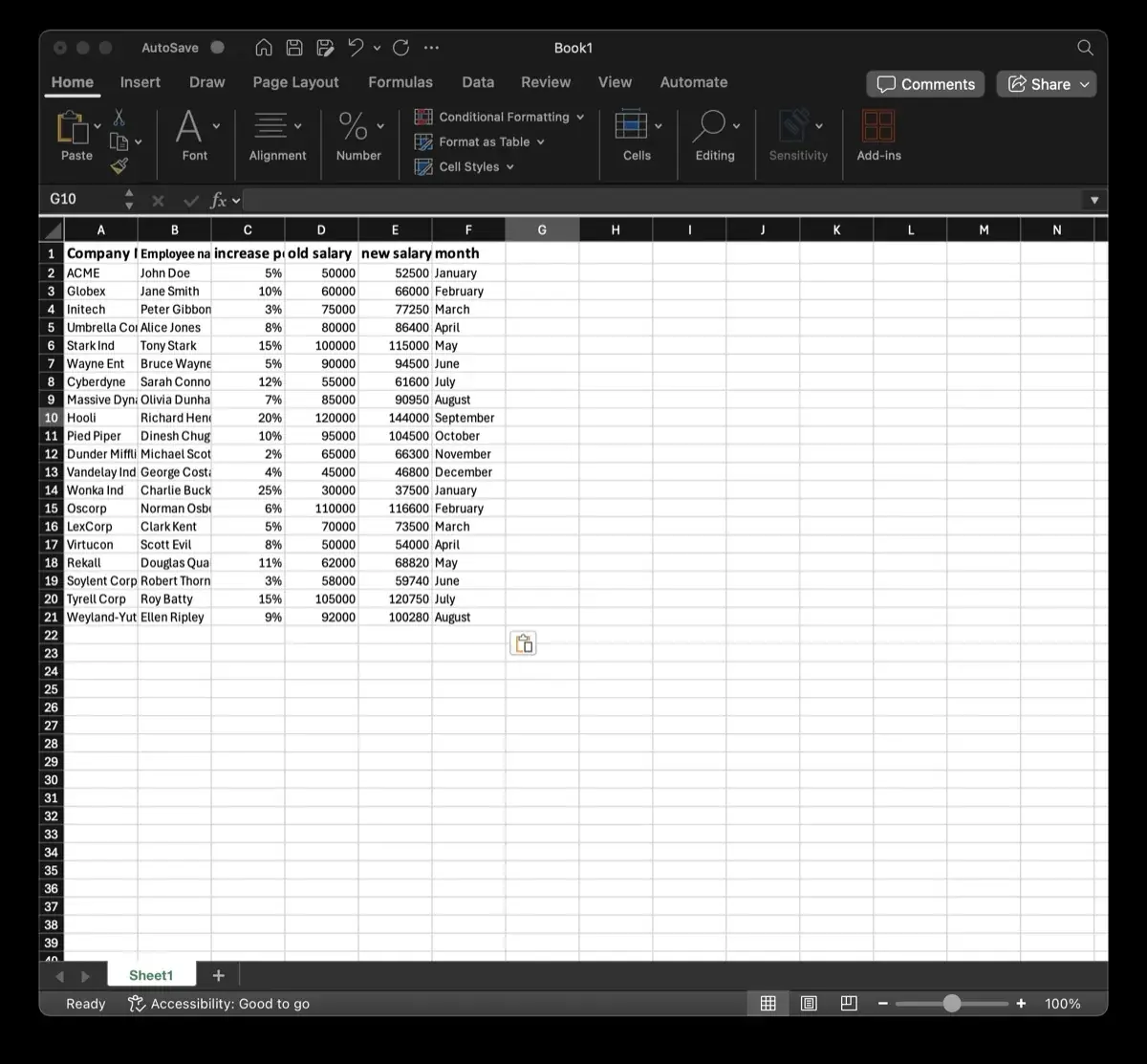
- Standard Templates: Design your layouts in Microsoft Word or Excel with placeholders such as
{{client_name}}or{{invoice_date}}. - Generate from a Spreadsheet: Upload your Excel (
.xlsx) or CSV spreadsheet to generate hundreds of formatted documents in seconds. - Client-Side Privacy: Use TRYDOKU's suite of free, 100% in-browser Document Utilities to inspect metadata, convert files, and merge documents with zero server uploads.
- Developer REST API: Connect document generation to your existing apps and microservices through our Developer REST API.
See our plans on the pricing page or create a free TRYDOKU account to get started with free starter credits.