Working with PDF Documents on Android: Best Apps, Form Filling & Annotation Tools
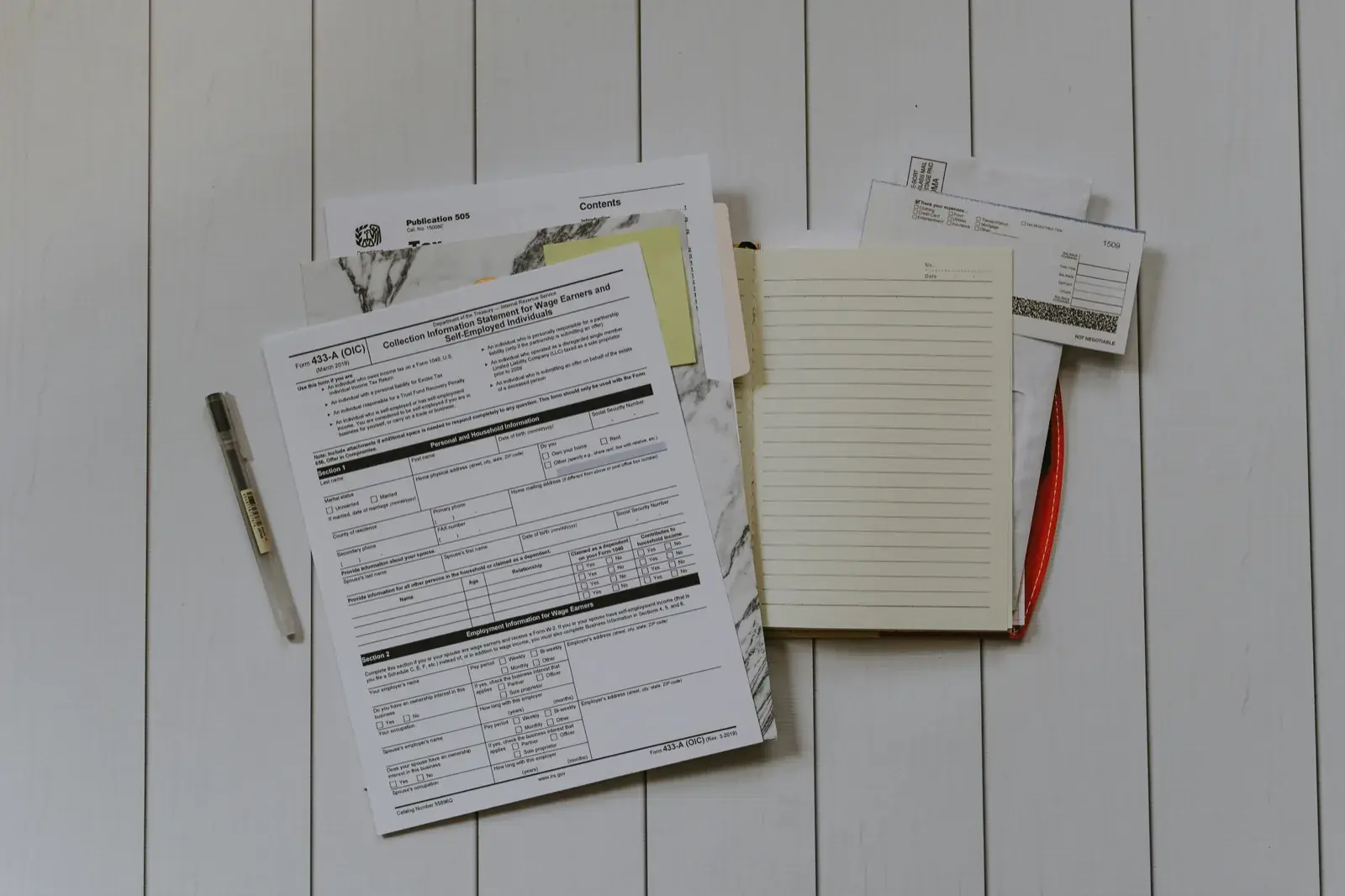
Working with business documents on a phone or tablet is now a routine part of the day. You might review an employment contract on the way to the airport, adjust an invoice line item between client meetings, or inspect PDF form fields while traveling. The right mobile app makes each task easier.
This guide compares top-rated apps for working with PDF documents on Android. It covers file compatibility, editing features, and pricing, with practical tips and workflows for your phone or tablet.
Top Recommended Mobile Apps
1. Adobe Acrobat Reader for Android
Best For: Standard form filling, digital signatures, and Liquid Mode reflow reading
Adobe Acrobat Reader is the global standard for interacting with PDF documents on Android. Its Liquid Mode uses artificial intelligence to reorganize dense, multi-column PDFs into one readable column with collapsible sections. It reliably detects fillable AcroForm fields and captures electronic signatures.
Pros:
- Liquid Mode provides the best PDF reading experience on mobile screens
- Reliable fill-and-sign workflow for contracts and government forms
- Seamless Adobe Document Cloud and Google Drive connectivity
Cons:
- Advanced PDF text editing, page reordering, and exporting require an expensive subscription
- Frequent prompts promoting Acrobat Pro features
Pricing: Free for reading and basic form signing; Acrobat Premium subscription is $9.99/month.
2. Xodo PDF Reader & Editor
Best For: Freeform annotation, form completion, and local offline file management
Xodo is popular with advanced Android users for its very fast PDF rendering. It offers comprehensive markup tools—including highlighting, underlining, sticky notes, geometric shapes, and freehand ink—without forcing cloud uploads. You can reorder, rotate, and delete PDF pages directly from your phone.
Pros:
- Ultra-fast rendering engine that handles 1,000+ page technical manuals smoothly
- Extensive offline annotation tools with stylus and S-Pen pressure support
- Direct page management (reorder, rotate, delete, extract)
Cons:
- Recent updates have locked some advanced conversion tools behind Xodo Pro
- Interface contains more technical menus than casual readers require
Pricing: Generous free tier; Xodo Pro available at $12/month or $108/year.
3. Foxit PDF Editor for Android
Best For: Enterprise compliance, text editing, and connected PDF security
Foxit PDF Editor offers enterprise document tools on Android. It allows users to edit underlying text and images inside existing PDF documents, fill out complex XFA and AcroForm forms, and protect confidential documents with password encryption and digital certificates.
Pros:
- Direct editing of text and images inside PDF documents
- Support for enterprise XFA forms and certificate-based signatures
- Fast rendering with low battery consumption
Cons:
- Direct text editing requires a commercial subscription
- Interface has a moderate learning curve for new users
Pricing: Free for viewing; Foxit PDF Editor subscription starts at $10.99/year.
4. Google Drive Built-in PDF Viewer & Annotator
Best For: Instant zero-install viewing and quick stylus markup
Built directly into the Android system via Google Drive, this lightweight viewer requires no separate app download. It supports instant viewing, text search, and a streamlined annotation mode for highlighting text or drawing notes with your finger or stylus, then saving the annotated copy to Drive.
Pros:
- Pre-installed on almost all Android devices with zero setup
- Minimal resource usage with instant opening speeds
- Simple, distraction-free highlighting and pen tools
Cons:
- No support for page reorganization or multi-file merging
- Basic form filling capabilities compared to dedicated PDF apps
Pricing: Free.
5. MuPDF Viewer
Best For: Minimalist, privacy-first, ultra-lightweight PDF and eBook rendering
Developed by Artifex Software, MuPDF is an ultra-lightweight, open-source PDF viewer designed for speed and rendering accuracy. It focuses on displaying graphics and text accurately, with no trackers, cloud sync, or background processes that drain the battery.
Pros:
- Tiny download size (under 10 MB) with near-instant page rendering
- High visual fidelity for complex graphics and architectural blueprints
- Completely open source with zero advertising or user tracking
Cons:
- Minimalist interface with no form-filling or signature tools
- No cloud storage integration
Pricing: Free and open source.
Essential Mobile Workflow Tips
- Use Adobe Liquid Mode to read multi-column research papers and contracts on small screens without horizontal scrolling.
- Save your standard signature in your PDF app for signing contracts with one tap while traveling.
- Before sharing signed contracts, inspect and strip sensitive metadata using TRYDOKU's Free PDF Metadata Viewer.
- Combine multiple signed scans or receipts into a single organized document using the Free Client-Side Merge PDF Tool.
From Mobile Editing to Automated Batch Generation with TRYDOKU
Mobile apps work well for viewing, reviewing, and editing individual documents. Producing dozens, hundreds, or thousands of personalized invoices, certificates, contracts, or delivery notes by hand on a mobile device is not feasible.
With TRYDOKU, you can automate document creation:
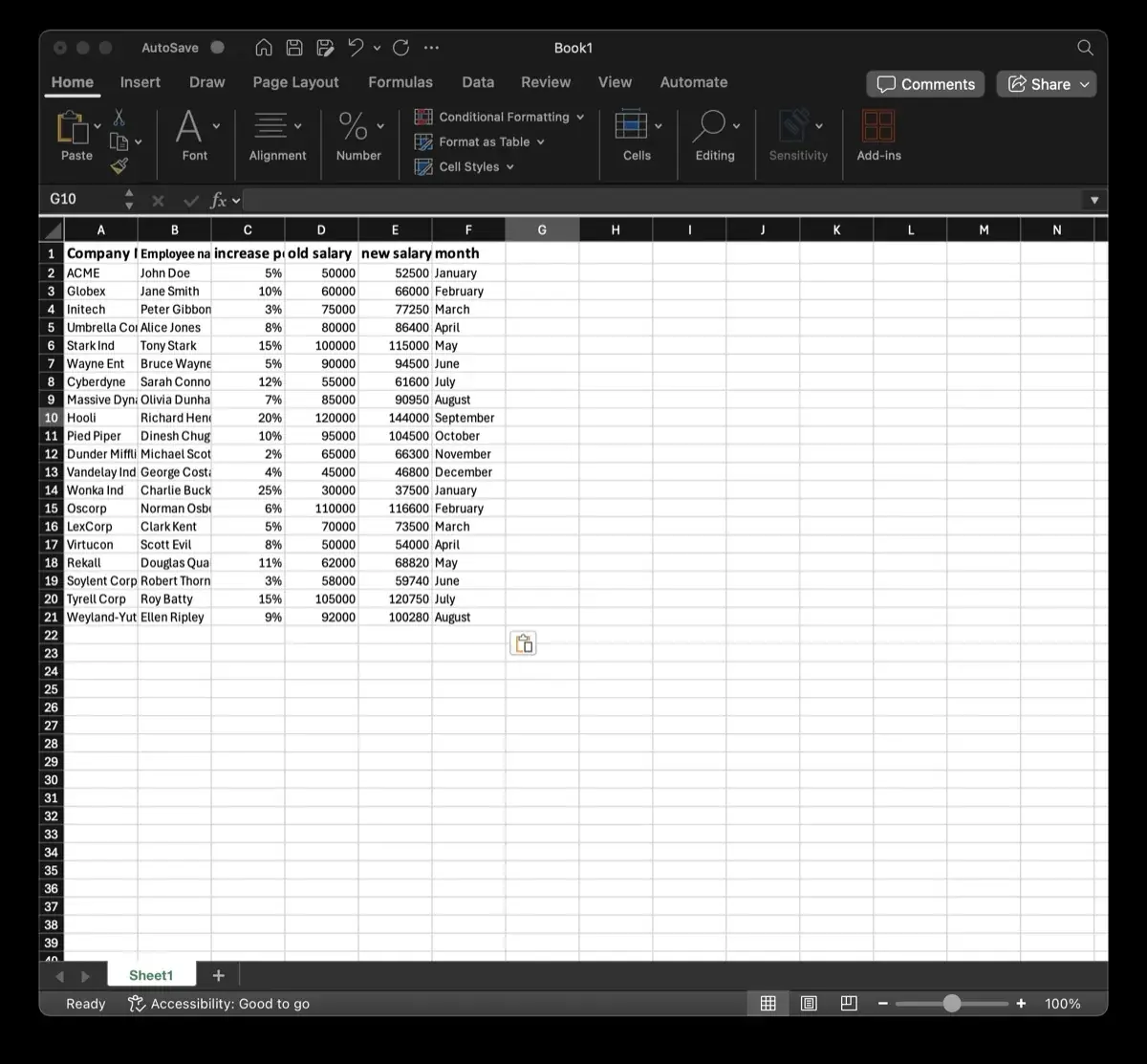
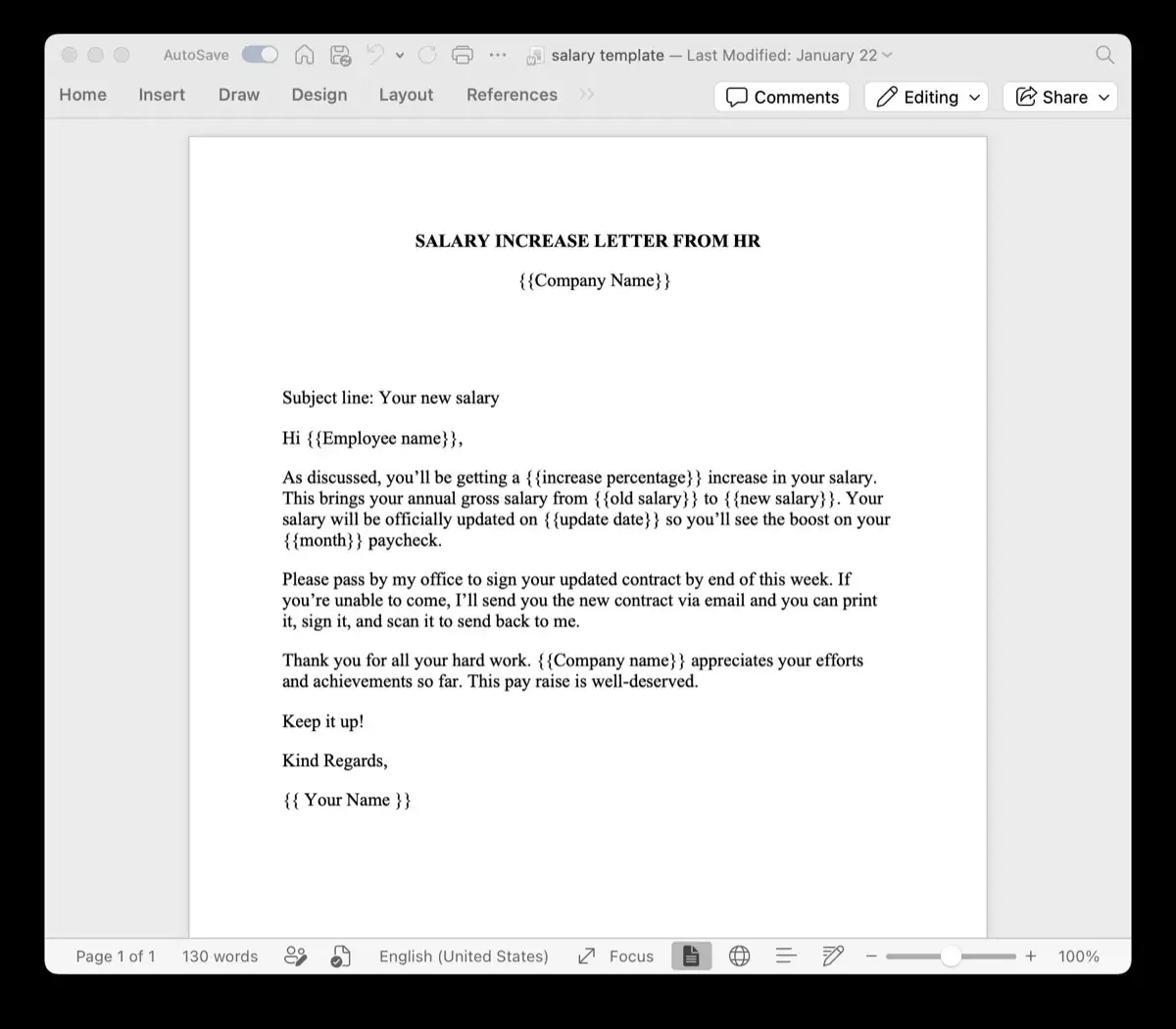
- Standard Templates: Design your layouts in Microsoft Word or Excel with placeholders such as
{{client_name}}or{{invoice_date}}. - Generate from a Spreadsheet: Upload your Excel (
.xlsx) or CSV spreadsheet to generate hundreds of formatted documents in seconds. - Client-Side Privacy: Use TRYDOKU's suite of free, 100% in-browser Document Utilities to inspect metadata, convert files, and merge documents with zero server uploads.
- Developer REST API: Connect document generation to your existing apps and microservices through our Developer REST API.
See our plans on the pricing page or create a free TRYDOKU account to get started with free starter credits.