Working with Excel Spreadsheets on Android: Top Apps, Formulas & Mobile Data Entry
Working with business documents on a phone or tablet is now a routine part of the day. You might review an employment contract on the way to the airport, adjust an invoice line item between client meetings, or inspect PDF form fields while traveling. The right mobile app makes each task easier.
This guide compares top-rated apps for working with Excel spreadsheets on Android. It covers file compatibility, editing features, and pricing, with practical tips and workflows for your phone or tablet.
Top Recommended Mobile Apps
1. Microsoft Excel for Android
Best For: Complex workbook calculation, formula parity, and pivot table inspection
Microsoft Excel for Android brings desktop calculation engines to mobile devices. It supports hundreds of standard formulas (including XLOOKUP, INDEX/MATCH, and dynamic arrays), conditional formatting, and chart generation. With "Insert Data from Picture," you photograph a printed table and OCR instantly converts it into editable Excel cells.
Pros:
- Full calculation engine fidelity matching desktop Excel
- Camera OCR table scanning to turn physical receipts and printouts into spreadsheet rows
- Touch-friendly formula builder with syntax assistance
Cons:
- Editing on tablets larger than 10.1" requires a Microsoft 365 subscription
- Macros and VBA scripts cannot be executed on mobile
Pricing: Free on screens under 10.1"; Microsoft 365 required for large tablets and premium features.
2. Google Sheets for Android
Best For: Collaborative multi-user data collection, Google Forms sync, and cloud automation
Google Sheets is the leading mobile app for collaborative data entry. Multiple team members can input survey responses, inventory tallies, and financial records simultaneously without file locking. It integrates natively with Google Forms, Google Drive, and automated webhook scripts, making it the ideal mobile companion for distributed field teams.
Pros:
- Real-time simultaneous data entry without file synchronization conflicts
- Automatic integration with Google Forms and mobile survey collection
- Lightweight memory footprint that runs smoothly on budget Android devices
Cons:
- Limited offline pivot table generation
- Formatting very large worksheets with 50,000+ rows can cause interface sluggishness
Pricing: Free with 15 GB of cloud storage.
3. WPS Office Spreadsheets for Android
Best For: Lightweight all-in-one spreadsheet viewing, CSV parsing, and one-thumb editing
WPS Spreadsheets loads large XLSX and CSV workbooks quickly on Android. It groups formulas by category, includes interactive financial charts, and provides a numeric keypad for faster row-by-row data entry on a phone. Switching between tabs makes it straightforward to compare multiple sheets.
Pros:
- Rapid opening times for multi-megabyte CSV and XLSX files
- Optimized numeric keypad for one-handed data entry on smartphones
- Broad cloud integration (Google Drive, Dropbox, Box, OneDrive)
Cons:
- Free version includes banner advertisements
- Some advanced financial formulas require premium activation
Pricing: Free with ads; WPS Pro available at $3.99/month.
4. Collabora Office Calc
Best For: Private local spreadsheet editing, OpenDocument (ODS) and XLSX compatibility
Based on LibreOffice Calc, Collabora Office Calc delivers private, telemetry-free spreadsheet calculations on Android. It accurately handles both open-standard ODS spreadsheets and Microsoft XLSX workbooks, ensuring that confidential corporate numbers remain strictly on your device or private network.
Pros:
- Zero data collection or forced cloud synchronization
- Full desktop-class calculation engine supporting complex mathematical formulas
- Open source (MPL 2.0) with no recurring subscription fees
Cons:
- Dense interface with small touch targets on compact smartphone screens
- Chart editing controls are less intuitive than Google Sheets
Pricing: Free and open source.
5. PlanMaker (SoftMaker Office)
Best For: Desktop-grade formatting, high XLSX compatibility, and tablet productivity
PlanMaker by SoftMaker is known for closely matching Microsoft Excel’s appearance. It includes over 430 calculation functions, sophisticated conditional formatting, and chart styling tools. On Android tablets, PlanMaker offers a customizable ribbon interface that feels nearly identical to its desktop counterpart.
Pros:
- Exceptional compatibility with Microsoft Excel formulas and styles
- Over 430 calculation functions and pivot table support
- Excellent interface designed specifically for Android tablets
Cons:
- Full feature set requires SoftMaker Office subscription
- Steeper learning curve on small smartphone screens
Pricing: Free tier available; full feature set included with SoftMaker Office NX.
Essential Mobile Workflow Tips
- Use custom numeric keyboards or barcode scanners to speed up inventory and expense tracking on mobile devices.
- When collecting customer data in the field, link Google Forms directly to Google Sheets to eliminate manual data entry.
- Freeze the top row and left column so header labels remain visible while scrolling through large datasets.
- Export your finalized spreadsheet as CSV to batch-generate hundreds of personalized invoices or certificates via TRYDOKU.
From Mobile Editing to Automated Batch Generation with TRYDOKU
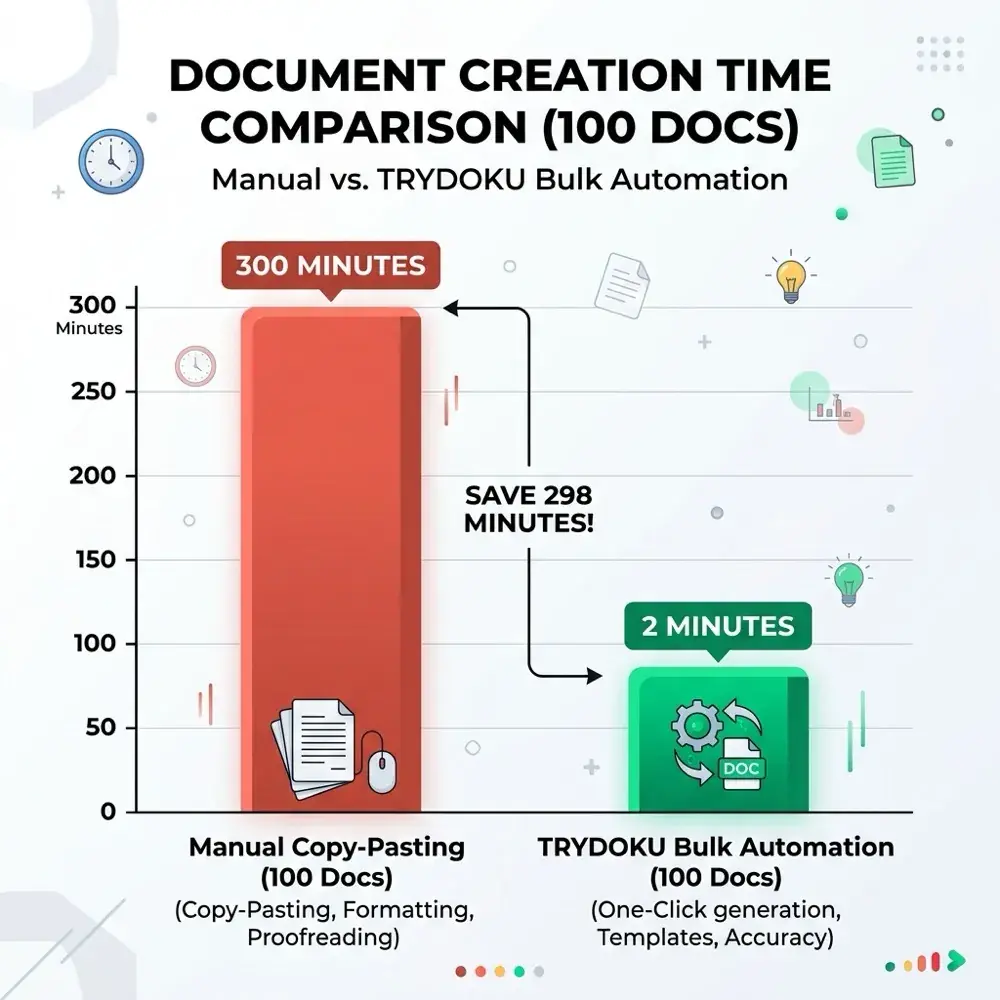
Mobile apps work well for viewing, reviewing, and editing individual documents. Producing dozens, hundreds, or thousands of personalized invoices, certificates, contracts, or delivery notes by hand on a mobile device is not feasible.
With TRYDOKU, you can automate document creation:
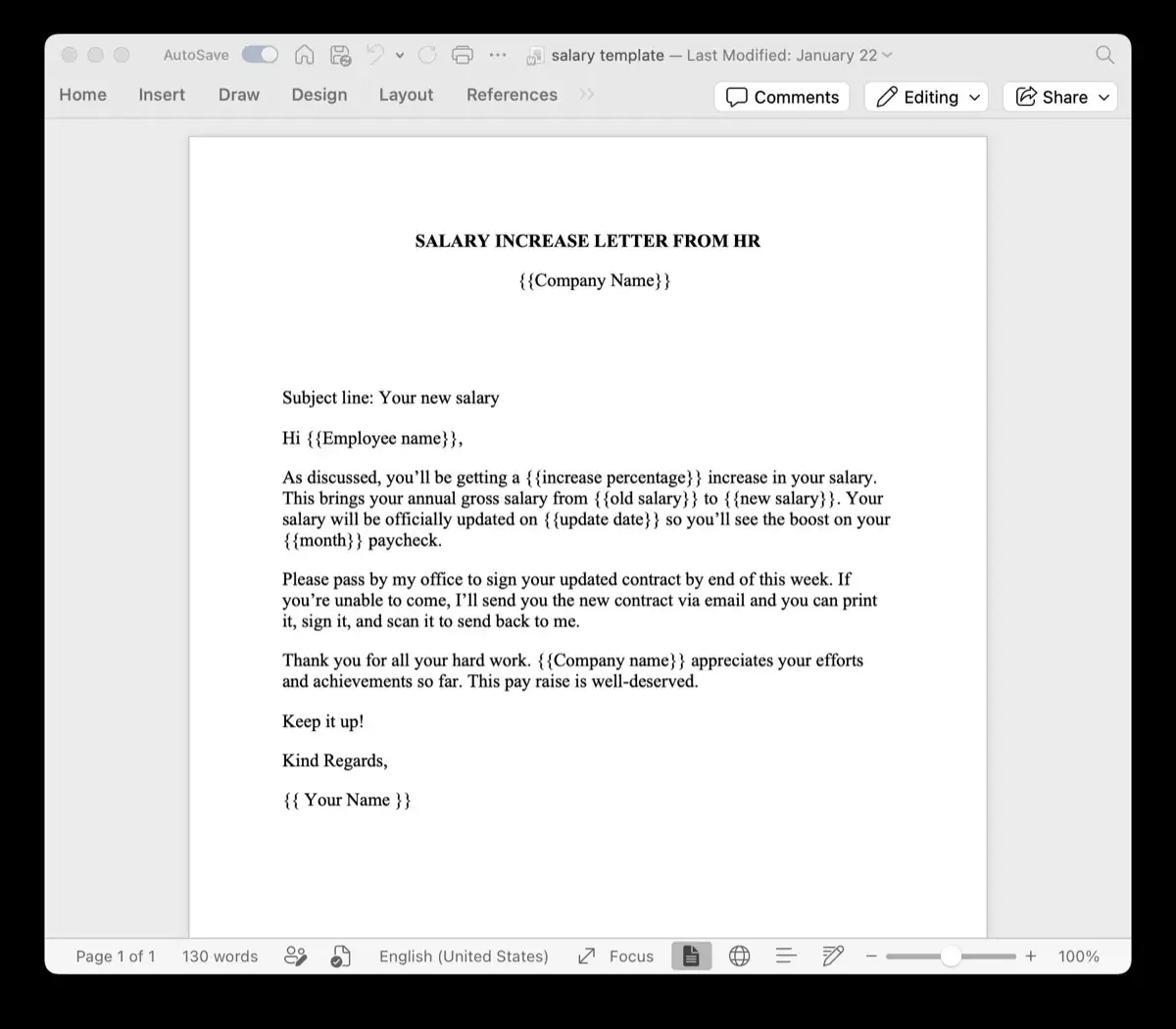
- Standard Templates: Design your layouts in Microsoft Word or Excel with placeholders such as
{{client_name}}or{{invoice_date}}. - Generate from a Spreadsheet: Upload your Excel (
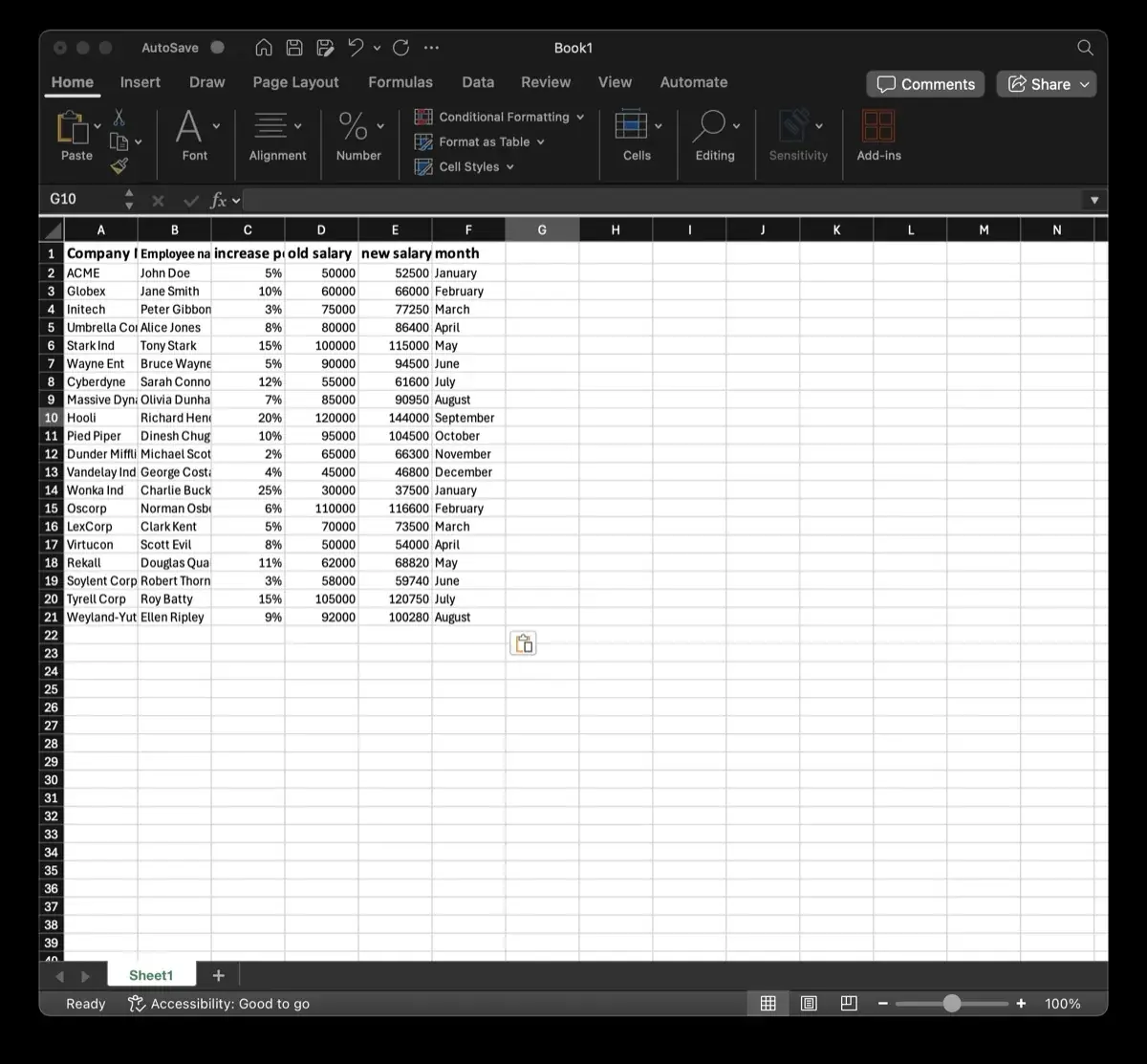
.xlsx) or CSV spreadsheet to generate hundreds of formatted documents in seconds. - Client-Side Privacy: Use TRYDOKU's suite of free, 100% in-browser Document Utilities to inspect metadata, convert files, and merge documents with zero server uploads.
- Developer REST API: Connect document generation to your existing apps and microservices through our Developer REST API.
See our plans on the pricing page or create a free TRYDOKU account to get started with free starter credits.