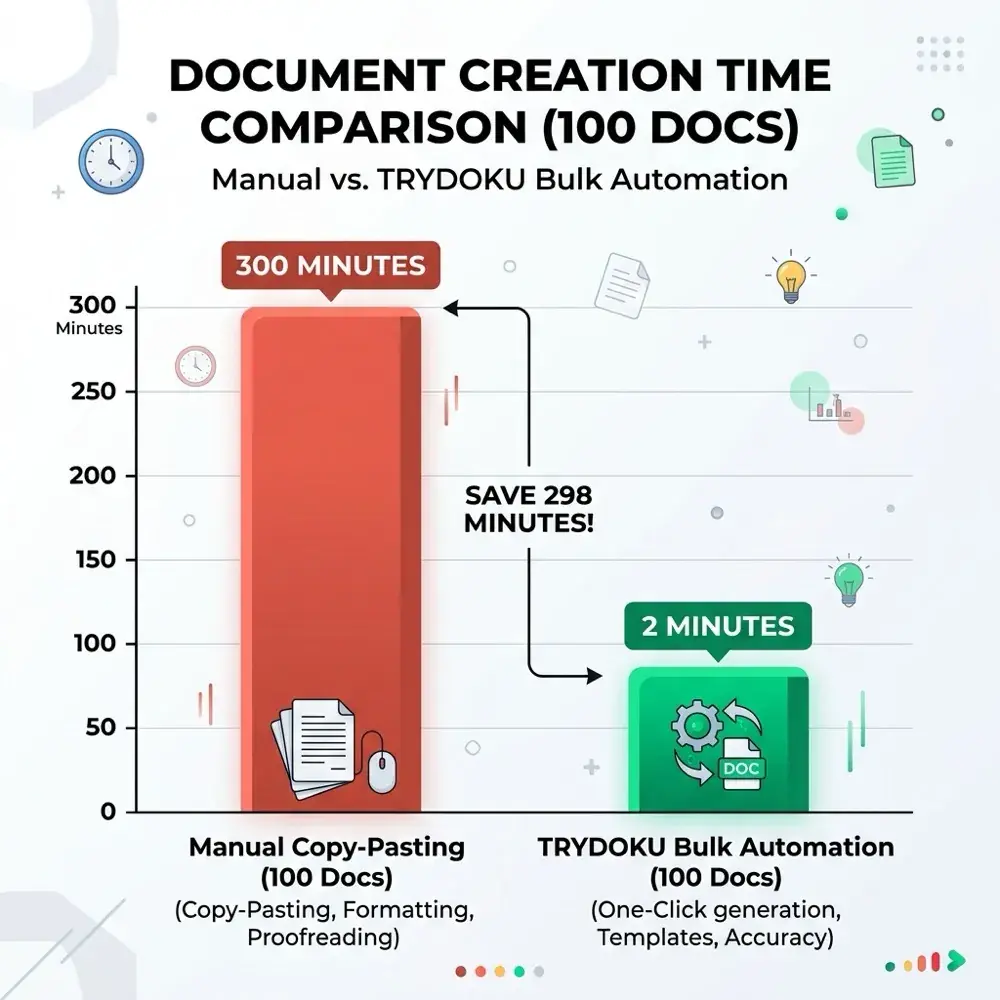
Using TRYDOKU with Google Antigravity: Automate Document Generation with AI
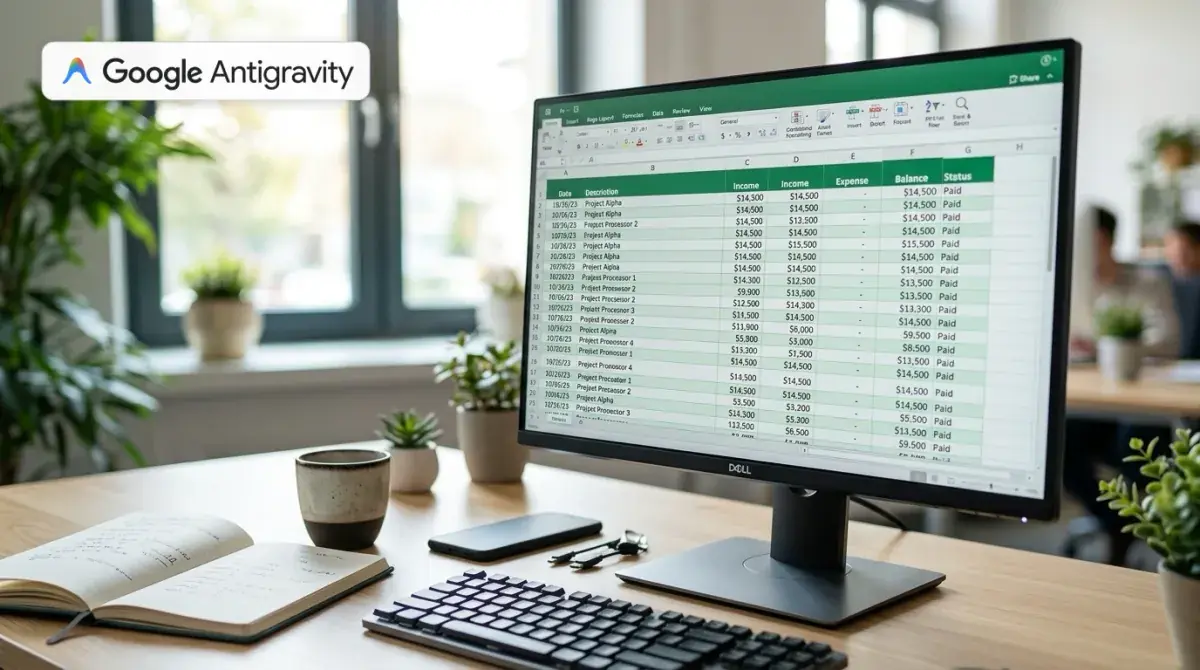
Connecting Google Antigravity with modern document generation APIs enables engineering teams and SaaS builders to turn raw spreadsheet data into beautifully styled Microsoft Word documents automatically. In this comprehensive technical guide, we explore how to pair TRYDOKU with Google Antigravity—Google's agentic AI coding environment—to build automated document rendering workflows. By integrating TRYDOKU's template-based rendering engine with Antigravity's subagents, custom workspace skills, and CLI tools, you can eliminate manual document busywork and streamline high-volume invoicing, contract generation, and corporate reporting pipelines in minutes.
The Gap Between AI Coding Assistants and High-Fidelity Documents
Modern AI coding agents excel at analyzing complex datasets, restructuring spreadsheets, and writing backend integration logic. However, when developers ask language models to generate customer-facing business documents directly, traditional approaches quickly encounter serious limitations:
- Fragile HTML-to-PDF Compilers: Tools like Headless Chrome or WebKit wrappers frequently introduce subtle CSS margin bugs, awkward page splits across table rows, and misaligned typography across different operating systems.
- Brittle Code-Based PDF Engines: Writing programmatic PDF layout code (such as PDFKit or jsPDF) requires maintaining thousands of lines of coordinate math, making every tiny design change a multi-hour engineering task.
- Non-Technical Isolation: Business stakeholders (legal counsel, accountants, sales executives) cannot edit HTML templates or React rendering trees without developer intervention.
TRYDOKU solves this architecture problem through template-first document generation. You design your templates in Microsoft Word (.docx) using plain double curly brace placeholders (e.g. {{ client_name }}), loop blocks ({> items }} ... {< items }}), and conditional clauses ({% if is_discounted %} ... {% endif %}). When you upload the template to TRYDOKU, our high-speed rendering engine merges structured JSON data into the exact Word styles, typography, and page layouts you configured.
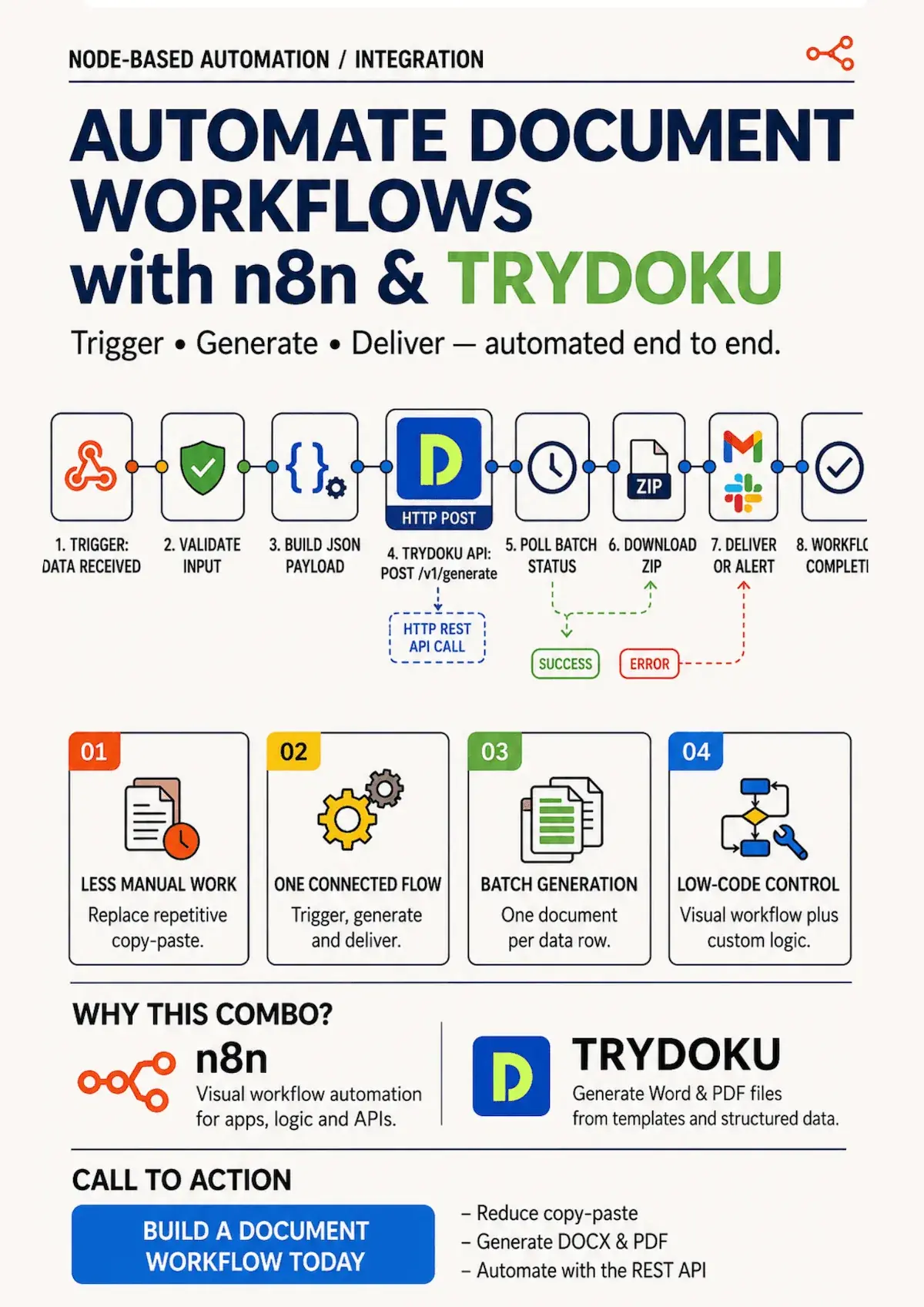
By bringing Google Antigravity into this pipeline, you provide your assistant with a reliable rendering backend. Rather than struggling to generate pixel-perfect documents from raw code, Antigravity acts as the orchestrator: reading local Excel or CSV spreadsheets, extracting variables, validating payloads, invoking TRYDOKU's REST API, and managing the resulting document archives seamlessly.
What is Google Antigravity?
Google Antigravity is an agentic AI development platform built by Google. Designed from the ground up for agent-human pair programming, Antigravity combines:
- The Antigravity IDE & CLI (
agy): A dual interface allowing developers to direct AI agents through either a desktop IDE or headless terminal commands. - Custom Skills System (
.agents/skills/): A modular architecture where agents discover specialized domain playbooks, CLI scripts, and workflows on demand. - Model Context Protocol (MCP) Integration: Direct connectivity to external tools, databases, browser automation, and developer APIs.
- Multi-Agent Orchestration: Autonomous subagents that execute isolated research, code generation, verification, and regression audits concurrently.
When configured with TRYDOKU integration skills, an Antigravity agent can autonomously read incoming spreadsheets, verify template compatibility, dispatch batch generation jobs, and deliver compiled document packages directly to your application filesystem or S3 buckets.
Integrating TRYDOKU into Google Antigravity via Custom Skills
The cleanest way to integrate TRYDOKU into a project powered by Google Antigravity is by defining a dedicated agent Skill. Skills teach Antigravity the exact OpenAPI contracts, rate-limiting rules, credit budgeting semantics, and payload structures required to communicate with TRYDOKU without hallucination.
Step 1: Create the Skill Definition
Inside your workspace customization root (.agents/skills/trydoku-generation/SKILL.md), create the skill file specifying the endpoints, authentication, and error handling rules.
Step 2: Prompting Antigravity with the Skill
With the skill active in your workspace, you can prompt Antigravity using natural language instructions in the chat or terminal:
"Antigravity, inspectstorage/templates/invoice-template.docxanddata/q3-invoices.xlsx. Extract the template variables, parse the Excel rows into matching JSON objects, and run a test batch using our TRYDOKU skill."
Antigravity will inspect the DOCX structure, read the Excel spreadsheet rows, construct the valid Base64 payload envelope, and execute the generation workflow cleanly.
Extracting Template Variables with Free Client-Side Tools
Before dispatching batch generation requests, you need to know exactly which variable names and loop tags are embedded inside your Microsoft Word templates. To make template preparation seamless, TRYDOKU provides free client-side browser utilities:
- Word Template Variable Parser & Excel Exporter: Drag and drop your
.docxtemplate into your browser to automatically extract all scalar variables, loop blocks, and conditional flags. You can export a matching, styled Excel spreadsheet (.xlsx) with one click to seed your Antigravity pipeline. - Excel to Word Table Converter: Convert raw spreadsheet sheets into formatted, native Microsoft Word tables with custom column widths and typography.
Because these tools execute 100% client-side in the browser, your private contract templates and financial figures never leave your device. If you are also using Anthropic tools, you can check our companion guide on Using TRYDOKU with Claude Code.
Comparing Document Generation Architectures
Choosing the right approach for automated document assembly determines how easily your team can scale and maintain templates over time:
| Feature / Metric | Programmatic PDF (PDFKit / jsPDF) | HTML-to-PDF (Puppeteer / CSS) | Antigravity + TRYDOKU Pipeline |
|---|---|---|---|
| Template Design Tool | Raw JavaScript code | HTML / CSS markup | Microsoft Word (.docx) |
| Non-Technical Editing | Impossible (Requires code changes) | Difficult (Requires HTML/CSS skills) | Instant (Anyone can edit Word files) |
| Page Splits & Headers | Manual coordinate calculation | Unpredictable CSS break bugs | Native Word pagination & margins |
| AI Integration | Complex canvas orchestration | High hallucination of CSS rules | Clean JSON schema & agent skills |
| Dynamic Table Loops | Custom coordinate loops | Complex HTML table strings | Native {> items }} syntax |
| Processing Speed | Fast | Resource-heavy (Chrome instances) | Cloud-accelerated high-throughput API |
Step-by-Step Tutorial: Automating Invoice Batches with Antigravity
- Design Your Word Template: Open Microsoft Word and create a clean invoice or agreement. Insert placeholders such as
{{ client_name }}and{> items }}table loops. - Verify Variables with the Free Parser: Open the Word Template Variable Parser in your browser to inspect placeholders and export an Excel template.
- Retrieve Your API Token: Log into your TRYDOKU Dashboard, generate a Sanctum API token, and export
TRYDOKU_API_TOKEN. - Instruct Google Antigravity: Run
agyin your project directory to execute the batch generation pipeline and download your invoices ZIP package.
Frequently Asked Questions
How are TRYDOKU credits billed?
TRYDOKU credits are billed per accepted row in your data array at the moment a batch generation request is accepted. Polling batch status endpoints (GET /api/v1/batches/{id}) and querying account details consume zero credits. Every new user receives 20 Free Credits upon verifying their email address to test their automated pipelines.
Does Google Antigravity require special plugins for TRYDOKU?
No external plugins or complex server sidecars are required. Google Antigravity communicates with TRYDOKU using standard HTTP REST requests and native agent Skills (.agents/skills/).
What document formats does the TRYDOKU batch API output?
The TRYDOKU batch generation API outputs formatted Microsoft Word (.docx) files packaged in a single downloadable ZIP archive.
How does TRYDOKU handle sensitive corporate data?
All TRYDOKU API communications are encrypted in transit via standard TLS encryption, and data rows are encrypted at rest during processing. Row payload data is automatically cleared from database records upon successful generation, while incomplete batches, generated ZIP files, and failed records are purged automatically within our standard 72-hour system retention window.