Bulk Invoice Generator from Excel: Turn Spreadsheets into PDF Invoices in Seconds
For small and mid-sized businesses, agencies, freelancers, and logistics providers, recurring monthly billing often turns into a time-consuming administrative nightmare. If your business tracks client billable hours, project milestones, or subscription fees in Excel, generating dozens or hundreds of individual client invoices by manually copy-pasting numbers into Word or Canva burns entire workdays.
In this guide, we show you how to set up an automated bulk invoice generator from Excel using TRYDOKU, enabling you to generate hundreds of print-ready, professional PDF invoices from your spreadsheet in seconds.
The Costs and Risks of Manual Invoice Assembly
When billing operations rely on manual data entry, businesses encounter three severe operational hazards:
- Revenue Leakage: Accidentally typing an incorrect hourly rate or omitting a billable line item directly reduces company revenue.
- Delayed Cash Flow: Because creating 100 invoices by hand takes hours, billing cycles are delayed, leading to late client payments.
- Professional Reputation: Invoices with misaligned table borders, typos in client names, or inconsistent formatting undermine trust with enterprise clients.
While enterprise ERPs like NetSuite or SAP offer integrated billing modules, they cost tens of thousands of dollars annually and take months of IT implementation. TRYDOKU delivers enterprise-grade bulk invoicing straight from your existing Excel files.
Workflow Breakdown: Manual vs. Accounting Software vs. TRYDOKU
| Metric | Manual Word Copy-Paste | Traditional Accounting Software | TRYDOKU Bulk Generator |
|---|---|---|---|
| Invoice Design Flexibility | High (in Word) | ⚠️ Rigid, generic templates | ✅ Unlimited (Full Word styling) |
| Data Source | Excel spreadsheets | Manual data entry / CSV import | Direct Excel (.xlsx) / CSV file |
| Generation Speed | ~3–5 mins per invoice | Batch invoice screen | 100+ invoices in < 15 seconds |
| Cost Structure | High staff labor cost | $50–$300/mo per user seat | Simple pay-as-you-go credit system |
| File Cleanup & Privacy | Manual local storage | Stored in SaaS vendor database | Automated 24–72h GDPR cleanup |
How to Bulk Generate Invoices from Excel Data
Setting up your automated invoicing pipeline with TRYDOKU takes four straightforward steps. For additional background on basic invoice automation principles, read our foundational guide on how to automate invoice generation from Excel.
Step 1: Format Your Billing Spreadsheet
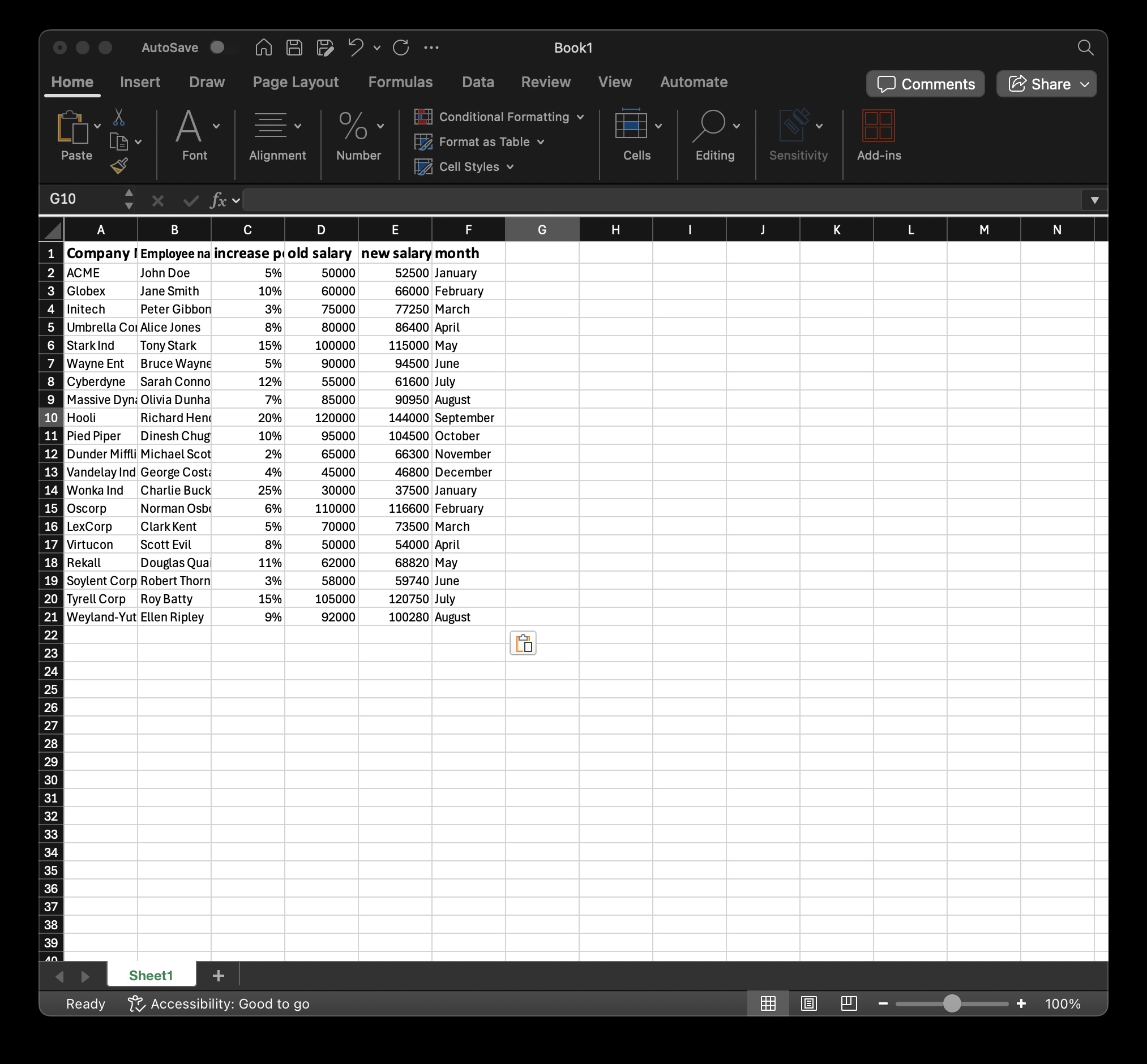
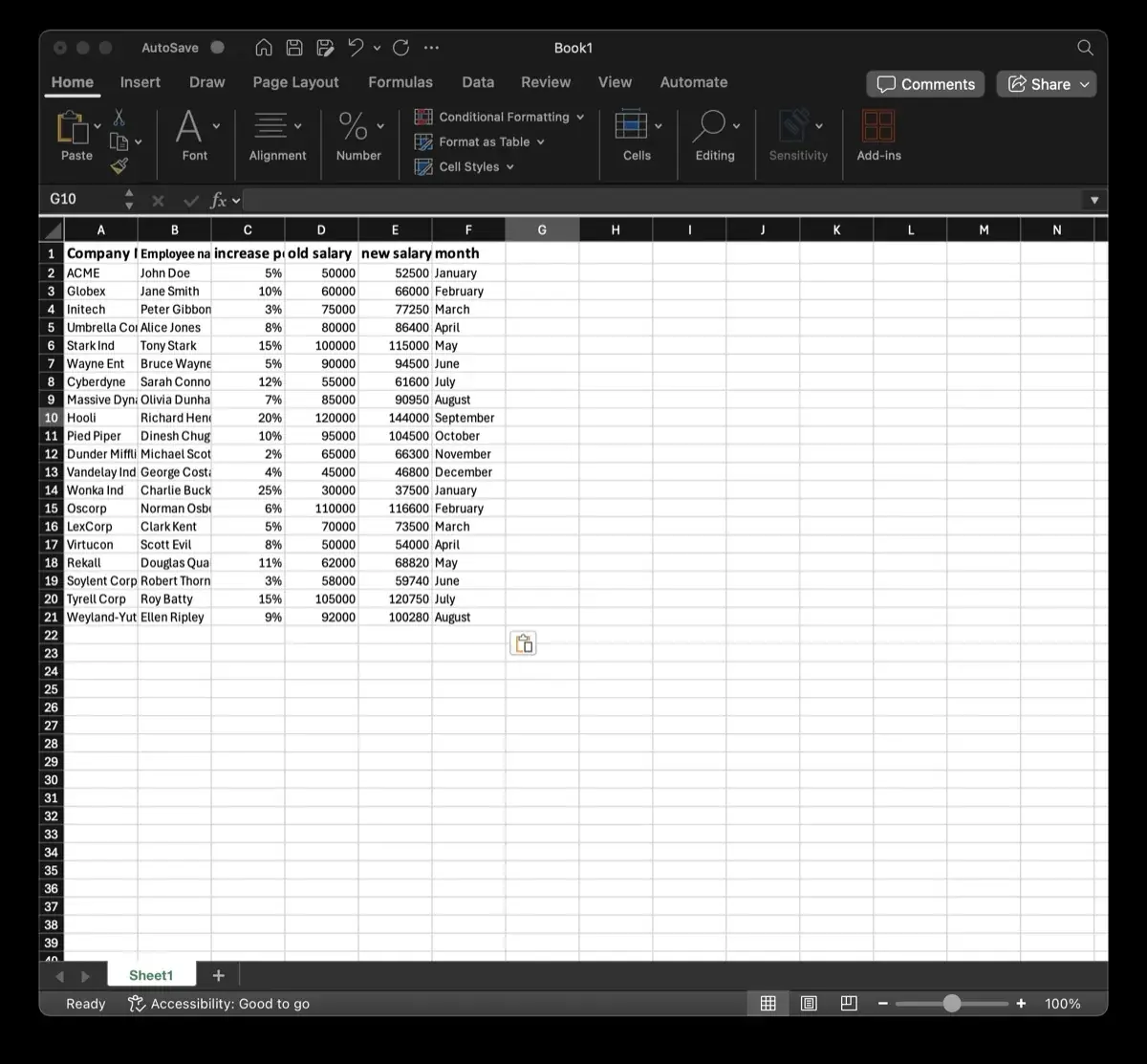
Ensure your billing spreadsheet is organized with one clear header row:
Invoice_Number(e.g., "INV-2026-0104")Client_Name(e.g., "Nordic Logistics Corp")Billing_Address(e.g., "Storgatan 12, Stockholm")Issue_Date(e.g., "September 1, 2026")Due_Date(e.g., "September 30, 2026")Total_Due(e.g., "$4,850.00")
You can easily convert or preview your invoice datasets with our free Excel to Word tool.
Step 2: Create Your Word Invoice Template
Design your company invoice in Microsoft Word (.docx). Insert your brand logo, payment bank details, tax ID, and terms of service.
Where customer and financial details change for each invoice, add double curly brackets around the variable name:
INVOICE: {{Invoice_Number}}
Date: {{Issue_Date}}
Due Date: {{Due_Date}}

Billed To:
{{Client_Name}}
{{Billing_Address}}

Total Balance Due: {{Total_Due}}
Before uploading, you can inspect hidden document properties or strip author metadata with our free DOCX metadata tool.
Step 3: Upload and Match in TRYDOKU
- Upload your
.docxinvoice template to TRYDOKU. - Upload your Excel spreadsheet.
- TRYDOKU matches the column headers to your template variables. Review the visual mapping table to ensure every placeholder is properly paired.
Step 4: Batch Export to PDF
Choose PDF as the primary output format and click Generate.
Within moments, TRYDOKU creates individual, beautifully formatted PDF invoices for every client row and bundles them into an organized ZIP file. Each file is named dynamically using your spreadsheet data (such as Invoice_Nordic_Logistics_INV-2026-0104.pdf), making them immediately ready to attach to emails or upload to accounting portals.
Frequently Asked Questions
Can I include repeating line items for multi-service invoices?
Yes. TRYDOKU supports dynamic table loops. By wrapping a table row with {> items }} and {< items }}, you can generate invoices with multiple itemized charges per client.
Are the generated PDF files editable by clients?
No. PDFs produced by TRYDOKU are rendered as secure, vector-crisp documents where layout and figures are locked, preventing accidental or unauthorized alteration.
Can I connect this to our CRM or billing database via API?
Yes. In addition to the web interface, TRYDOKU provides a high-throughput REST API that allows backend services or ERPs to submit invoice generation jobs programmatically.