Automating Bills of Lading and Customs Invoices from Excel Data (Step-by-Step Guide)

In global trade, freight forwarding, and warehouse operations, paperwork delays are shipment delays. Every international consignment requires a strict set of documentation: Bills of Lading (BoL), Commercial Customs Invoices, packing lists, and certificates of origin. When logistics teams manually copy and paste multi-line product details, container numbers, and Harmonized System (HS) codes from spreadsheets into Word forms, clerical errors lead to customs holds, compliance fines, and wasted hours.
In this step-by-step tutorial, we will show you how to automate Bills of Lading and commercial customs invoices directly from Excel data. Using standardized Microsoft Word templates (.docx), dynamic table loops ({> line_items }}), and TRYDOKU's high-speed document engine, you can convert complex shipping manifests into hundreds of print-ready documents in seconds.
The Freight Documentation Bottleneck
Whether you manage air cargo, ocean freight, or cross-border trucking, shipping documentation is notoriously repetitive and detail-sensitive:
- Multi-Item Consignments: A single shipment often includes dozens of distinct SKUs, each requiring its own description, quantity, unit price, net weight, and 6-to-10-digit HS tariff code.
- Clerical Risk: A single transposed digit in a container seal number or Harmonized Tariff Schedule (HTS) code can trigger customs inspections, demurrage penalties, or border rejections.
- Time Drain: Manually drafting a 15-line commercial invoice and corresponding Bill of Lading in Word takes 10 to 15 minutes per order. For a busy logistics desk processing 50 shipments a day, document assembly consumes entire workdays.
By automating the process directly from your central warehouse management spreadsheet or ERP export, you eliminate manual re-keying and ensure 100% data consistency between your commercial invoice, Bill of Lading, and shipping manifest.
Anatomy of a Freight Document: Headers vs. Repeating Line Items
Logistics documents consist of two primary data tiers:
- Consignment Header Data (Scalar Fields): Single values that apply to the entire shipment (e.g.
{{bol_number}},{{shipper_name}},{{consignee_address}},{{port_of_loading}},{{vessel_name}},{{incoterms}}). - Consignment Cargo Data (Repeating Tables / Dynamic Loops): A variable-length list of packages or line items (e.g. package marks, container numbers, description of goods, quantity, HS code, gross weight, and declared customs value).
Traditional mail merge tools struggle with dynamic multi-line tables. TRYDOKU handles this natively using Dynamic Loops, allowing you to define a single table row in Word that automatically duplicates itself for every SKU in your consignment.
Step-by-Step: Automating Bills of Lading and Customs Invoices
Step 1: Design Your Word (.docx) Template
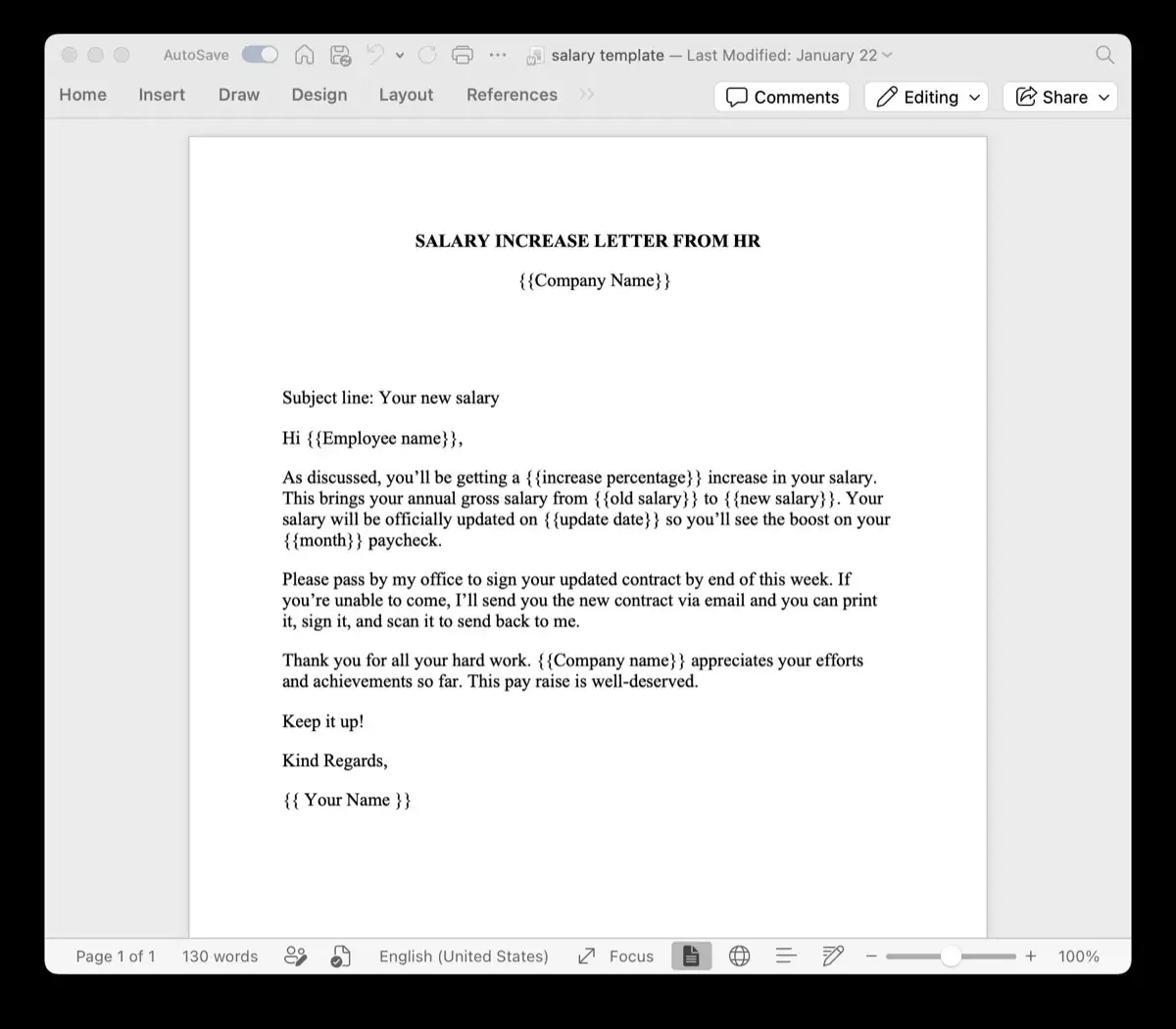
Open Microsoft Word and create your company's Bill of Lading or Commercial Customs Invoice layout with your official branding, border lines, and signature boxes.
Where dynamic header data belongs, insert standard double curly brace placeholders:
BILL OF LADING / COMMERCIAL INVOICE
BoL Number: {{bol_number}}
Date of Export: {{export_date}}
Shipper: {{shipper_company}}, {{shipper_city}}, {{shipper_country}}
Consignee: {{consignee_company}}, {{consignee_address}}
Port of Loading: {{port_loading}}  |  Port of Discharge: {{port_discharge}}
Incoterms: {{incoterms_rule}} ({{incoterms_location}})
Next, build the goods declaration table. In the first cell of the body row, add the loop start tag {> line_items }}. In the last cell of that same row, add the closing tag {< line_items }}:
| Marks & Container | Description of Goods | HS Code | Qty | Gross Wt (kg) | Declared Value |
|---|---|---|---|---|---|
| {> line_items }}{{container_no}} | {{item_description}} | {{hs_code}} | {{quantity}} {{unit_type}} | {{gross_weight}} | {{currency}} {{declared_value}}{< line_items }} |
Save the file as a standard Microsoft Word document (.docx).
Step 2: Validate Placeholders with the Free Variable Parser
Before preparing your data file, you want to verify that your Word document has no typos or broken XML tags. You can test your template in seconds using our free client-side tool:
- Open the Word Template Variable Parser & Excel Exporter in your browser.
- Drag and drop your
.docxBoL or customs invoice template into the upload dropzone. - The parser will instantly display all detected scalar placeholders (e.g.
bol_number,consignee_company) and dynamic loop structures (line_items). - Click Export Excel Template (.xlsx) to download a pre-formatted spreadsheet containing the exact column headers required for your template.
Because the parser runs 100% in your browser memory, sensitive trade partner addresses and pricing terms are never sent to external servers.
Step 3: Prepare Your Shipment Manifest Spreadsheet
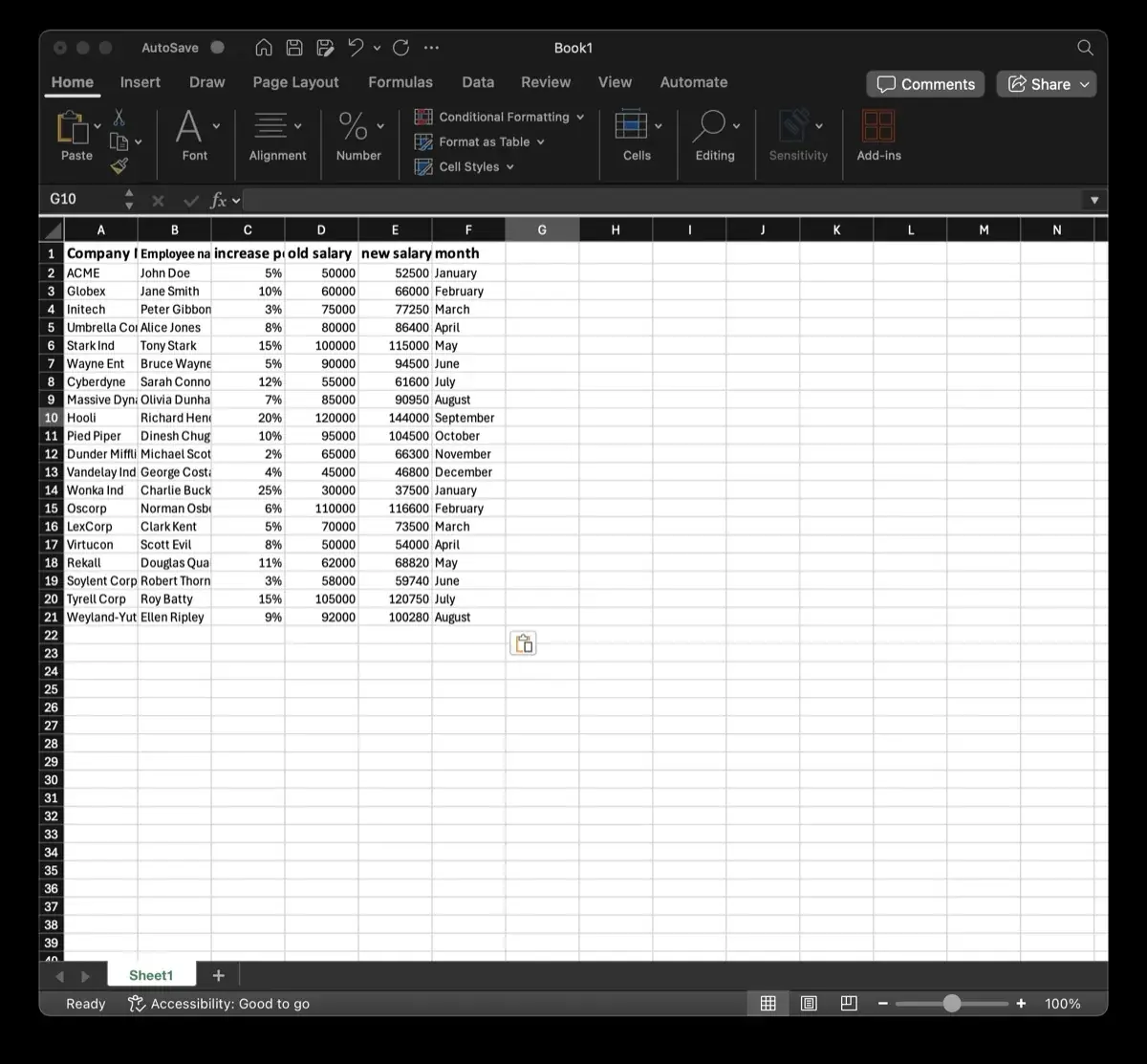
Open the exported Excel spreadsheet or your warehouse export. Populate each row with your shipment records:
- Ensure column names match the template placeholders (e.g.
bol_number,shipper_company,incoterms_rule). - If you are generating multiple individual single-item BoLs, each row in Excel produces one complete Word/PDF document.
- For multi-item shipments via API, pass
line_itemsas a nested JSON array of items. If using the web composer, you can easily map multi-row CSV/Excel groups.
Step 4: Batch Generate Documents in TRYDOKU
- Log into your TRYDOKU dashboard.
- Upload your validated Word template (
.docx) and your shipment manifest spreadsheet (.xlsxor.csv). - Confirm the column-to-placeholder mappings in the visual preview window.
- Click Generate. Within seconds, TRYDOKU generates all individualized Bills of Lading and customs invoices, neatly organized in a downloadable ZIP package.
Best Practices for Customs Clearance & Trade Automation
To avoid border clearance delays and ensure compliance with international customs regulations:
- Enforce Strict HS Code Formatting: Always format Harmonized System tariff codes as text in Excel (e.g.
'8471.30.00) to prevent spreadsheet software from stripping leading zeros. - Explicit Unit & Currency Identifiers: Include standardized ISO 4217 currency codes (USD, EUR, GBP) and standard WCO measurement units (kg, pcs, m3) alongside numeric values.
- Preserve Numbered Legal Boilerplate: Keep required maritime clauses, carrier liability terms, and jurisdiction statements intact in your Word template. TRYDOKU preserves all native paragraph styling and multi-page layouts.
- Integrate via REST API for Real-Time Dispatch: If your team uses custom logistics software or TMS platforms, you can trigger generation programmatically via our Document Generation API as soon as a shipment is marked "Departed".
Comparison: Manual Assembly vs. VBA vs. TRYDOKU
| Feature | Manual Word Copy-Paste | Excel VBA Macros | TRYDOKU Cloud Engine |
|---|---|---|---|
| Generation Speed | 10–15 mins per document | 2–3 mins (Local machine lockup) | < 1 second per document (Parallel cloud) |
| Dynamic Repeating Rows | Manual table editing | Fragile VBA Range loops | Native {> line_items }} tags |
| Template Editing | Easy (Word) | Hard (Code macros required) | Standard Microsoft Word (.docx) |
| Error Rate | High (Typo risk) | Medium (Script crash risk) | Zero (Automated schema binding) |
| API & Webhook Readiness | None | None | Full REST API & CLI automation |
Frequently Asked Questions
Can I generate both Bills of Lading and Commercial Invoices from the same spreadsheet?
Yes. You can create separate Word templates for your Bill of Lading, Commercial Invoice, and Packing List, then upload the same master manifest spreadsheet to TRYDOKU to generate all three sets of documentation in parallel.
How are dynamic table loops formatted in Word?
Dynamic loops use opening {> line_items }} and closing {< line_items }} tags placed in the first and last cells of your table body row. TRYDOKU automatically duplicates that row for every item present in your consignment data without distorting table borders or column widths.
Is freight and customs data secure?
Yes. TRYDOKU is hosted in the EU and operates under a zero-retention architecture. All data is encrypted in transit and at rest, and input data rows are cleared upon generation completion, with all records purged within 72 hours. See our Security & Trust Center for details.
Can I export a blank Excel sheet matching my BoL placeholders?
Yes. Upload your Word document to our free Word Template Variable Parser and click Export Excel Template (.xlsx) to get a spreadsheet pre-populated with your exact template header names.