Automate Invoice Generation from Excel
If you are still copy-pasting customer data from Excel into Word templates to generate invoices, you are losing hours of productive time every single week. In this guide, we will show you exactly how to automate invoice generation from Excel so you can generate hundreds of PDF invoices in seconds.

The Problem with Manual Invoicing
For many small businesses, freelancers, and even mid-sized agencies, the invoicing process looks something like this:
- Open a master Excel sheet containing client names, billable hours, and rates.
- Open a Word document containing the invoice template.
- Copy the client's name from Excel. Paste it into Word.
- Copy the amount due. Paste it into Word.
- Save the Word document as a PDF.
- Email it to the client.
This process is not only tedious but highly prone to human error. A single copy-paste mistake could mean underbilling a client or sending an invoice with the wrong company name. When you automate invoice generation from Excel, you eliminate these errors completely.
How to Automate Invoice Generation from Excel (Step-by-Step)
You don't need to be a programmer or know how to write complex VBA macros to automate your invoicing. With modern document generation tools like TRYDOKU, the process is incredibly simple. For a broader look at bulk generation options, check out our guide on selecting a mail merge alternative.
Step 1: Prepare Your Excel Data
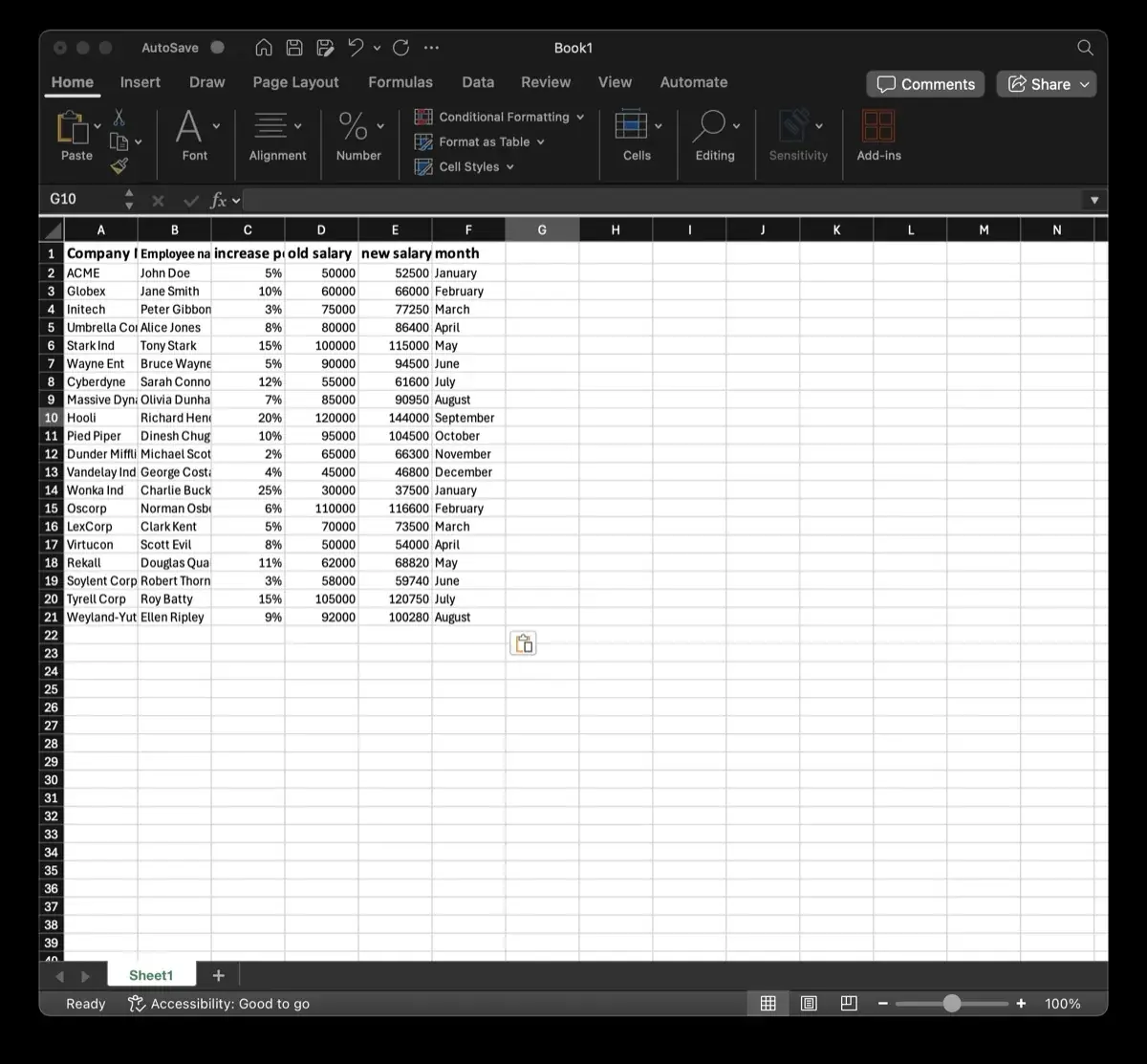
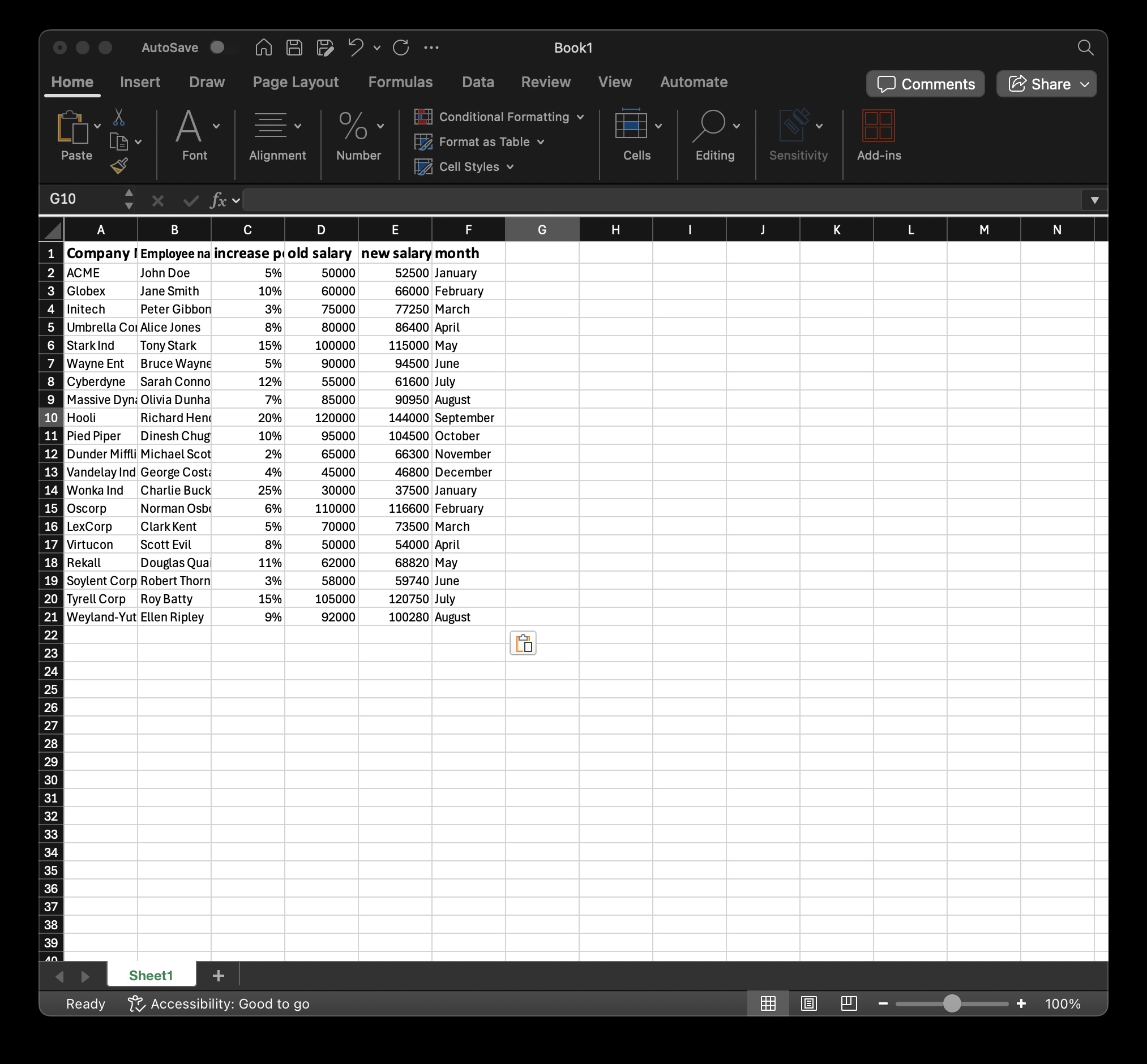
First, ensure your Excel spreadsheet is formatted correctly. The first row of your spreadsheet should contain clear column headers. These headers will act as your "variables" or "placeholders" in your invoice template.
For example, your columns might be:
Invoice_NumberClient_NameCompany_AddressTotal_AmountDue_Date
Step 2: Create Your Word Template
Next, design your invoice template in Microsoft Word, or download our ready-made automated Word invoice template. Wherever you want a piece of data from your Excel sheet to appear, type the exact column header wrapped in curly braces. For example, write {{Client_Name}} where the client's name should go.
This tells the document generation engine exactly where to inject the data when you automate invoice generation from Excel. (Tip: You can verify placeholder names and extract template variables with our parser tool).
Step 3: Upload to TRYDOKU
Create a free account on TRYDOKU. Upload your Word template and your Excel spreadsheet. The system will automatically map the columns in your Excel file to the placeholders in your Word template.
Step 4: Generate PDFs
Click "Generate". In seconds, TRYDOKU will merge every row of your Excel spreadsheet into your template, generating a unique, perfectly formatted PDF invoice for every single client on your list.
Advanced Invoicing: Repeating Rows and Dynamic Tables
Sometimes, a single invoice needs to contain multiple line items (e.g., different services rendered, multiple products purchased). You can handle this natively without writing any code. By using dynamic loops in your Word templates, you can tell the system to repeat a table row for every line item associated with a specific invoice number.
Why Automate Invoice Generation from Excel?
The ROI of automating this process is immediate:
- Save Time: What used to take hours now takes seconds.
- Reduce Errors: No more copy-paste mistakes or typos on official financial documents.
- Scale Effortlessly: Whether you need to generate 10 invoices or 10,000, the process takes the exact same amount of time.
If you have developers on your team, you can take this a step further by integrating our REST API for document automation directly into your billing software, completely removing Excel from the equation.
Frequently Asked Questions (FAQ)
Can I generate PDF invoices instead of Word documents?
Yes. When you automate invoice generation from Excel using TRYDOKU, you can choose to output the final files as Word documents or secure, uneditable PDFs.
Do I need to install software to do this?
No. TRYDOKU is entirely cloud-based. You just need a web browser, your Excel file, and your Word template.
Is my financial data secure?
Yes. All document generation is hosted securely in Frankfurt, Germany (EU) with automated 24 to 72 hour deletion of generated batch artifacts. Learn more on our security page.
Can I automate other documents besides invoices?
Yes! You can automate contracts, NDAs, offer letters, reports, and any other standard document that relies on variable data.