Announcing the Official TRYDOKU PHP SDK

TRYDOKU now has an official PHP SDK. If you generate invoices, contracts, or reports from Word templates in Laravel, Symfony, or plain PHP, you can start a batch, wait until it finishes, and download the ZIP while the SDK handles HTTP requests, polling, and mapping API errors to exceptions.
The SDK uses the existing public REST API and is our first official language client. Applications in other languages can call the same endpoints directly with a bearer token.
What the SDK covers
The package wraps the three public v1 endpoints:
| HTTP | Endpoint | SDK method |
|---|---|---|
POST |
/v1/generate |
$client->documents()->generate(...) |
GET |
/v1/batches/{id} |
$client->batches()->get($id) |
GET |
/v1/batches/{id}/zip |
$client->batches()->downloadZip($id) |
You can fill a template already stored in TRYDOKU (templateUuid) or send a Base64-encoded local .docx file (templateBase64). Provide exactly one of these options. Each row in data becomes one Word document. A batch accepts 1–500 rows. Generation is asynchronous: start the job, check its status until it finishes, then download the generated .docx files as a ZIP archive.
The SDK also maps API errors to typed exceptions (AuthenticationException, InsufficientCreditsException, ValidationException, and others), supports idempotency keys to prevent duplicate batches when retrying a generation request, and lets you map source field names to template placeholders when your JSON keys differ.
The SDK requires PHP 8.2 or newer and uses the PSR-18 and PSR-17 interfaces for HTTP communication. It does not bundle Guzzle or Symfony HttpClient, so you can use a compatible HTTP client already installed in your application.
Installation
The SDK is available under the MIT license, with source code on GitHub. Version v1.0.0 is published on Packagist as trydoku/php-sdk. Install it with Composer:
composer require trydoku/php-sdk
If your project does not already have a compatible HTTP client and PSR-7 implementation, install them with one of these commands.
Laravel or standalone PHP:
composer require guzzlehttp/guzzle guzzlehttp/psr7
Symfony:
composer require symfony/http-client nyholm/psr7
If Composer asks to allow the php-http/discovery plugin, accept it. The SDK uses that plugin to find the HTTP client you installed.
Create a personal access token under Account Settings → API Keys. Keep it out of version control, logs, and frontend code. Changing your account password revokes every existing token.
Quick start
This example generates two invoices from a stored template, waits for the batch to finish, and saves the ZIP archive to disk:
<?php

require 'vendor/autoload.php';

use Trydoku\Client;

$client = new Client(getenv('TRYDOKU_API_TOKEN'));

$batch = $client->documents()->generate(
    templateUuid: 'e81d77a2-f674-4b53-a8ee-bf350284e311',
    data: [
        [
            'Client_Name' => 'Henrik Bergmann',
            'Invoice_Number' => 'INV-2026-001',
            'Amount_Due' => '1250.00',
        ],
        [
            'Client_Name' => 'Astrid Lindholm',
            'Invoice_Number' => 'INV-2026-002',
            'Amount_Due' => '3400.00',
        ],
    ],
);

$batch = $client->batches()->waitForCompletion($batch->id);

if (!$batch->isCompleted() || $batch->hasFailed()) {
    throw new RuntimeException(
        "Generation finished with status {$batch->status} ({$batch->failedItems} failed rows)."
    );
}

file_put_contents('documents.zip', $client->batches()->downloadZip($batch->id));
Placeholder names in the Word template, such as Client_Name, must match the keys in your data unless you provide a variableMapping. A batch can finish with failed rows, so check hasFailed() as well as isCompleted() before treating the output as complete.
Configure HTTP timeouts, retries, and proxies on the PSR-18 client you pass to the SDK. The SDK does not expose its own HTTP timeout option.
For field mapping, indexed rows, the immutable GenerateRequest builder, idempotency keys, and the full exception table, see the PHP SDK README.
Request formats and authentication are documented in the API overview and the interactive OpenAPI explorer. To list the placeholders in a .docx file before sending a request, use the free Word Template Variable Parser.
Other languages
Official clients for Node.js, Python, and other languages may follow, making it easier to generate documents, check batch status, and download results from those applications.
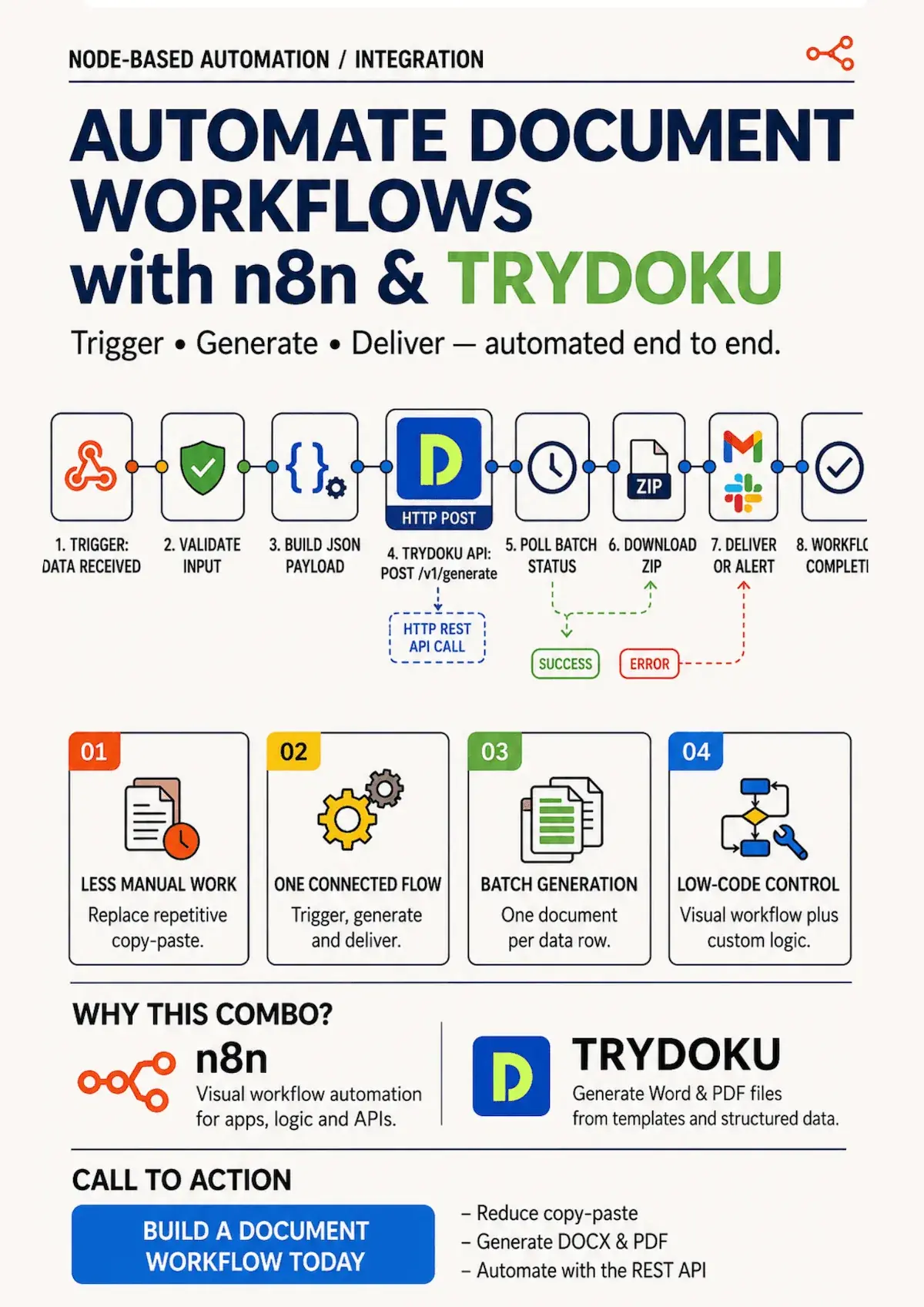
If you use Node.js, Python, Go, or a workflow automation tool, you can start a batch by calling POST /api/v1/generate directly.
If you generate documents from PHP, create a free account, generate an API token, and install trydoku/php-sdk. Bug reports and pull requests are welcome on GitHub.