How to Generate Contracts from Excel Data: Contract Automation for Operations & Legal

Operations, HR, and legal teams spend a lot of time preparing routine agreements: non-disclosure agreements (NDAs), vendor master service agreements (MSAs), independent contractor contracts, and customer renewals. Using copy and paste to generate contracts from Excel is slow, repetitive work, and typing errors can create legal problems.
This guide shows operations and legal teams how to create contracts automatically from spreadsheets with TRYDOKU, while keeping formatting consistent, preventing data leaks, and generating contracts in batches.
The Risks of Manual Contract Drafting
Contracts carry binding legal obligations, so mistakes matter. Drafting them manually creates three risks:
- Typographical & Entity Mismatches: Miscopying a client's registered entity name, jurisdiction clause, or liability cap creates legal ambiguities that may render agreements unenforceable.
- Delays in Closing Deals: Sales and procurement work often stalls while staff wait for legal teams to fill in, check, and export agreement templates.
- Hidden Document Metadata: Copy-pasting from older agreements or recycling documents often leaves sensitive client metadata or previous counterparties' comments embedded in the file.
Automated generation creates every contract from an approved template and fills its variables with data from verified CRM or spreadsheet records.
Traditional Contract Drafting vs. CLM Platforms vs. TRYDOKU
| Metric | Manual Copy-Paste | Enterprise CLM (Ironclad, etc.) | TRYDOKU |
|---|---|---|---|
| Annual Cost | High internal labor cost | $15,000–$60,000+ / year | Affordable pay-as-you-go credits |
| Implementation Time | Immediate (but inefficient) | 3–6 months of IT onboarding | Under 5 minutes |
| Template Source | Microsoft Word (.docx) | Proprietary CLM web editor | Microsoft Word (.docx) |
| Output Type | Manual PDF export | In-platform signing only | Batch ZIP of editable DOCX & vector PDF |
| API & Automation | None | Complex enterprise integrations | REST API & Webhooks |
To connect contract generation to a sign-up process or CRM, see our developer guide to programmatically generating contracts and NDAs via API.
How to Generate Contracts from Excel (Step-by-Step)
Step 1: Design Your Approved Legal Template in Word
Create your contract in Microsoft Word (.docx). Use your standard legal formatting: numbered paragraphs, defined terms, signature blocks, and corporate headers.
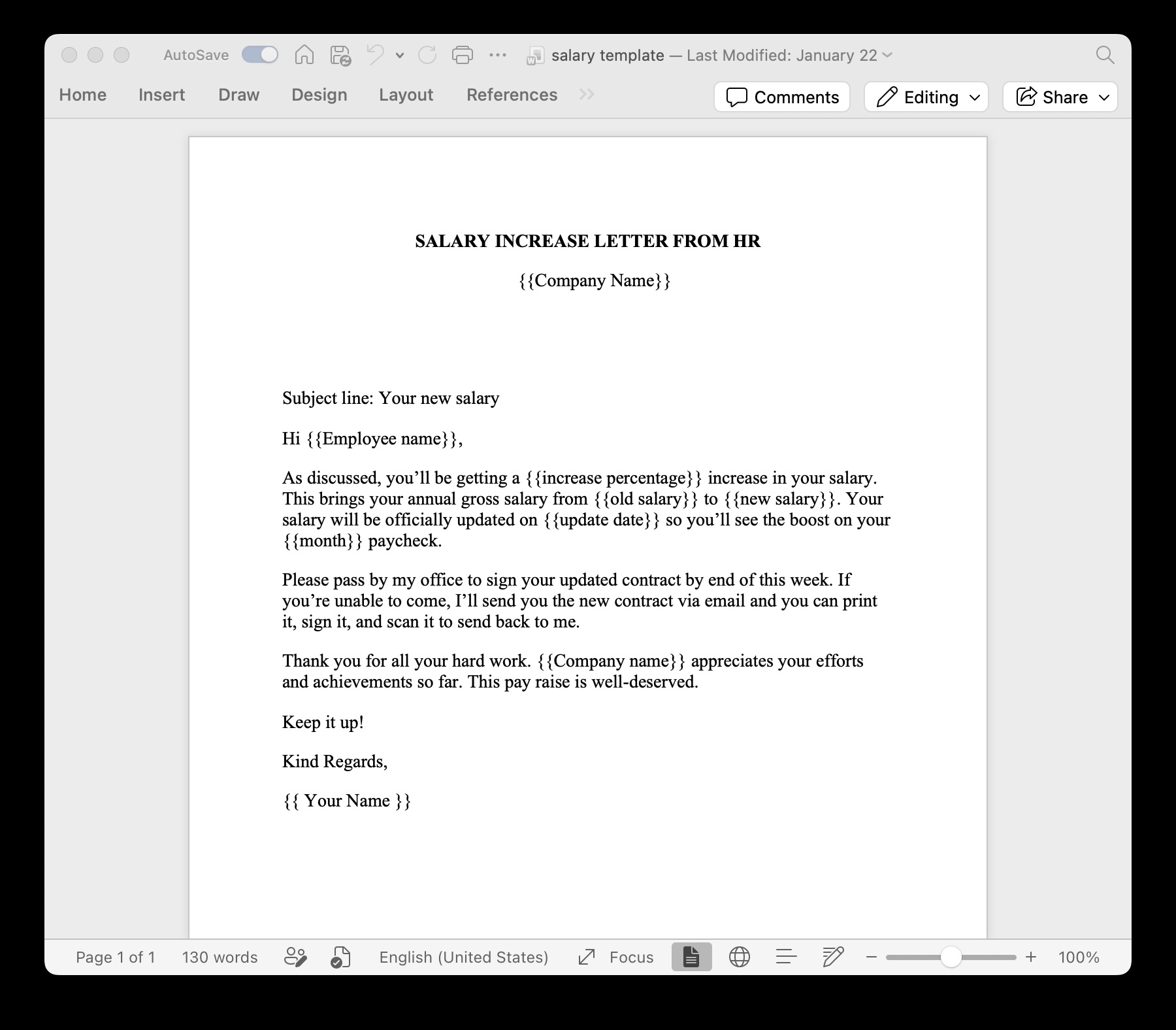
Add placeholders inside double curly brackets wherever contract details should vary:
MUTUAL NON-DISCLOSURE AGREEMENT

This Agreement is entered into by and between {{Company_Name}}, a {{Jurisdiction_State}} corporation,
and {{Counterparty_Name}}, a {{Counterparty_Entity_Type}} ("Receiving Party").

Effective Date: {{Effective_Date}}
Confidentiality Term: {{Term_Duration}}
Governing Law: {{Governing_Jurisdiction}}

Authorized Signatory: {{Counterparty_Signer_Name}}
Title: {{Counterparty_Signer_Title}}
Before sending contracts to clients, ensure hidden author properties and tracked changes are removed using our free client-side DOCX metadata inspector. You can also browse our library of predefined business templates for inspiration.
Step 2: Prepare Your Spreadsheet Data Source
Ensure your Excel spreadsheet (.xlsx) or CSV has clear column headers matching your template placeholders (Counterparty_Name, Effective_Date, Governing_Jurisdiction, etc.).
Step 3: Match Fields in TRYDOKU
- Upload your
.docxcontract template to TRYDOKU. - Upload your Excel spreadsheet.
- TRYDOKU scans both documents and pairs columns with placeholders automatically. Review the matches in the mapping table.
Step 4: Generate Contracts Ready for Signing
Select whether you need editable Word documents (.docx) for redlining or locked vector PDFs for signature distribution, and click Generate.
In seconds, TRYDOKU creates a contract for each counterparty row and collects the files in a ZIP archive. Each file uses a name from your data (such as NDA_{{Counterparty_Name}}_{{Effective_Date}}.pdf), ready to be sent to signers or uploaded into DocuSign or Adobe Sign.
Frequently Asked Questions
Can I include conditional clauses based on spreadsheet values?
Yes. TRYDOKU supports conditional logic blocks ({? condition }} ... {/ condition }}) that automatically include or exclude specific legal clauses depending on values in your Excel dataset.
Is our sensitive contract data safe and GDPR compliant?
Yes. TRYDOKU is hosted in Frankfurt, Germany (EU). All data imports, templates, and generated contracts are encrypted and automatically deleted from transient storage within 24 to 72 hours.
Can generated PDFs be electronically signed?
Yes. TRYDOKU creates vector PDFs that work with all major e-signature platforms, including DocuSign, Adobe Acrobat Sign, PandaDoc, and HelloSign.