How to Programmatically Generate Contracts & NDAs via API for Legal Teams
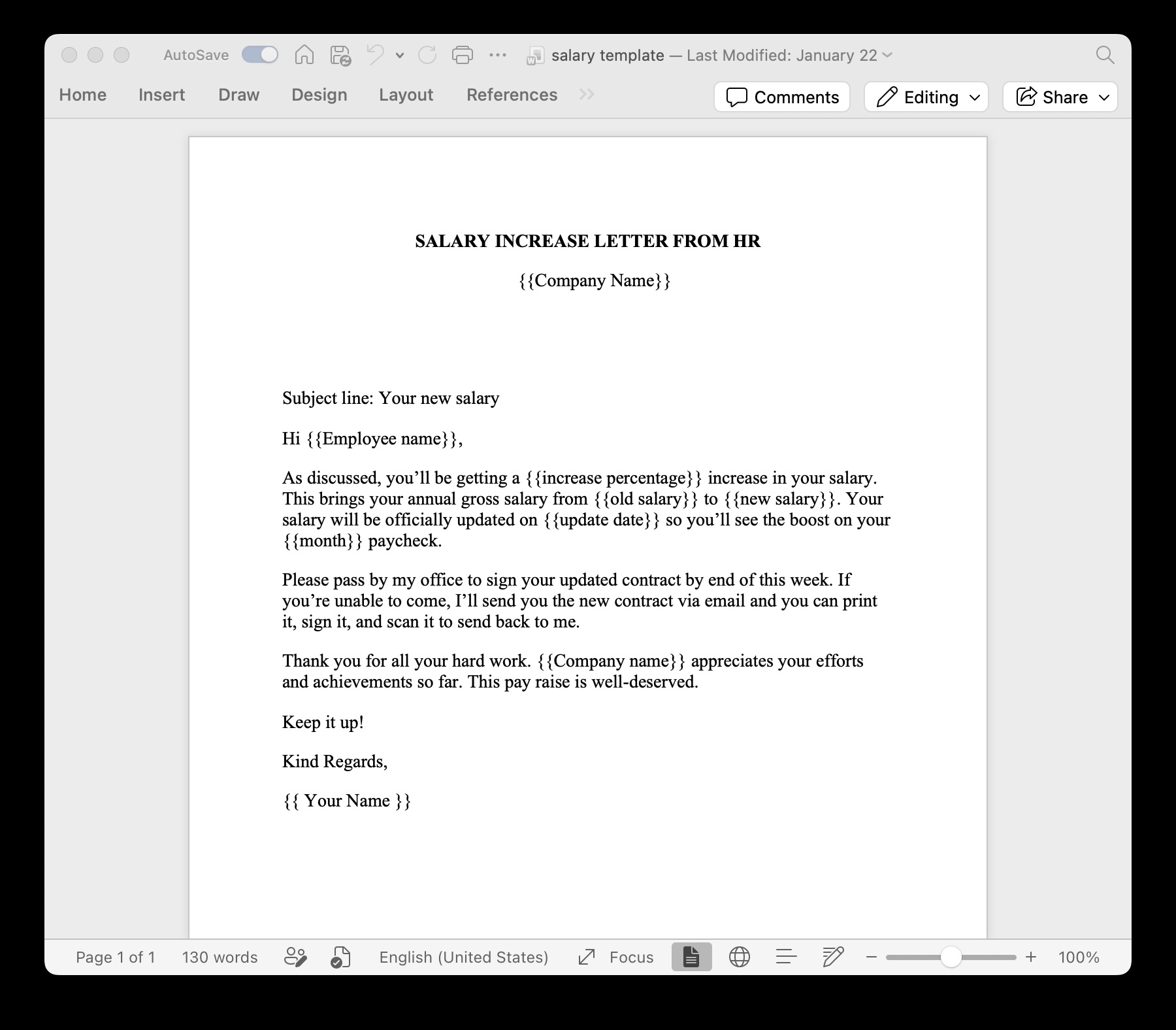
In fast-moving corporate, HR, and legal operations, manually copying and pasting client or employee records into contract templates is a major compliance bottleneck. Using a high-fidelity legal contract generator API allows teams to automate non-disclosure agreements (NDAs), master services agreements (MSAs), and offer letters directly from CRM, HR, or custom software platforms.
This comprehensive guide demonstrates how to programmatically assemble contracts and NDAs via REST API while preserving strict Microsoft Word formatting, numbered clauses, and GDPR compliance. For teams seeking a turnkey web interface alongside API capabilities, explore our legal document automation solutions.
The High-Stakes Risk of Manual Contract Assembly
For legal counsel and paralegals, manual document assembly presents serious operational and compliance risks:
- Formatting Regressions: Copy-pasting data into complex Word documents breaks numbered clauses, header alignments, and page breaks.
- Human Error: Pasting incorrect party names, transaction amounts, or effective dates into legally binding agreements creates liability.
- Unenforceable Clauses: Failing to include mandatory conditional clauses (such as jurisdiction or non-compete terms) weakens contract enforceability.
Why Word Templates (.docx) Outperform HTML-to-PDF Converters for Legal Teams
Legal counsel works almost exclusively in Microsoft Word (.docx). Traditional developer solutions—such as writing HTML/CSS and converting to PDF via headless browsers—fail legal team standards for several reasons:
| Feature | HTML-to-PDF Converters | TRYDOKU Word API Engine |
|---|---|---|
| Legal Editing | Requires web developers to modify HTML layout | Legal counsel edits standard .docx files in Word |
| Numbered Paragraphs | CSS counter-reset often breaks multi-page lists | Native Word legal numbering remains intact |
| Header / Footer Alignment | Unpredictable page break calculations | Native Word headers, footers, and page numbers |
| Font Fidelity | Custom corporate fonts require complex web font CSS | TrueType/OpenType fonts render identically |
Step-by-Step: Automating Contract & NDA Generation via API
Step 1: Design Your Contract Template in Word
Open Microsoft Word and design your legal agreement layout, or start directly from our pre-configured standard Word NDA template. Where dynamic data points belong, insert variables surrounded by double curly braces:
This Non-Disclosure Agreement (the "Agreement") is entered into as of {{effective_date}} by and between TRYDOKU Ltd. ("Disclosing Party") and {{recipient_company}} ("Receiving Party").To inspect your template's variable schema or verify loop tags before coding, you can drop your .docx file into the free Word Template Variable Parser to extract all required JSON property keys automatically.
For conditional clauses (such as optional non-compete or arbitration provisions), use block conditional syntax:
{% if include_arbitration %}7. ARBITRATION. Any dispute arising under this Agreement shall be resolved via binding arbitration in {{jurisdiction}}.{% endif %}Step 2: Authenticate with Your API Token
Generate a Sanctum API token from your TRYDOKU dashboard. Include this token in all REST API requests using standard Bearer authentication:
Authorization: Bearer YOUR_API_TOKEN_HEREStep 3: Submit the Generation Request
Convert your .docx contract template to a Base64 string and submit a JSON POST request to the /api/v1/generate endpoint:
{
  "template_base64": "UEsDBBQABgA...",
  "data": [
    {
      "effective_date": "2026-08-15",
      "recipient_company": "Acme Enterprises Ltd.",
      "jurisdiction": "Germany",
      "include_arbitration": true
    }
  ]
}
Step 4: Poll & Download Finalized Documents
The API responds instantly with a batch identifier. Poll GET /api/v1/batches/{id} to monitor progress. Once completed, download your finalized Word (.docx) or PDF documents in a single ZIP package.
Security, GDPR & Data Protection for Legal Workflows
Legal documents contain sensitive PII and confidential business terms. TRYDOKU is engineered with zero-trust security for corporate legal pipelines:
- EU Data Residency: Hosted on primary EU infrastructure (`digi2`) under strict European data protection standards.
- TLS 1.3 Encryption: All data in transit is encrypted using modern cryptographic ciphers.
- Transient Processing: Input data blobs and generated files are processed ephemerally and automatically pruned according to system retention rules.
Frequently Asked Questions
Can legal counsel edit the contract template without breaking the API?
Yes. Because TRYDOKU uses standard Microsoft Word (.docx) files as templates, legal counsel can edit text, update boilerplate clauses, or adjust styling directly in Word without requiring developer intervention.
Are generated PDF contracts identical to the Word template?
Yes. Our high-fidelity rendering engine preserves exact typography, line spacing, margins, page breaks, and embedded fonts across both DOCX and PDF outputs.
How are conditional legal clauses handled?
Conditional sections are wrapped in {% if clause_variable %} and {% endif %} tags. If the boolean variable is false or omitted from your API payload, the entire paragraph is removed without leaving blank gaps.