Smarter templates are here: IF/ELSE conditions in TryDoku
Why conditional logic matters
If you generate documents from a spreadsheet, you’ve probably run into cases like:
- Include a “VAT” line only for EU customers.
- Switch language (EN/ES/DE) depending on a column.
- Add a specific clause when a customer is “Enterprise”.
- Show a discount message only when a discount exists.
Before this feature, teams often cloned templates (and then spent hours keeping them consistent). With IF/ELSE, you keep one master template and let TryDoku fill in the correct variant per row.
How it works in TryDoku
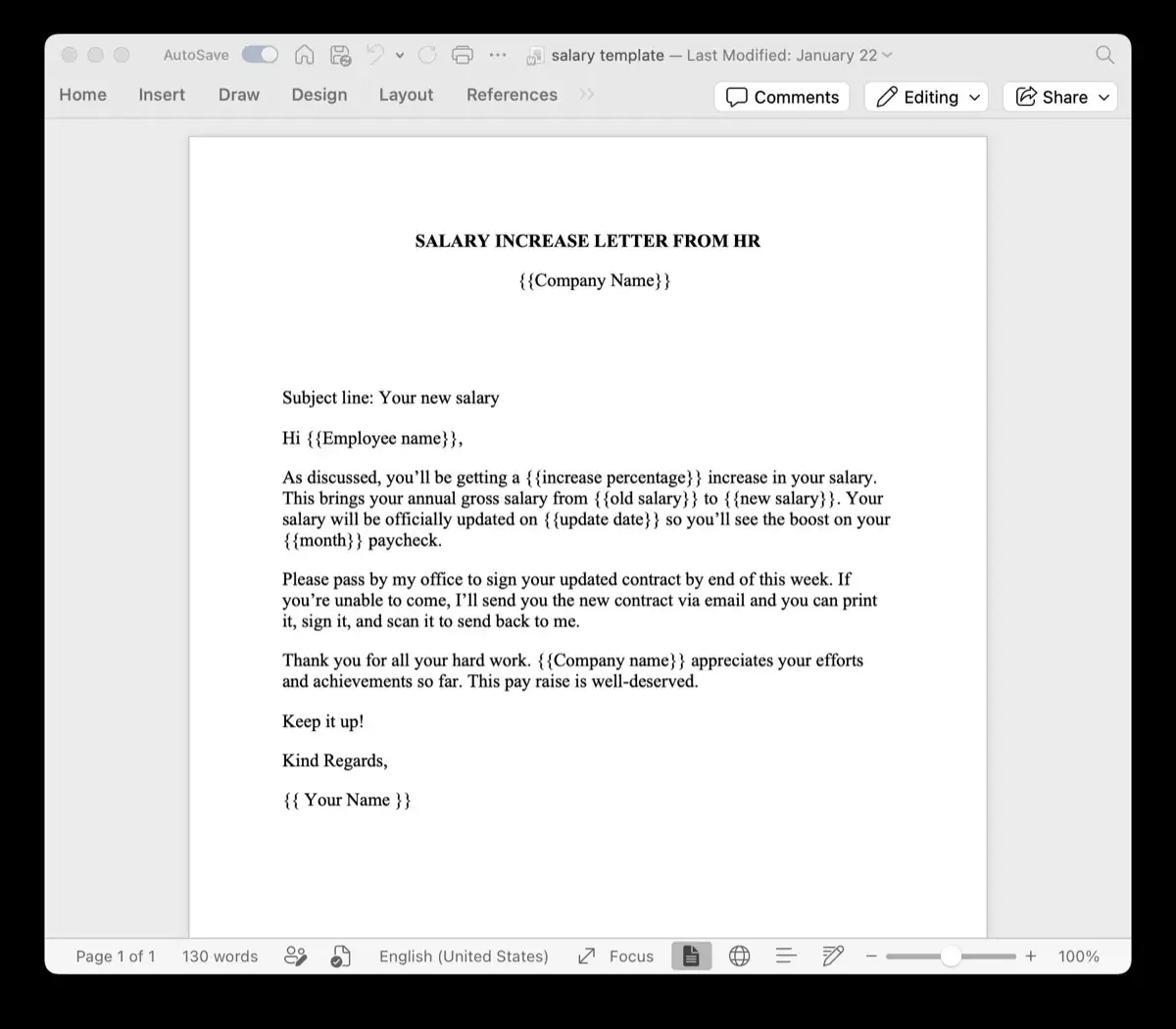
Create a DOCX like you normally would: headings, tables, logos, signature blocks—whatever you need.
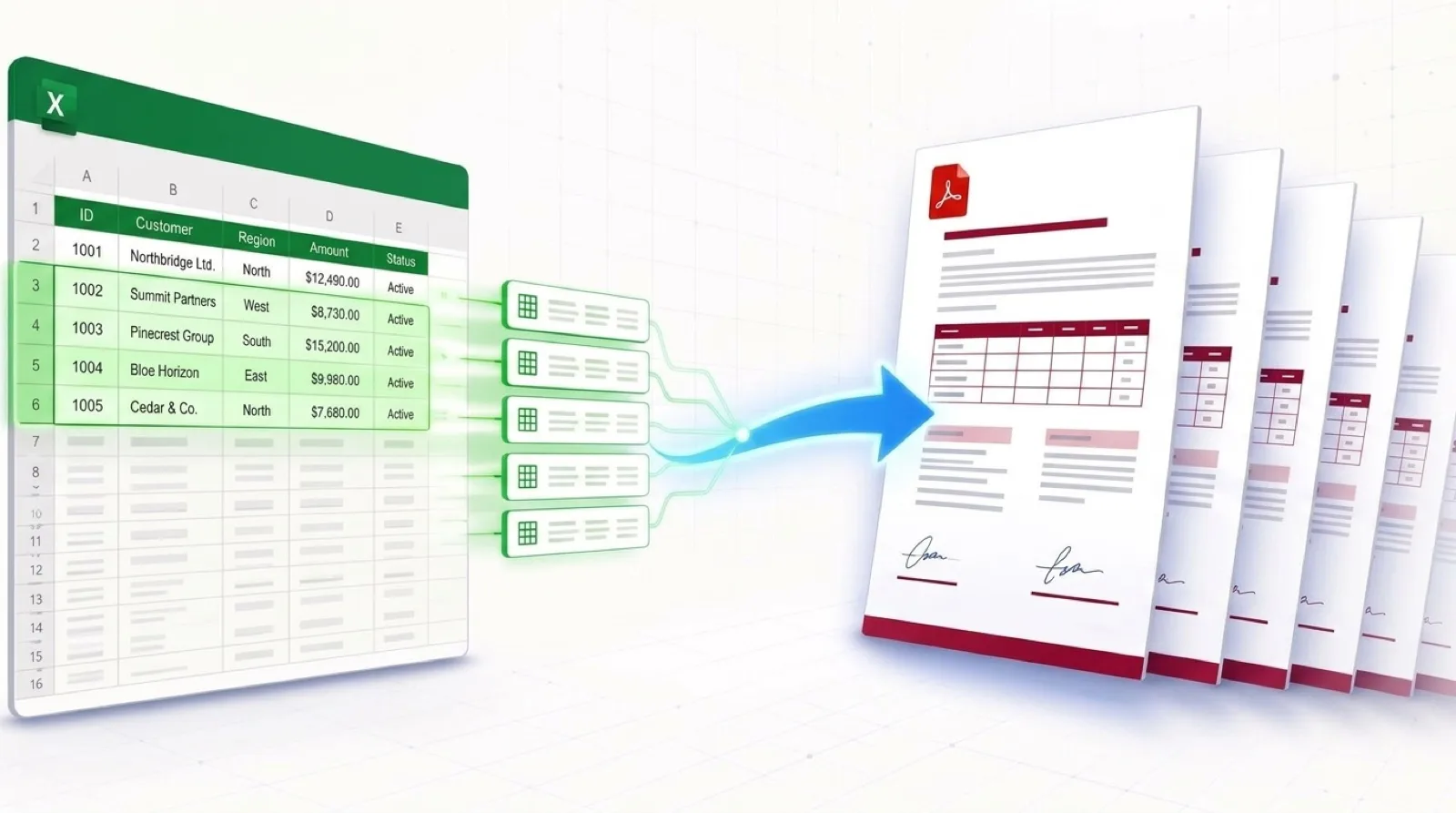
Each row becomes one document. Columns become variables you can reference in your template.
Use {% if ... %} blocks to show/hide content based on your data.
Export as PDF or DOCX instantly—hundreds or thousands of files in one go.
Example 1: Show a discount section only when it exists
Let’s say your sheet has columns like customerName, plan, and discountPercent.
You want a discount note only when a discount is present.
Hi {{ customerName }},

You selected the {{ plan }} plan.

{% if discountPercent %}
Good news — you received a {{ discountPercent }}% discount for this period.
{% else %}
No discounts are applied to your current billing period.
{% endif %}
Result: rows with an empty/zero discountPercent won’t awkwardly display “you received a % discount”.
The document reads naturally either way.
Example 2: Switch contract clauses by customer type
Imagine a customerType column with values like SMB or Enterprise.
You can include different clauses without maintaining separate templates.
{% if customerType == "Enterprise" %}
Service Level Agreement (SLA)
We guarantee 99.9% monthly uptime and provide priority support.
{% else %}
Support
Support is provided during business hours with standard response times.
{% endif %}
Bonus idea: conditional signature block
Useful when a different person signs depending on the region (e.g., region = EU vs US).
{% if region == "EU" %}
Signed by: {{ signerNameEU }}
{% else %}
Signed by: {{ signerNameUS }}
{% endif %}
Best practices (so your templates stay sane)
- Keep conditions close to the text they control. It’s easier to maintain later.
- Use clear column names like
customerType,region,language. - Prefer “one master template” with conditions over multiple template copies.
- Test with a small sheet first (5–10 rows) before generating thousands of docs.
Ready to try conditional templates?
Upload a Word template, connect Excel or Google Sheets data, and instantly generate personalized PDF or Word documents at scale. With IF/ELSE logic, your documents now adapt automatically to each recipient.
Turn hours of copy-pasting into seconds
Conditional logic is one of those “small” features that quietly saves teams a ridiculous amount of time: fewer template versions, fewer manual edits, fewer mistakes—more documents shipped in less time.