New in TryDoku: Predefined Templates You Can Edit & Generate from Excel
If you’ve ever thought, “I just want a solid template to start with,” this one’s for you. TryDoku now includes a growing library of predefined templates that you can edit and then use for automated document generation using your Excel data.
What’s new: Choose a predefined template (HR, legal, finance, ops, and more), customize it to match your wording/branding, upload Excel, and generate your documents—fast.
Why we built predefined templates
Document automation is amazing… once you have a good starting template. But creating a template from scratch can be the slowest part of the process—especially if you’re trying to get a workflow running quickly for a team.
Predefined templates solve that problem:
- Start faster: no blank-page anxiety, no formatting from scratch.
- Stay consistent: keep documents aligned with internal standards.
- Reduce mistakes: fewer copy/paste errors across repetitive docs.
- Scale easily: generate 10, 100, or 1,000 docs from structured Excel data.
How it works (in plain English)
- Pick a predefined template from the gallery (e.g., offer letter, employment contract, invoice).
- Edit it right away to fit your needs—text, formatting, placeholders, sections, and details.
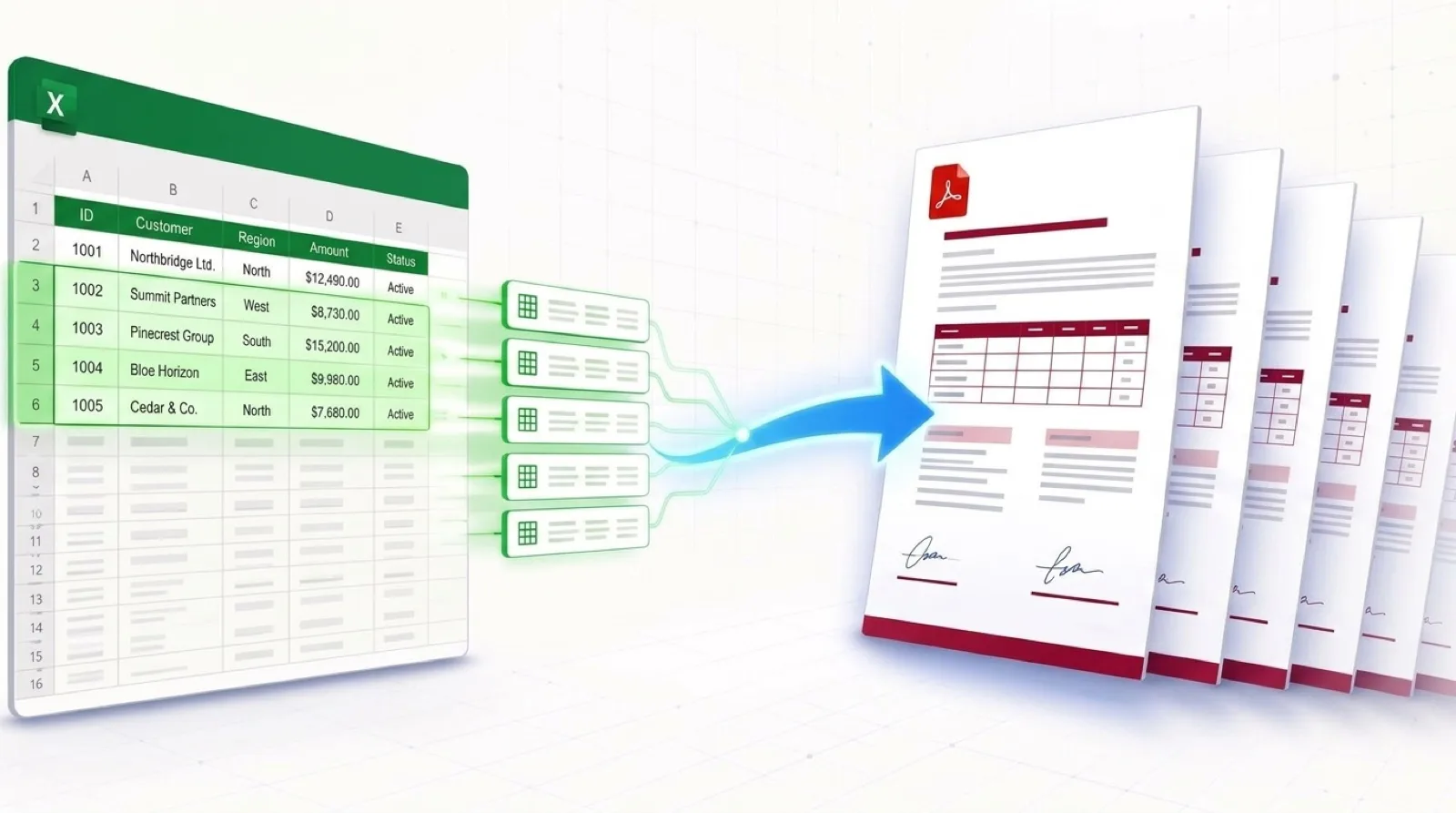
- Upload your Excel file with the data for each document (one row per document).
- Generate your documents automatically.
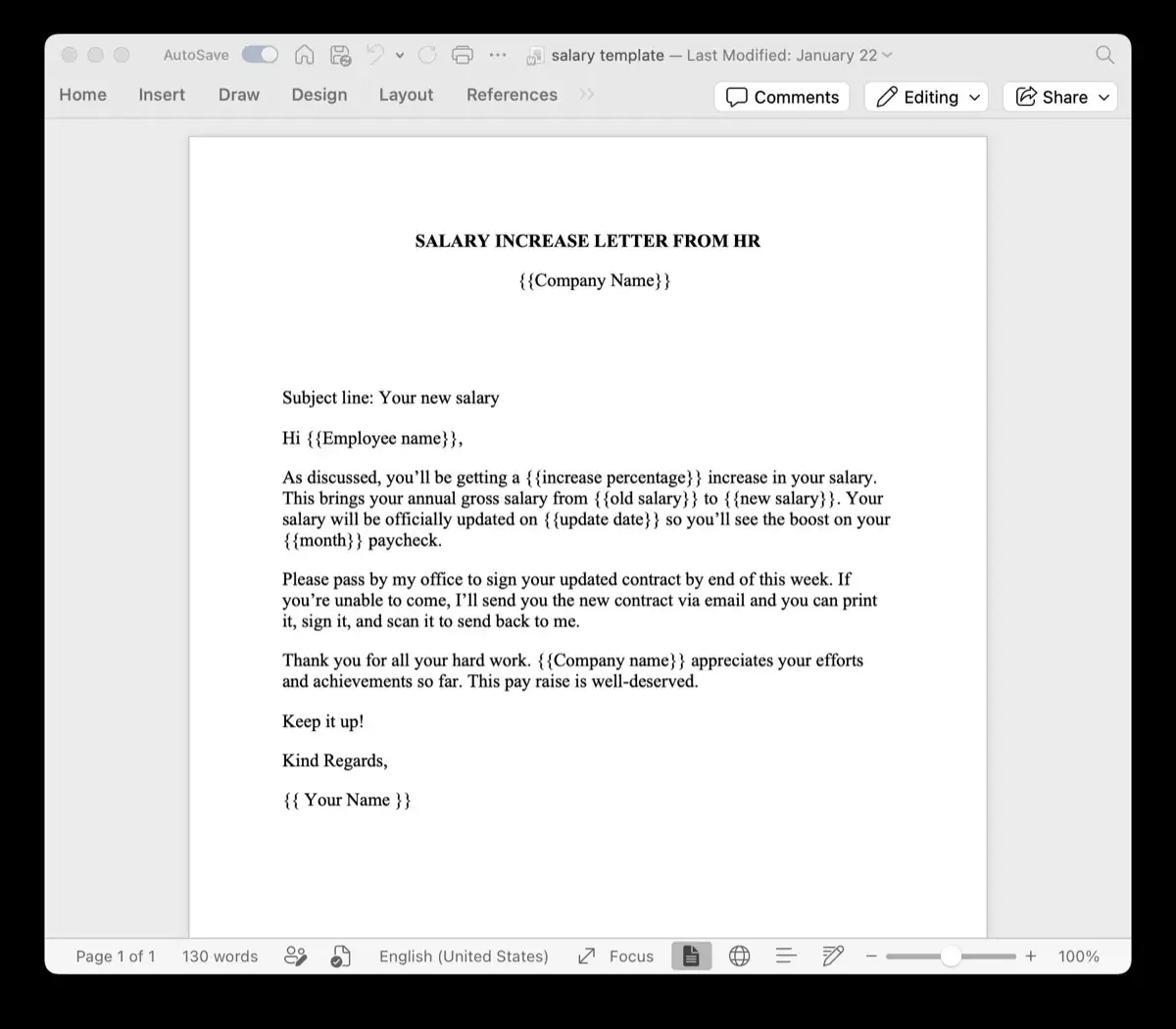
Tip: If you’re already using placeholders like {{name}} in your DOCX, you’re in great shape—TryDoku detects placeholders and maps them to your Excel columns.
What kinds of templates are included?
We’re starting with practical, “daily-use” templates across a few categories—perfect for teams that produce repetitive documents:
- HR: offer letters, onboarding packets, performance reviews, promotion letters
- Legal: basic agreements, notices, standard contracts
- Finance: invoices, payment docs, simple statements
- Operations & IT: checklists, internal forms, process documents
Who this feature helps most
This update is especially useful if you’re:
- an HR team generating offers, contracts, confirmations, or certificates
- a finance team producing invoices or routine customer documents
- an ops team producing standardized forms, reports, or internal docs
- a founder or agency building repeatable document workflows for clients
Examples: from Excel row → finished document
Imagine an Excel sheet with columns like: full_name, start_date, salary, position. Each row becomes one generated document—no manual editing needed.
The big win is that you can keep your data where it already lives (Excel), while your documents stay consistent and brand-ready.
What’s next
We’ll keep expanding the template library and improving the “start from template” experience so you can get to value in minutes—whether you’re generating a handful of documents or running a full-blown pipeline.
Try it now
Open TryDoku, choose a predefined template, customize it, upload your Excel file, and generate.
Open TryDoku →Want a specific template added? Send us a note and tell us what you generate most often.
FAQ
Can I edit the predefined templates?
Yes—predefined templates are meant to be a starting point. Customize the content, formatting, and placeholders to match your workflow.
Do templates work with Excel data inputs?
Yep. Upload your Excel file and map columns to placeholders in the template (or use detected placeholder names if they already match your column headers).
What file type are the templates?
Templates are designed for DOCX-based generation workflows (the same style you’d use for placeholder-driven document automation).