How to Combine Contracts and Appendices Into One PDF Without Uploading
Sending five separate PDF attachments in an email—like a cover letter, signed contract, and supporting appendices—makes things harder for the person on the other end. Our free Merge PDF tool lets you combine multiple PDF files into a single document in seconds.
Everything runs locally inside your browser. Your documents are never uploaded to any external server, so you can safely merge contracts, invoices, and HR records without worrying about third-party file retention.
What the Tool Does
- Combines up to 20 PDF files at once (up to 15 MB per file, 50 MB total, and 500 total pages).
- Lets you reorder files before merging and shows the page count for each PDF.
- Instant download of a single merged PDF—no account, watermark, or email required.
- 100% client-side privacy with zero server uploads.
(Note: Pages are concatenated in list order without compressing files. Colliding form field names, bookmarks, and some annotations may not carry over when merging.)
How to Merge PDF Files in 3 Steps
1. Add your PDF files
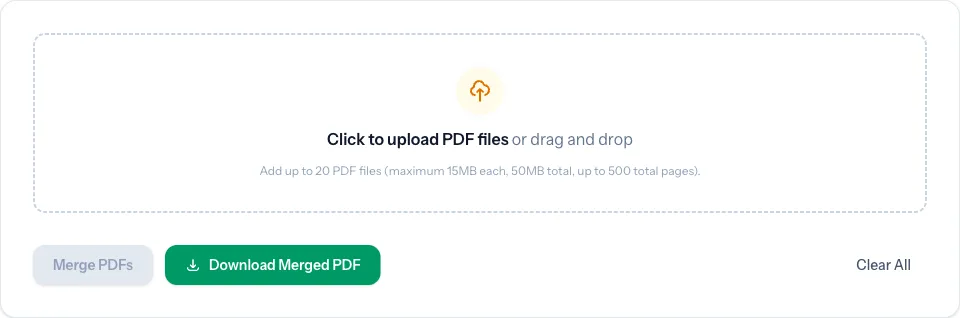
Open the Merge PDF tool and drag and drop your PDFs into the upload area (or click to browse).
2. Check the order and page counts
Once loaded, you will see your selected files along with the total page count. Arrange the files in the exact order you want them to appear in the final PDF.
3. Merge and download
Click Merge PDFs, then click Download Merged PDF to save the combined file to your device.
Common Ways Teams Use It
| Use Case | Files Combined | Result |
|---|---|---|
| Client onboarding packs | Proposal + NDA + Pricing sheet | One clean PDF ready to send |
| Monthly accounting | Multiple vendor invoices | Single archive file for bookkeeping |
| Job applications | Resume + Cover letter + Portfolio | One organized submission |
| Project handoffs | Specs + Signed approval + Appendix | Complete package in the right order |
Related Free Tools on TRYDOKU
If you need to adjust individual pages or prepare documents before merging, explore our other PDF tools:
- Need to pull specific pages out of a PDF instead? Use Split PDF / Extract Pages.
- Want to rotate, reorder, or delete individual pages? Try Rotate / Reorder PDF.
- Need to remove author or company properties before sharing? Clean files with PDF Metadata Viewer & Remover.
- Checking document length before submitting? Use PDF Page Counter.
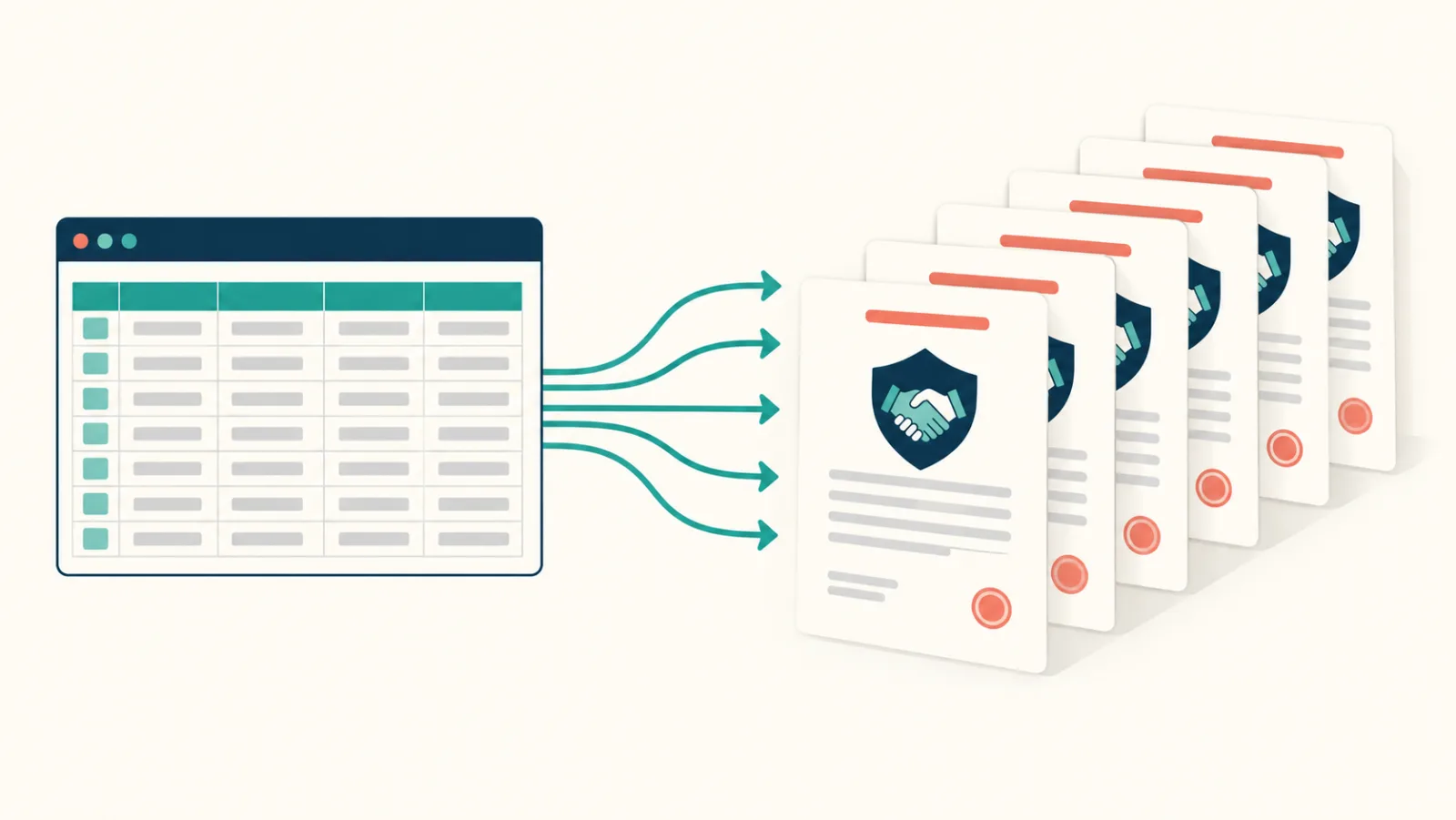
If you regularly build multi-document packs from spreadsheet data, you can also skip manual PDF assembly—create a free TRYDOKU account to generate tailored Word and PDF documents in bulk directly from Excel.