Introducing PDF Conversion for Generated Documents
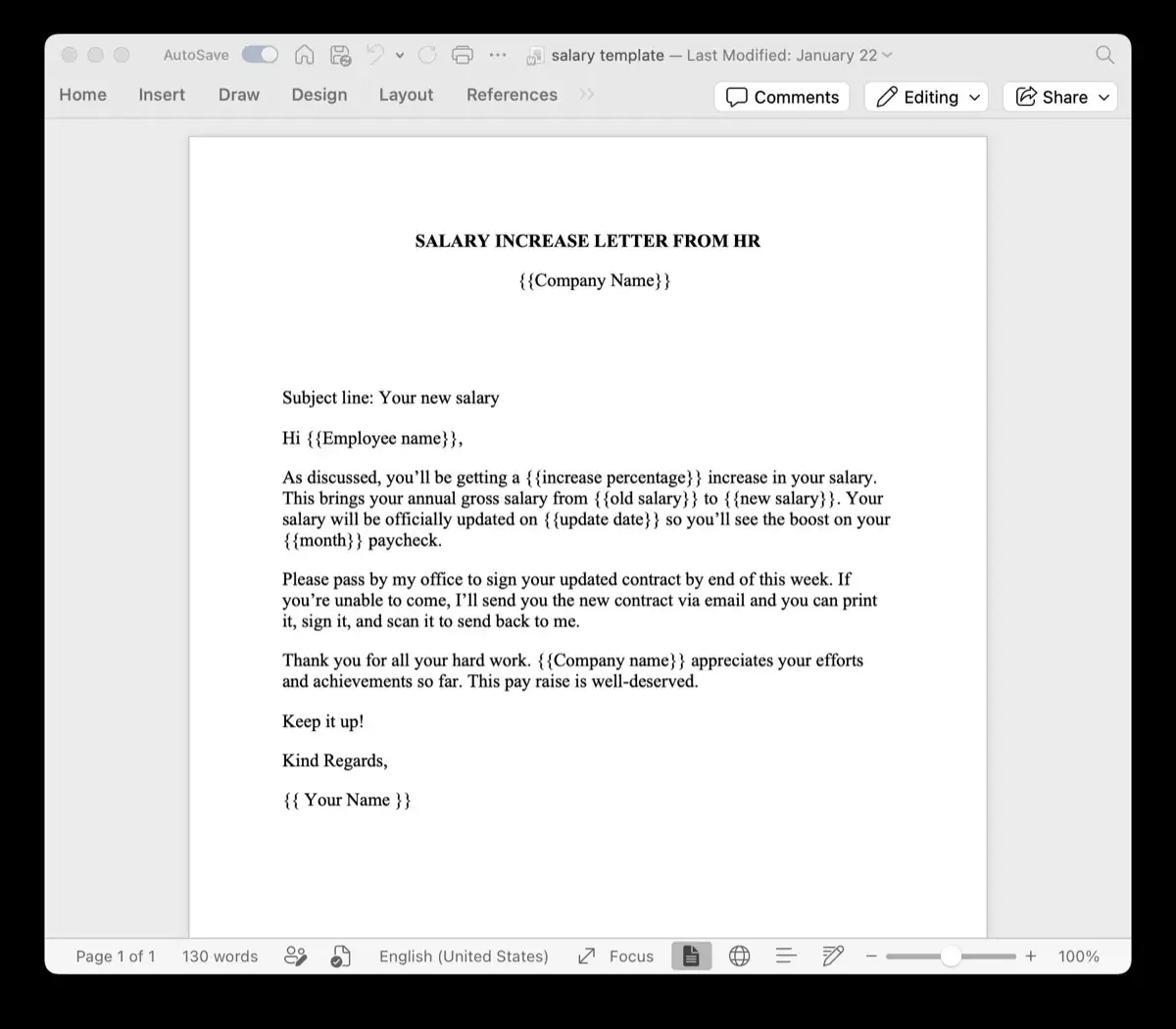
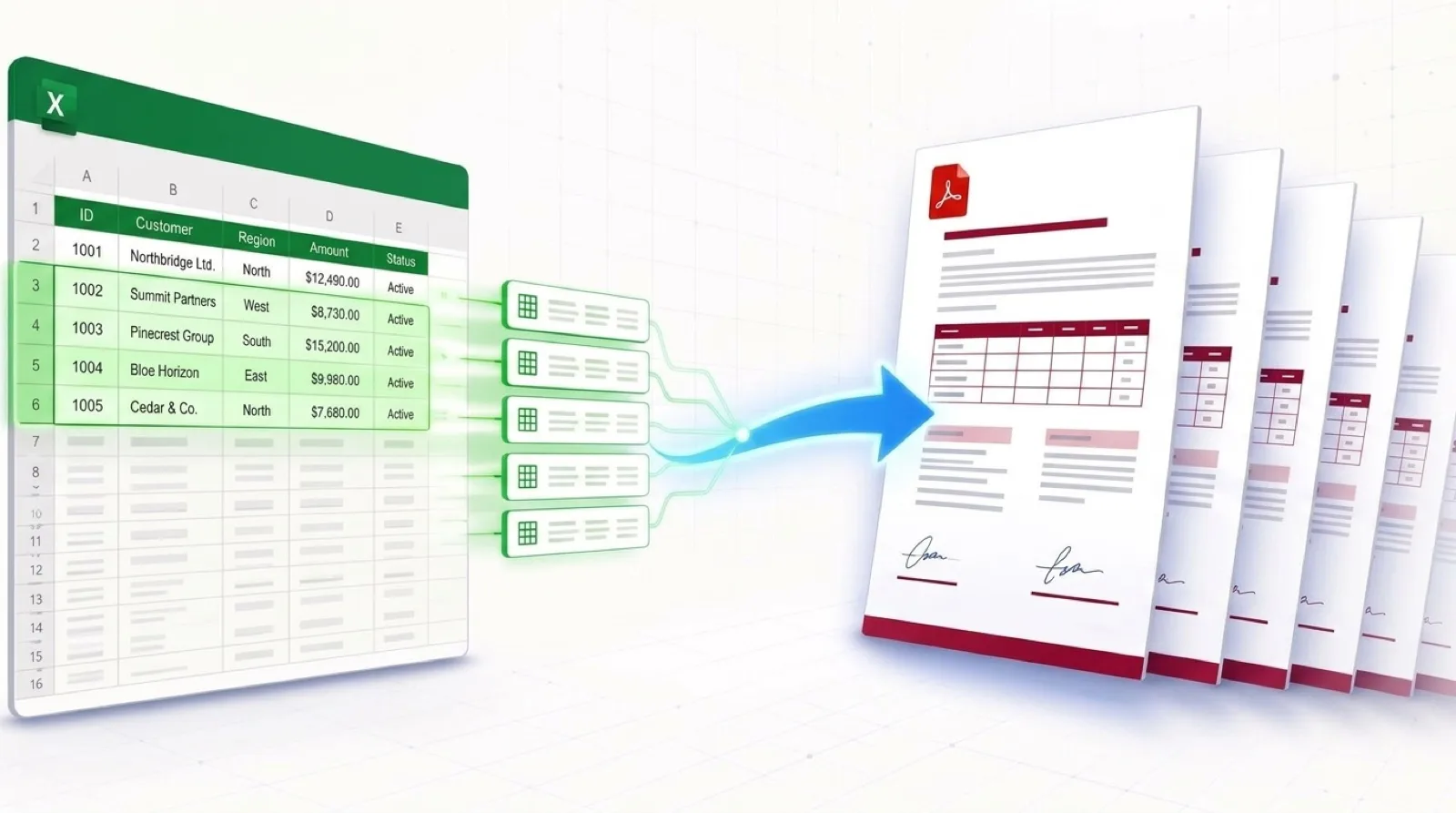
We are excited to announce a major new feature for TryDoku: instant PDF conversion for all your generated documents. Now, every DOCX file you create can be downloaded as a high-fidelity PDF with a single click—no additional tools required.
Why PDF?
While DOCX files are perfect for editing and customization, PDFs are the industry standard for distribution, printing, and archiving. They preserve your document's exact layout across all devices and platforms, ensuring your contracts, invoices, and reports always look professional.
With PDF conversion, you can now:
- Share with confidence: Send documents that recipients can view without Microsoft Word or compatibility issues.
- Preserve formatting: Lock in your layout, fonts, and styling exactly as designed.
- Print ready: Generate print-ready files for physical distribution.
- Archive safely: Store long-term records in a format that won't change over time.
Using the Feature
After generating your documents in the TryDoku composer, you'll see two download buttons for each completed file in the success modal:
- DOCX button: Download the original Word document for editing.
- PDF button: Download the high-fidelity PDF version for distribution.
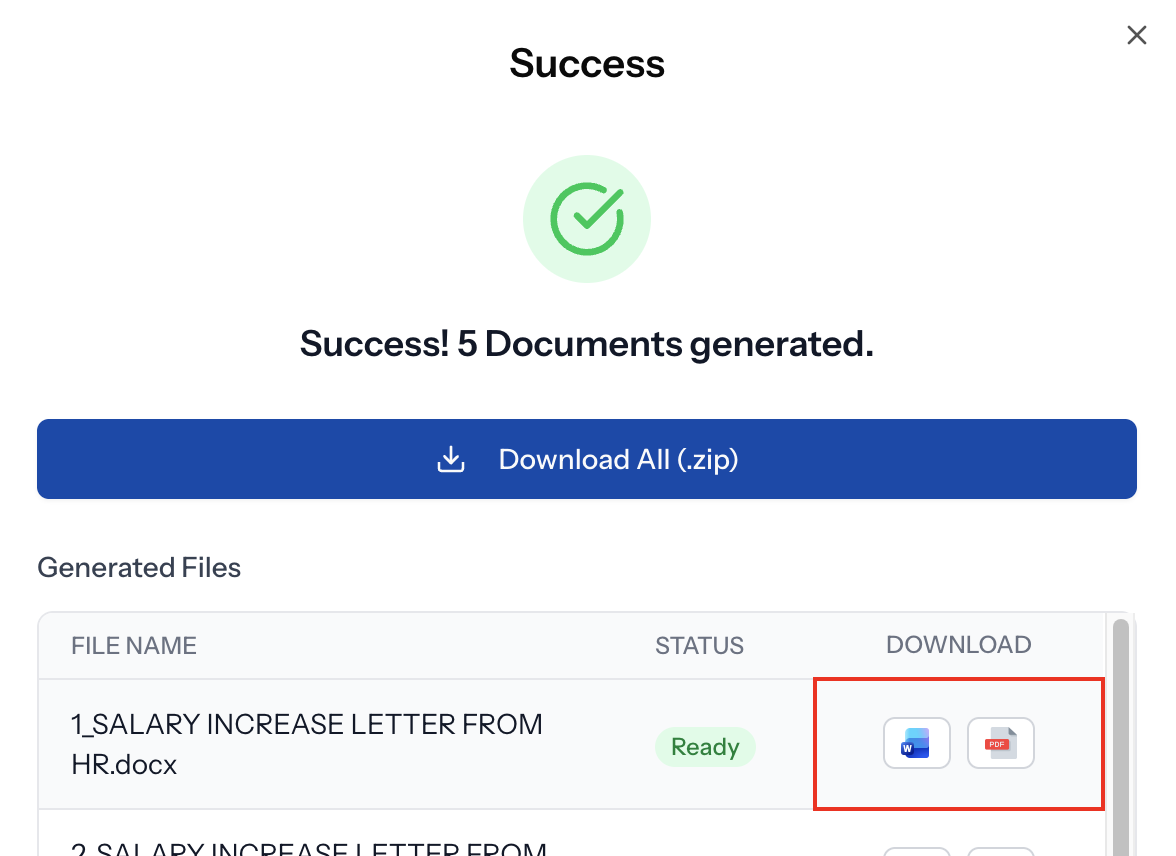
You can also download all files as a zip archive.
Getting Started
This feature is available immediately for all users. Generate your documents as usual, and the PDF download option will appear automatically in the success modal.
For API users, check our documentation.
Happy generating!