How to Check and Clean DOCX Metadata Before Sharing Documents Online
Whenever you create, edit, or save a Microsoft Word document (.docx), Word records extensive hidden technical and personal information inside the file. This metadata includes the author's real name, company email, internal workstation username, local network file paths, total editing duration, software build numbers, and in some cases, residual fragments of deleted text from previous revisions.
When distributing business proposals, legal contracts, executive memos, or regulatory filings, sharing DOCX files without cleaning them creates serious privacy, legal, and operational security risks.
This guide explains what metadata Word documents contain, how to inspect it, and how to remove it safely with TRYDOKU's free, 100% client-side privacy tools.
What Hidden Metadata Exists Inside a DOCX File?
A Microsoft Word document is a compressed ZIP archive containing XML files arranged according to Open Packaging Conventions (OPC). Some of these files (such as core.xml, app.xml, and custom.xml) store extensive metadata:
- Author and Editor Identities: The full name and initials of the original creator and the person who last modified the document.
- Editing History & Timestamps: Exact creation timestamps, last saved dates, print dates, and cumulative editing minutes.
- Internal Workstation & Server Paths: File paths disclosing internal corporate drive letters, Active Directory domain names, and user folder names.
- Template & Application Metadata: The specific build of Word used, operating system details, and linked master template paths.
- Tracked Changes & Comments: Hidden markup, internal reviewer notes, and deleted paragraphs that users assumed were erased.
Real-World Risks of Metadata Leaks
- Competitor Intelligence: A sales proposal sent to a prospective client might reveal that an earlier draft was prepared for a direct competitor, exposing internal pricing strategies.
- Legal & Negotiation Compromise: Contract redlines or internal counsel notes left in a draft can inadvertently reveal a client's lowest acceptable settlement figure.
- Cybersecurity Reconnaissance: Threat actors inspect document metadata in spear-phishing campaigns to discover internal employee usernames, software versions, and server naming conventions.
For an overview of our enterprise infrastructure and privacy safeguards, visit our Security Overview.
How to Inspect and Remove Metadata Safely
Many users rely on Word's built-in "Inspect Document" tool, but desktop inspection often misses deeply embedded custom XML properties or requires repeated manual steps for each file.
1. Inspect Metadata Instantly in Your Browser with TRYDOKU
TRYDOKU provides a free, dedicated DOCX metadata viewer and remover that runs 100% in your web browser using client-side JavaScript and WebAssembly:
- Zero Server Uploads: Your document is never transmitted across the internet. It is parsed locally on your device, ensuring total privacy for sensitive legal and financial documents.
- Deep Property Inspection: Instantly reveals standard core properties, extended application metadata, and custom organizational tags.
- One-Click Sanitization: Strips all author names, company affiliations, timestamps, and editing metrics, producing a fully cleaned
.docxfile in seconds.
If you are dealing with PDF files instead of Word documents, you can sanitize them with our companion PDF metadata inspector and remover.
2. Manual Desktop Removal in Word (Windows)
If you are working on a Windows PC without browser access:
- Open the document in Microsoft Word.
- Click File > Info.
- Under Check for Issues, click Inspect Document.
- Check Document Properties and Personal Information, then click Inspect.
- Click Remove All next to any detected metadata categories.
- Save the document under a new filename.
Note: Microsoft Word for macOS has limited inspection features and often leaves extended XML tags behind. This makes tools that run locally in your browser the safer option on a Mac.
Best Practices for Document Sanitization
- Sanitize Before Final PDF Conversion: Always strip Word metadata before exporting to PDF. PDF converters frequently copy Word core properties directly into the resulting PDF's XMP metadata stream.
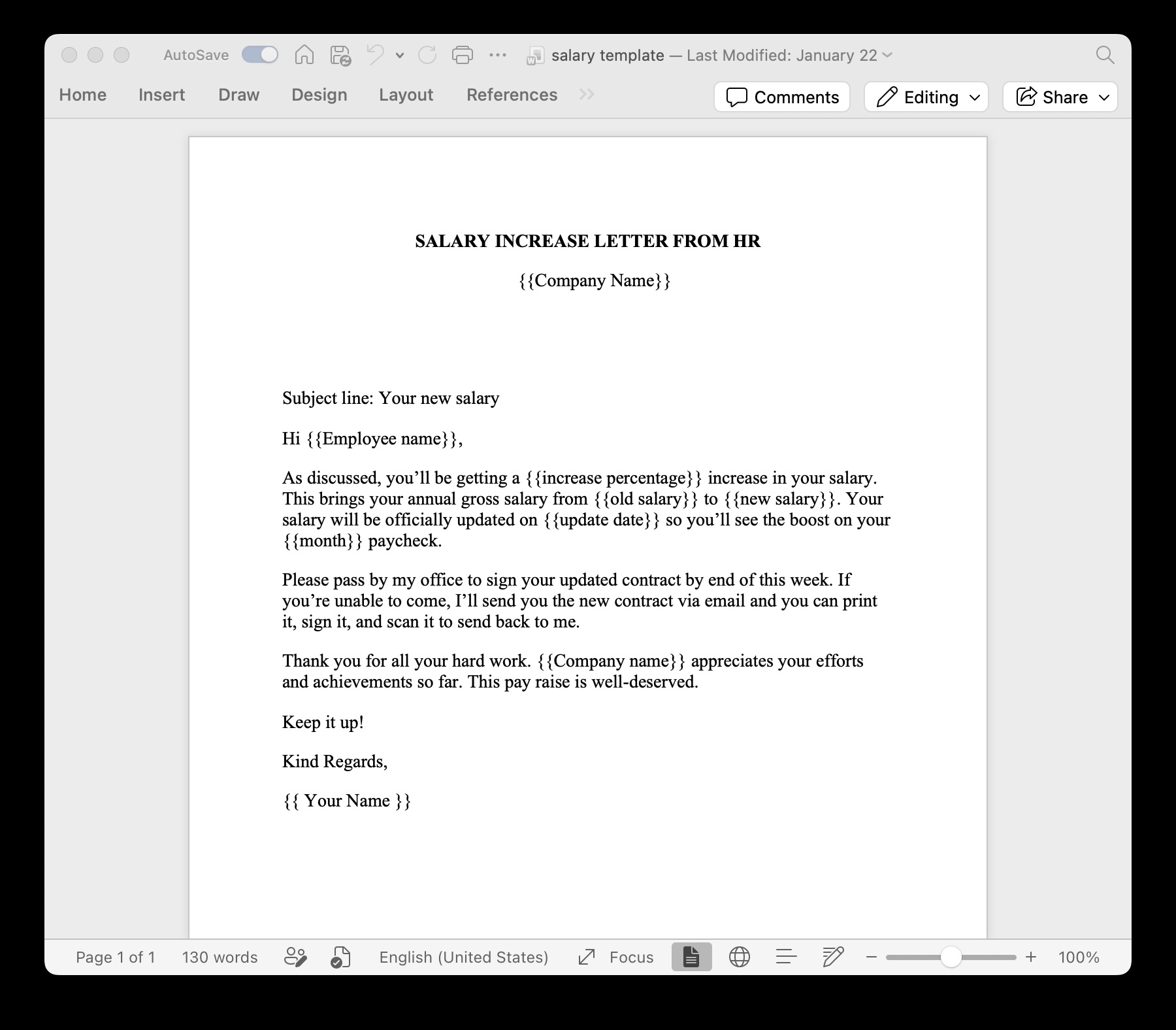
- Clean Master Templates: Ensure the master
.docxtemplates your team uses for document automation have had all previous employee names and legacy timestamps removed. - Automate Document Generation: TRYDOKU's cloud engine generates documents programmatically from clean templates and database values, preventing revision history from accumulating.
Frequently Asked Questions
Does removing metadata change the visible text or formatting of my document?
No. Sanitizing metadata only removes hidden administrative and author tags inside the document's XML package. Your fonts, margins, tables, and images remain unchanged.
Is TRYDOKU's online metadata tool safe for confidential legal contracts?
Yes. Unlike traditional online converters that upload your files to remote servers, TRYDOKU's metadata tool runs entirely within your browser's local sandbox. No document bytes leave your computer.
Can metadata be recovered once it is stripped?
No. Once metadata tags are removed from the document XML and the file is saved, the historical author records and editing metrics are permanently erased.