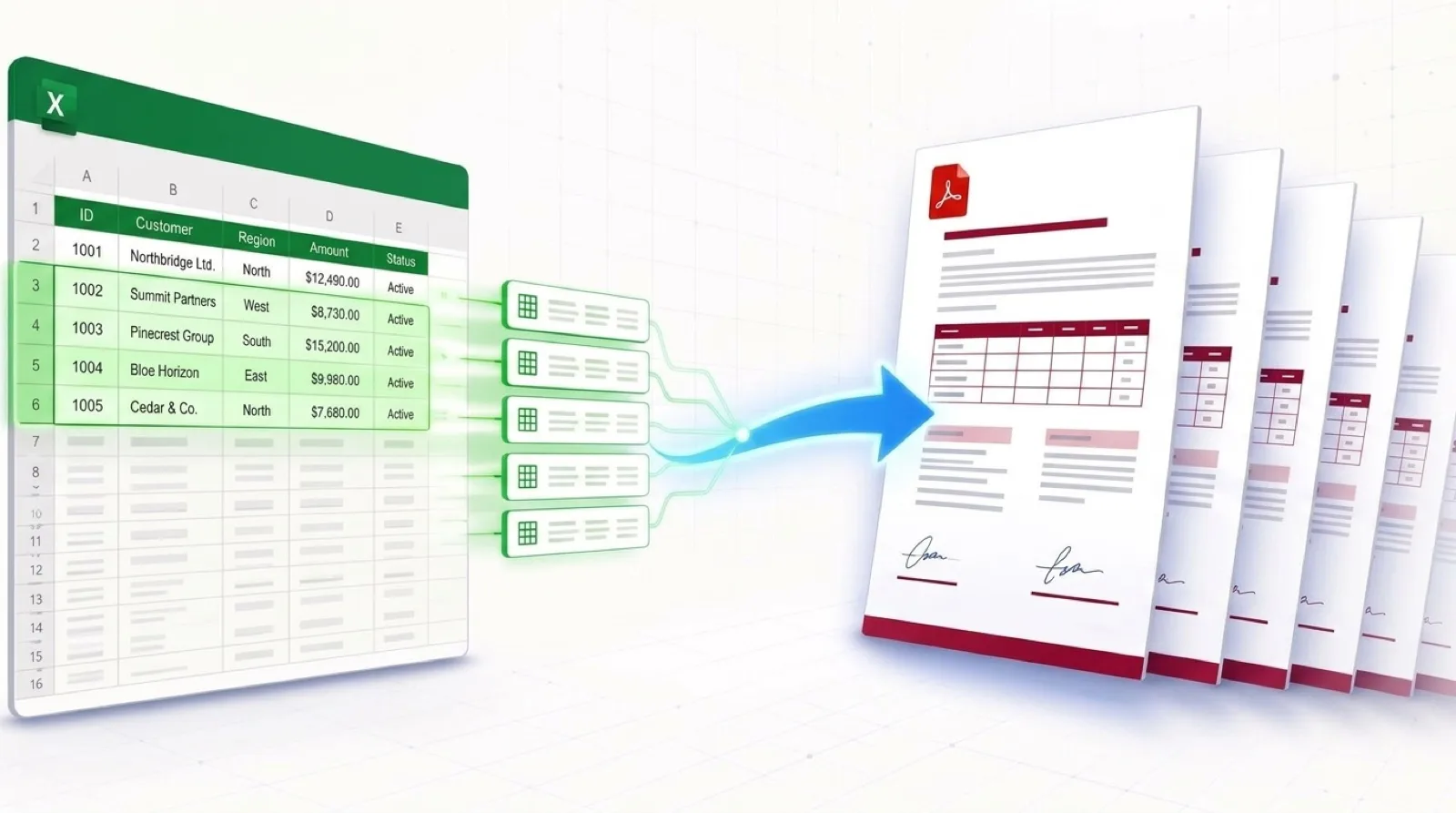
The 7 Most Common Types of Document Busywork (And How to Automate Them in 2 Minutes)
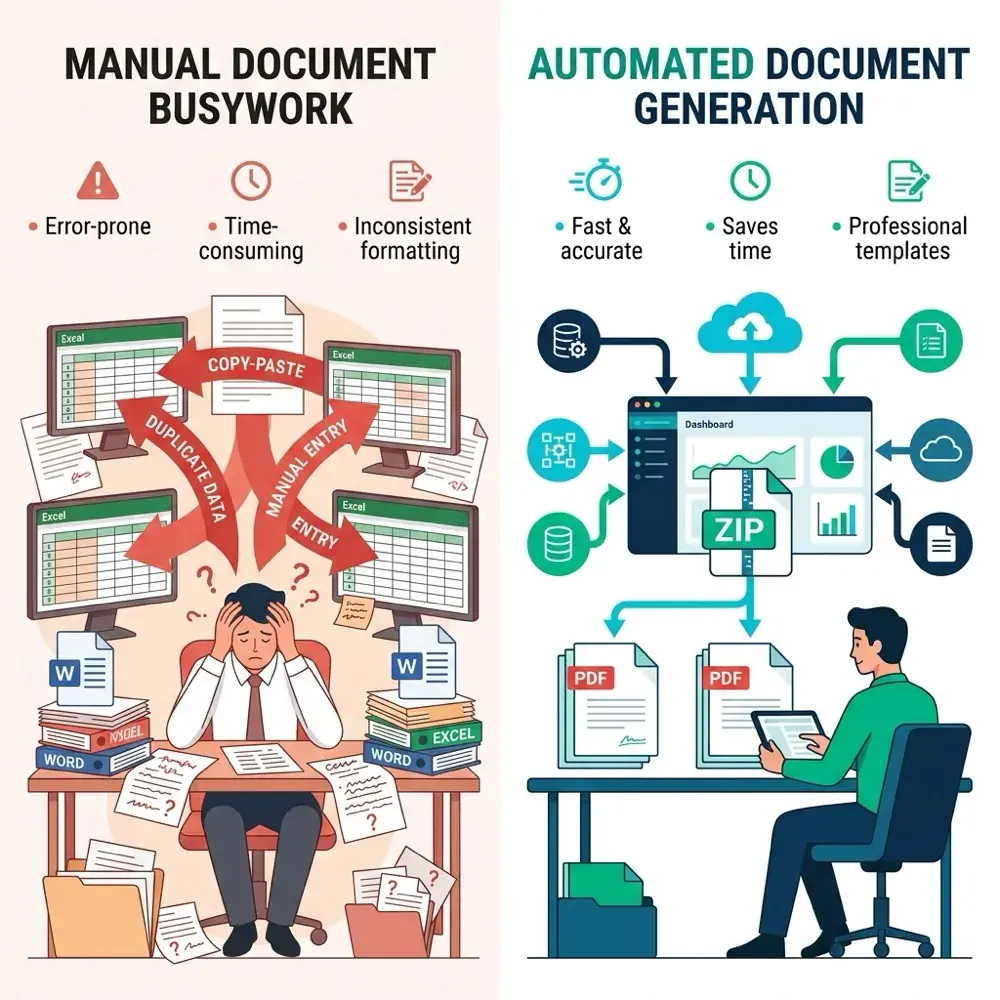
If you find yourself copying data from spreadsheets into Microsoft Word documents row by row, you are suffering from document busywork. Whether you're assembling invoices, drafting NDAs, or generating shipping manifests, manual copy-pasting is slow, tedious, and prone to human error.
In this comprehensive guide, we analyze the 7 most frequent types of document busywork across legal, HR, finance, and logistics operations—and demonstrate step-by-step how to convert repetitive copy-pasting into automated Word and PDF generation in 2 minutes.
What is Document Busywork?
Document busywork refers to low-value, repetitive administrative tasks where an employee manually extracts records from a database or spreadsheet (Excel, CSV, Google Sheets) and pastes them into standard Microsoft Word templates (.docx).
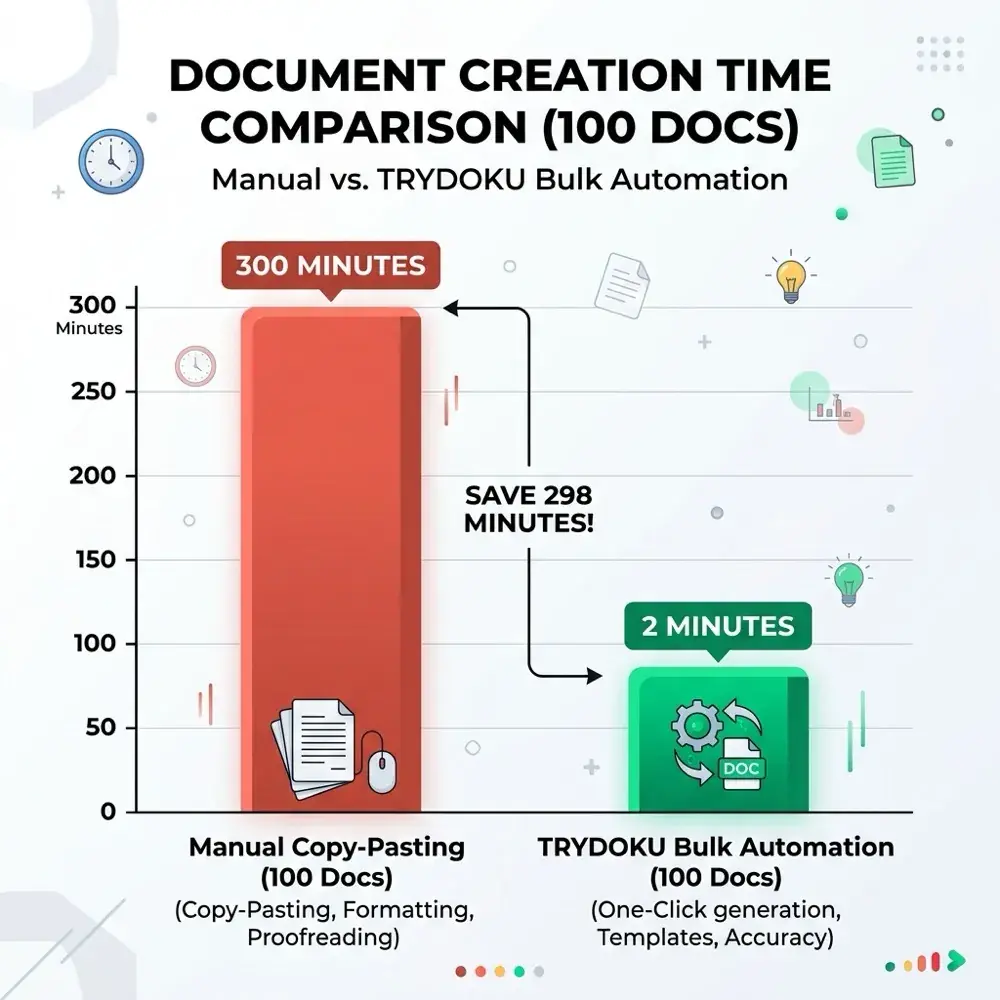
On average, copying and pasting data, formatting tables, checking alignment, and saving individual files takes 3 minutes per document. For a batch of 100 documents, that represents 5 hours (300 minutes) of mind-numbing labor.
The 7 Most Common Types of Document Busywork
1. Invoices & Billing Ledgers
Finance teams frequently export monthly client billing lists from accounting software into Excel, then manually copy client names, rates, tax IDs, and line items into individual invoice templates. Automating invoice generation turns a full day's copy-pasting into a single spreadsheet upload.
2. NDAs & Employment Offer Letters
HR and legal teams draft Non-Disclosure Agreements (NDAs) and candidate offer letters by swapping names, job titles, start dates, and compensation numbers into Word templates. A single typo in a legal document creates compliance risk that automated variables completely eliminate.
3. Delivery Notes & Shipping Manifests
Logistics coordinators paste order quantities, customer addresses, and tracking numbers from warehouse spreadsheets into Word delivery note forms. With template automation, 500+ delivery notes are generated as a ready-to-print PDF ZIP archive in under 30 seconds.
4. Completion & Compliance Certificates
Training organizations and compliance officers manually type attendee names, completion dates, and certificate IDs into Word certificate layouts. Automating certificate generation ensures uniform styling across thousands of issued documents.
5. IT Incident & Status Reports
DevOps and IT leads aggregate metric logs into weekly operational status briefs. Replacing manual text entry with variable placeholders enables instant report compilation directly from JSON or CSV exports.
6. Client Onboarding Questionnaires
Account managers format new client intake responses into formal onboarding packets. Automating questionnaire assembly ensures every new customer receives an instant, professional welcome package.
7. Monthly Sales & Executive Performance Summaries
Sales managers compile regional rep metrics into executive performance summaries. Automating dynamic table loops allows multi-item sales lists to render automatically regardless of length.
How to Eliminate Document Busywork in 3 Steps
1. Design Word Template
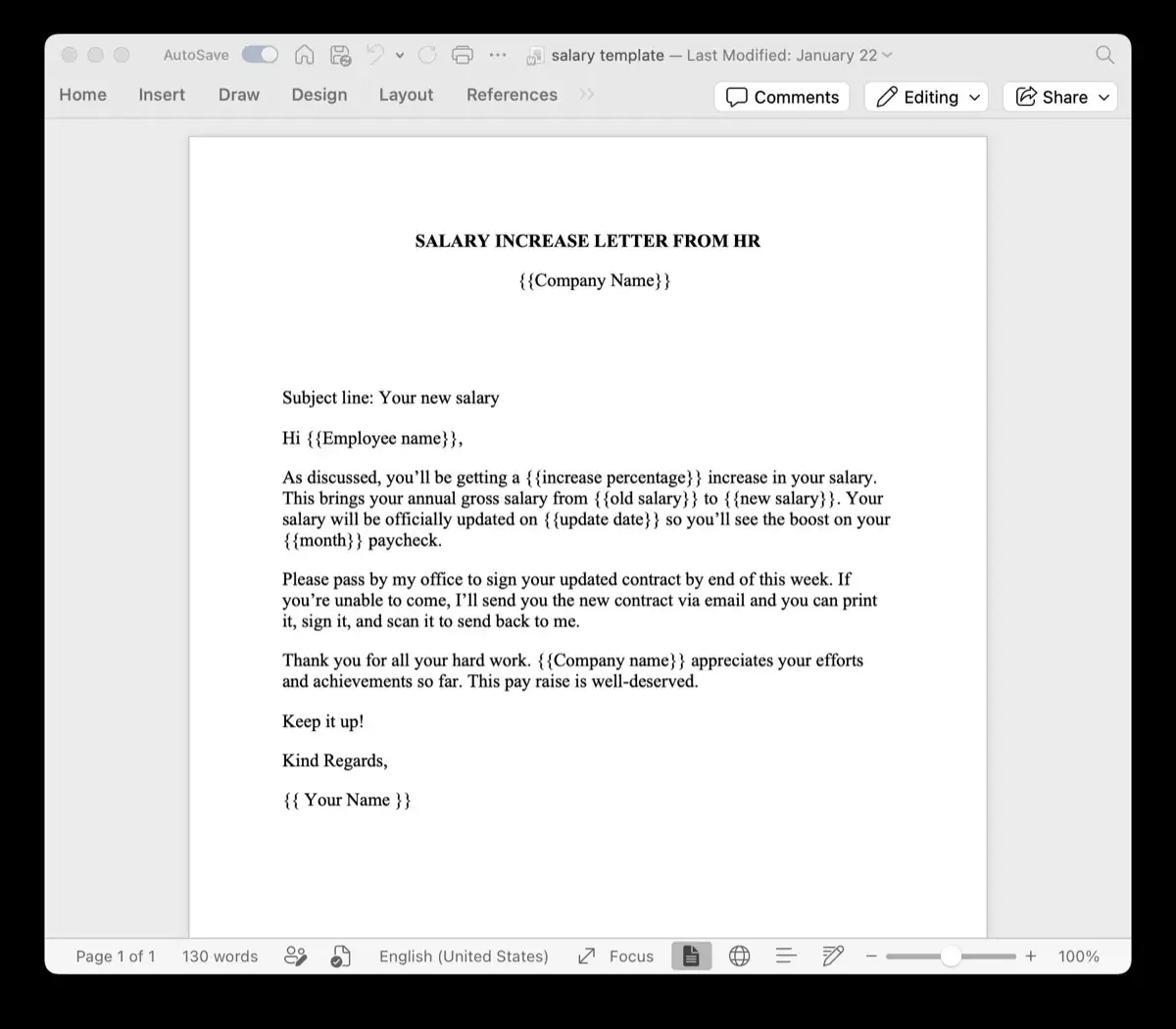
Type {{placeholders}} inside Microsoft Word where dynamic data belongs.
2. Upload Spreadsheet
Upload your Excel sheet (.xlsx) or CSV. Columns map to placeholders automatically.
3. Download Batch ZIP
Click Generate. Download hundreds of formatted Word or PDF files instantly.