How to Generate Employee Offer Letters from Excel Data: HR Document Automation
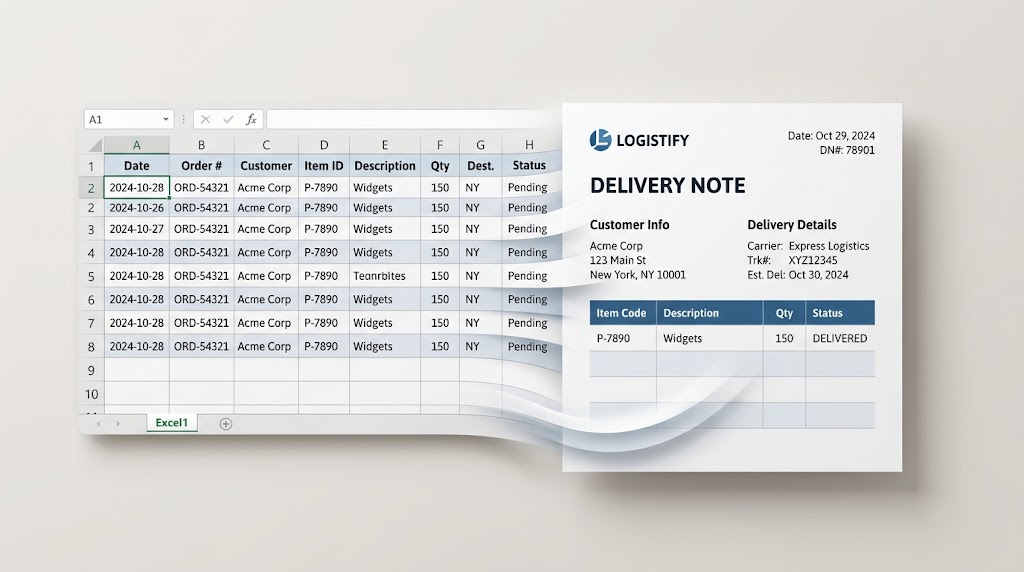
Hiring dozens of seasonal workers, interns, or full-time specialists at once creates a lot of paperwork. HR teams can spend hours copying candidate names, compensation details, start dates, and bonus terms from hiring spreadsheets into Word offer letters.
If your HR team needs to generate offer letters from Excel automatically, this guide shows how TRYDOKU removes manual data entry, prevents compensation typos, and speeds up hiring and onboarding.
The Risks of Preparing Offer Letters by Hand
Offer letters contain sensitive information. Errors can create legal liability, delay a candidate's acceptance, and damage your reputation as an employer:
- Compensation & Equity Typos: A misplaced decimal point or transposed number in a salary or equity grant can lead to disputes before an employee's first day.
- Slow Offer Turnaround: Top candidates frequently receive multiple competing offers. If your HR team takes 48 hours to draft, review, and format an offer letter manually, you risk losing candidates to faster competitors.
- Hidden Metadata Leaks: Reusing a previous candidate's offer letter often leaves author metadata, comments from tracked changes, or internal compensation notes in the Word file.
Automation creates each offer letter from an approved, legally reviewed template and fills in the figures from your recruitment spreadsheet.
Comparing HR Workflows
| Metric | Manual Copy-Paste | Desktop Word Mail Merge | TRYDOKU HR Automation |
|---|---|---|---|
| Turnaround Time | 10–15 mins per candidate | 5–10 mins setup | 100 offer letters in < 10 seconds |
| Output Format | Single PDF per export | Single combined PDF file | Organized ZIP of individual PDFs/DOCX |
| Data Privacy (GDPR) | Kept on local computers | Kept on local computers | GDPR compliant EU hosting (24–72h purge) |
| Candidate Experience | Inconsistent manual styling | Basic Word layouts | Consistent typography, brand logos & seals |
| E-Sign Compatibility | Manual upload to DocuSign | Single file splitting required | Instant vector PDFs ready for e-signing |
How to Generate Offer Letters from Excel (4 Steps)
Step 1: Prepare Your Candidate Spreadsheet
Organize your hiring data in Microsoft Excel (.xlsx) or CSV with clear column headers in Row 1:
Candidate_Name(e.g., "Sarah Lindqvist")Job_Title(e.g., "Senior Product Designer")Department(e.g., "User Experience")Start_Date(e.g., "October 1, 2026")Annual_Salary(e.g., "$125,000")Manager_Name(e.g., "Henrik Bergmann")Offer_Expiry_Date(e.g., "September 25, 2026")
Step 2: Build Your Offer Letter Template in Word
Create your offer letter in Microsoft Word. Include your company logo, letterhead, benefits summary, and signature block.
Add placeholders inside double curly brackets wherever candidate details should appear:
CONFIDENTIAL EMPLOYMENT OFFER

Dear {{Candidate_Name}},

On behalf of {{Company_Name}}, I am delighted to offer you the position of {{Job_Title}}
within our {{Department}} team, reporting directly to {{Manager_Name}}.

Your starting annual base salary will be {{Annual_Salary}}, paid semi-monthly.
Your anticipated first day of employment will be {{Start_Date}}.

This offer is valid until {{Offer_Expiry_Date}}.
Before distributing templates, inspect hidden metadata and author properties using our free client-side DOCX metadata tool. To ensure your placeholders are properly formatted, inspect your document with our free Word template variable parser, or explore our ready-made HR document templates.
Step 3: Upload and Match in TRYDOKU
- Upload your offer letter
.docxtemplate to TRYDOKU. - Upload your Excel spreadsheet.
- TRYDOKU auto-matches column headers to template placeholders. Review the mapping table to check that every field is matched.
Step 4: Batch Export Print-Ready PDFs
Select PDF as your output format and click Generate.
In seconds, TRYDOKU creates a separate PDF offer letter for each candidate row and collects the files in a ZIP archive. Each file uses a name from your spreadsheet data (such as Offer_Letter_{{Candidate_Name}}_{{Start_Date}}.pdf), ready to be uploaded to DocuSign, Adobe Sign, or attached to a welcome email.
Frequently Asked Questions
Can I include conditional clauses for benefits or equity?
Yes. TRYDOKU features conditional blocks ({? condition }} ... {/ condition }}) that automatically include bonus or equity clauses only when specified in your spreadsheet.
Can our legal team review and redline the generated files?
Yes. TRYDOKU allows you to generate editable .docx files alongside PDFs, so your legal or HR team can make changes where needed.
How does TRYDOKU protect sensitive candidate salary data?
TRYDOKU is hosted in Frankfurt, Germany (EU). All data imports and generated offer letters are encrypted and permanently deleted from transient storage within 24 to 72 hours in line with GDPR requirements.