How to Inspect and Extract AcroForm PDF Form Fields in Your Browser
When automating fillable PDF workflows—such as government tax forms, banking applications, insurance claims, or regulatory compliance filings—developers and operations specialists repeatedly face a frustrating question: what are the exact internal field names in the PDF?
In an interactive PDF (standardized under the ISO 32000 specification as AcroForms or Adobe XML Forms Architecture / XFA), visual labels (like "First Name" or "Tax ID") often differ completely from the underlying field keys (such as topmostSubform[0].Page1[0].f1_04[0]). If an automated script attempts to fill an incorrect key, the form field remains blank.
This guide shows you how to inspect and extract AcroForm PDF form fields instantly with TRYDOKU's free, 100% client-side privacy tool—no Adobe Acrobat Pro license or server uploads required.
Why Inspecting PDF Form Fields Is Essential for Automation
When building backend services or automated document pipelines that populate fillable PDF forms, you need the exact field properties for three reasons:
- Exact Key Matching: Programmatic PDF fillers (such as
pdftk,pdf-lib, or Pythonpypdf) require the exact case-sensitive internal field identifier. - Export Value Verification: Radio buttons and checkboxes rarely use standard "true" or "false" booleans. They often require specific internal export values (such as
"Yes","1","Choice_A", or"Off"). Passing the wrong value leaves the checkbox unchecked. - Read-Only & Calculation Flags: Some fields have hidden calculation formulas or read-only flags set by their designers that prevent external tools from filling them.
Traditional Methods vs. TRYDOKU Browser Inspector
| Inspection Method | Software Required | File Privacy | Export Value Visibility | Cost |
|---|---|---|---|---|
| Adobe Acrobat Pro | Heavy desktop software | Local file | Buried in nested property tabs | $20–$30/mo subscription |
CLI Tools (pdftk dump_data_fields) |
Terminal installation | Local file | Raw unformatted text output | Free (Technical setup) |
| Traditional Online PDF Editors | Web browser | ⚠️ Files uploaded to remote server | Inconsistent | Subscription / Ads |
| TRYDOKU PDF Form Field Inspector | Web browser | ✅ 100% Client-side (Zero upload) | Instant JSON & Table View | Free |
How to Inspect AcroForm PDF Fields in 3 Seconds
TRYDOKU provides a dedicated, free PDF Form Fields Inspector that runs entirely in your web browser using WebAssembly and PDF.js:
Step 1: Open the Tool
Navigate to the PDF Form Fields Tool in any modern browser (Chrome, Safari, Firefox, Edge).
Step 2: Drag and Drop Your Fillable PDF
Drop your interactive PDF form into the inspector window.
Because the parsing engine runs locally within your browser sandbox:
- No files are ever uploaded to any server.
- Your sensitive financial, medical, or government forms remain strictly on your machine.
- Large documents parse in milliseconds without network transfer delays.
Step 3: Inspect Field Names, Types, and Export Values
The tool immediately displays an interactive table with:
- Field Name / Key: The exact programmatic identifier for your code or automation script.
- Field Type: Text box, Checkbox, Radio button group, Dropdown, or Signature field.
- Current Value & Default Value: The data currently stored in the form.
- Allowed Options & Export Values: The exact strings required for checkboxes and radio buttons.
- Flags: Shows whether fields are marked as Read-Only, Required, or Multiline.
You can export the entire schema as JSON with one click, then paste field keys into your backend code or API payloads.
To remove general document metadata, such as author names, creation dates, and software versions, use our companion PDF metadata inspector and remover.
Connecting Form Field Data to Document APIs
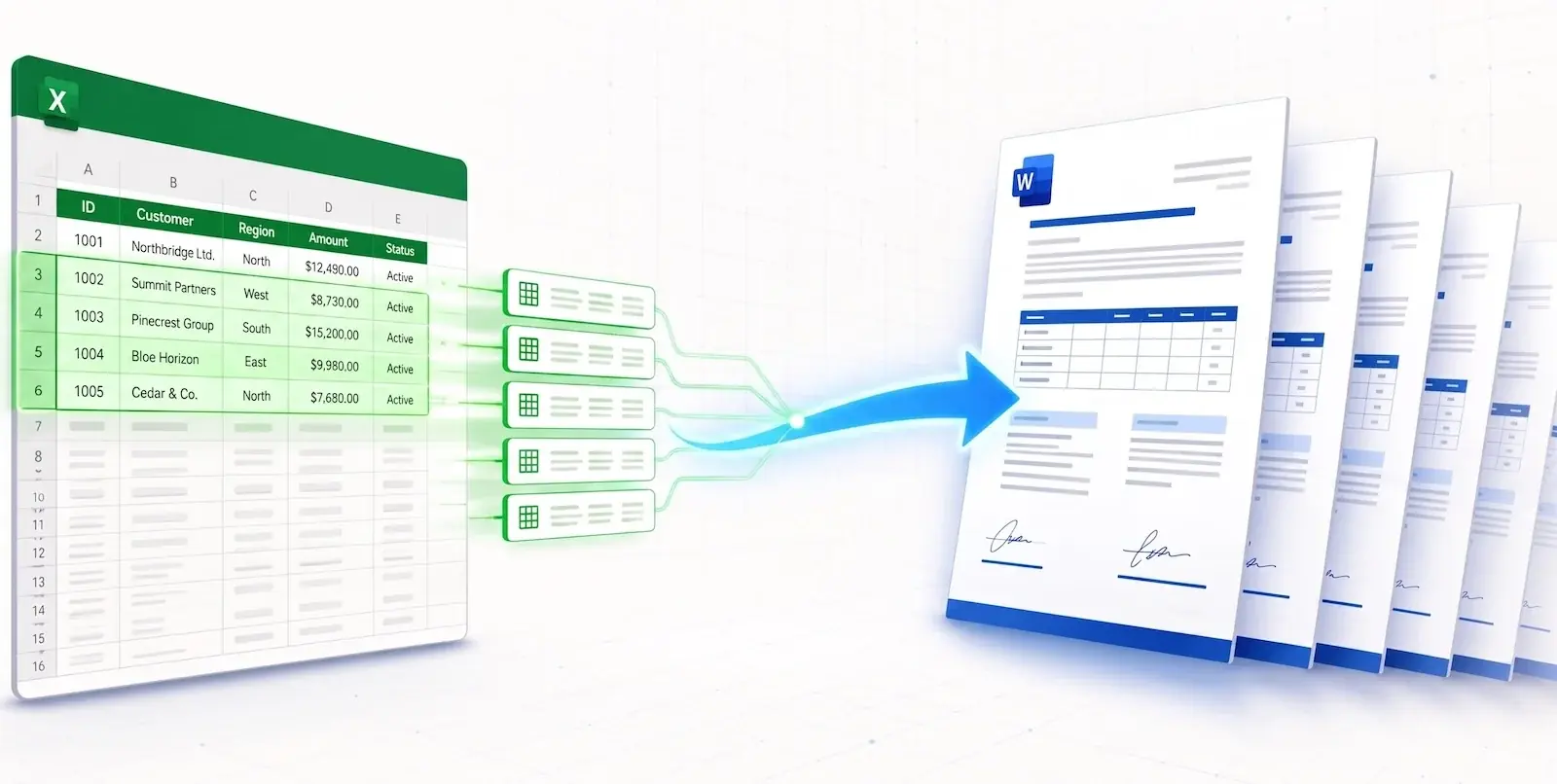
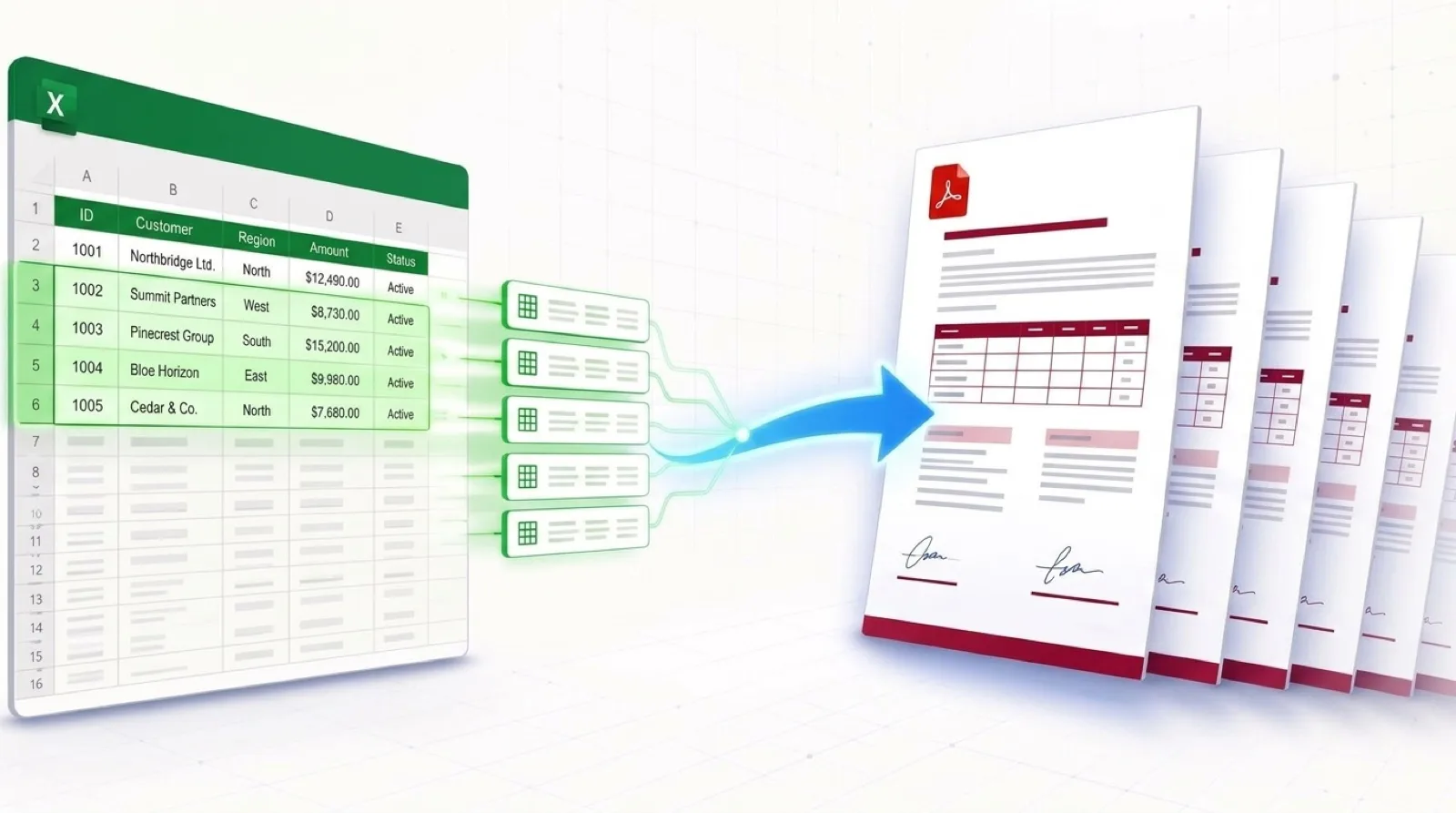
Once you know the form's field structure, you can fill it through code using client-side libraries or switch to generating documents from templates.
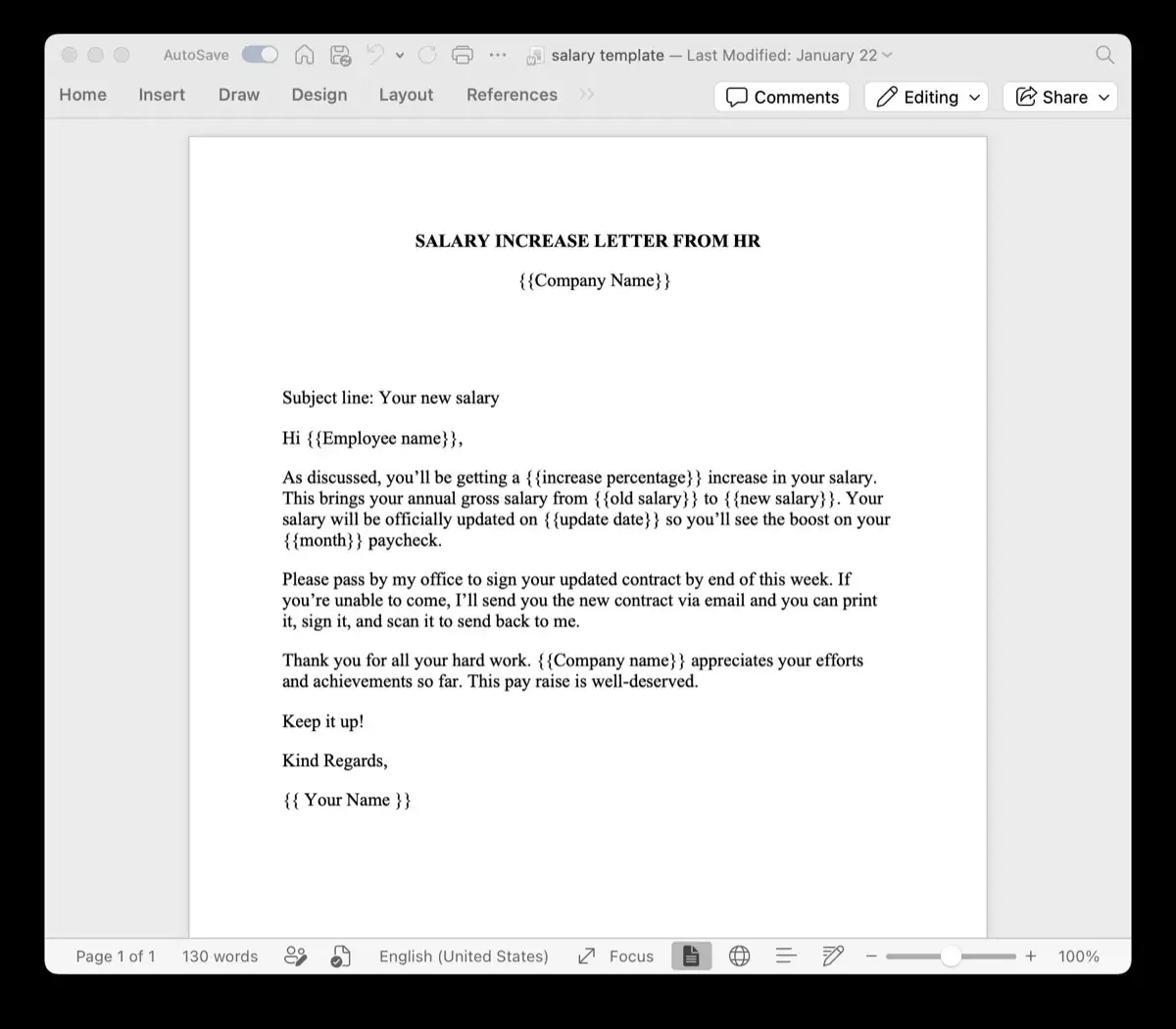
With TRYDOKU's document generation API, many engineering teams replace fillable PDFs that are difficult to maintain with Word templates. These templates adjust table rows, font sizes, and layout automatically based on the JSON data they receive.
Frequently Asked Questions
Can this tool inspect XFA (XML Forms Architecture) forms?
Yes. The inspector can identify dynamic XFA structures and extract available form field nodes and hierarchy tags.
Is it safe to inspect confidential government or banking forms?
Yes. TRYDOKU's PDF Form Field Inspector operates 100% client-side. The file never leaves your computer or browser memory.
Can I copy all field names at once?
Yes. The tool features an "Export JSON Schema" button that copies all field keys, types, and options to your clipboard as structured JSON.