EU-Hosted Document Generation: A Practical Data Residency Guide
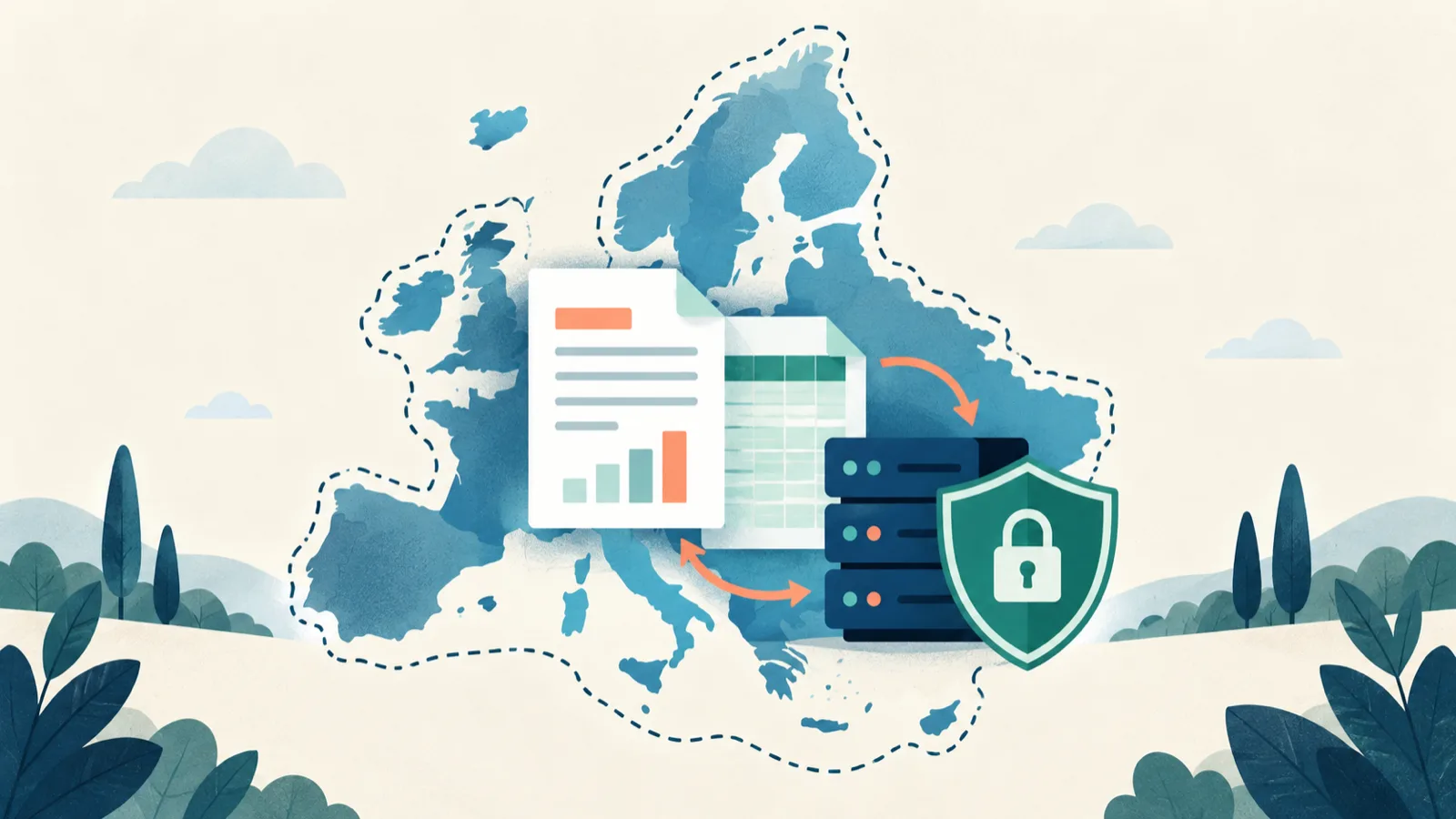
EU-hosted document generation can reduce unwanted data transfers, but the phrase “EU hosted” does not answer every privacy or security question. A document may be generated on a server in Germany while backups, logs, support tools, or analytics send related data elsewhere. The location of the main server is only one part of the data path.
This guide is for teams assessing a document generation service that will receive personal or confidential information. It explains how to map the workflow, which evidence to request, and how to separate data residency from broader GDPR duties.
It is a practical procurement guide, not legal advice. Your data protection officer or legal adviser should assess your specific processing purpose and contracts.
Data residency in plain language
Data residency describes where data is stored or processed. A team may require documents to stay in the European Union because of customer promises, internal policy, public-sector rules, or risk management.
For document generation, the data includes several categories besides the final PDF:
- the Word template;
- spreadsheet or JSON input;
- images embedded in the template;
- generated DOCX and PDF files;
- temporary conversion files;
- filenames and job identifiers;
- application logs;
- backups;
- support attachments;
- account and billing records.
Ask about each category. A vendor may have different locations and retention rules for document content, account data, and operational logs.
Data residency is not the same as GDPR compliance
Keeping data in the EU can simplify part of a review, but it does not by itself make a workflow compliant. GDPR also covers why data is processed, which party is the controller or processor, how long information is kept, who can access it, which contracts apply, and how people can exercise their rights.
An EU server cannot fix an unnecessary collection of personal data. It also cannot replace a data processing agreement, access controls, deletion rules, or a lawful basis.
Use three separate questions:
- Location: Where is each type of data processed and stored?
- Control: Who can access it, and under which technical and contractual rules?
- Lifecycle: When is it created, copied, backed up, and deleted?
Keeping these questions separate makes vendor answers easier to test.
Draw the document data flow
Before reading a security page, draw your expected workflow. A simple flow might be:
Employee browser
  -> document generation application
  -> temporary document storage
  -> conversion worker
  -> result download
  -> automatic deletion
Add every service that may see content. Does an email provider send the result? Does an error tracker receive request bodies? Can support staff open failed documents? Does the conversion step use a separate provider? Are backups made from temporary storage?
Then label each arrow with:
- the data sent;
- the country or region;
- the reason for the transfer;
- encryption in transit;
- the retention period;
- the responsible vendor or subprocessor.
This exercise often finds gaps that a general “hosted in Europe” statement misses.
Ask what “EU hosted” covers
The phrase can mean several things. It may describe the main database only, the entire production system, or a selectable region. Ask the provider to define its claim.
Useful questions include:
- Where does the web application run?
- Where do background generation workers run?
- Where are uploaded templates stored?
- Where are temporary conversion files stored?
- Where are generated results stored?
- Where are database backups stored?
- Which locations process logs and monitoring data?
- Can staff outside the EU access production systems?
- Is the region fixed for the account or chosen per request?
- Can a future subprocessor change the data path?
Record the answer and the date. Infrastructure can change, so procurement notes should link to the source rather than repeat a claim without context.
TRYDOKU states that its primary application and storage servers are located in Frankfurt, Germany. The current statement appears on its Security and Trust page. A buyer should still review the applicable agreement and subprocessor information for the intended use.
Separate document content from account data
Some services apply short retention to uploaded files but keep account, billing, and audit records longer. That can be reasonable, but it should be clear.
Build a table for your review:
| Data category | Example | Required location | Required retention |
|---|---|---|---|
| Template content | Contract wording and logo | EU | While template is active |
| Input data | Names, addresses, prices | EU | Only for generation |
| Generated output | Personalized PDF | EU | Short download window |
| Operational metadata | Job ID and status | Defined by policy | As needed for support |
| Account data | User and billing details | Defined by contract | Account and legal needs |
The required answers depend on your risk. A public product brochure is different from an employment letter containing salary information.
Check temporary files and conversion services
Document generation usually creates intermediate files. A DOCX-to-PDF conversion may copy the file to a working directory, render it, and publish the result. These copies count in the data lifecycle even if users never see them.
Ask whether temporary files:
- stay in the same EU region;
- are encrypted at rest;
- use unique paths between customers;
- are removed after success and failure;
- appear in system backups;
- can be accessed by support staff;
- are sent to another conversion API.
The deletion process should cover failed jobs as well as successful jobs. A file left behind after a crash can outlive the advertised download window.
TRYDOKU states that generated PDF and DOCX outputs are automatically purged within 24 to 72 hours. Treat that as a maximum availability window for current product behavior, and check the live security information before relying on it in policy.
Review subprocessors and international access
A provider may run its main servers in the EU while using other companies for hosting, email, payments, monitoring, or support. Not every subprocessor receives document content, so ask for purpose and data categories rather than assuming all vendors have the same access.
For each relevant subprocessor, record:
- legal entity;
- service provided;
- processing location;
- data categories;
- transfer mechanism if data leaves the EEA;
- retention and deletion role;
- notice process for changes.
Also ask about remote administrative access. Data can remain on an EU disk while an authorized engineer connects from another country. That does not automatically make the arrangement unacceptable, but it belongs in the review.
TRYDOKU says it uses trusted subprocessors bound by data processing agreements and does not sell customer data. Buyers who require a signed DPA should confirm plan eligibility and terms on the current security page.
Understand retention as a timeline
“Deleted after processing” is too vague. Ask the vendor to describe the events and maximum times.
A useful timeline includes:
- upload accepted;
- generation begins;
- output becomes available;
- user downloads the result;
- automatic deletion deadline;
- removal from backups, if backups contain the file;
- deletion of related logs or support copies.
Ask whether downloading deletes the file immediately or whether it remains available until the scheduled purge. Ask whether users can delete it early. If the service exposes a dashboard or API deletion action, test it during the proof of concept.
Short retention reduces exposure, but it also creates an operational requirement: your application must retrieve the result before it expires. Decide where the durable copy belongs after download. The document vendor’s temporary store should not quietly become your archive.
Match retention to the purpose
Do not send every spreadsheet column just because it is available. If the document only needs a client name and renewal date, omit internal notes and unrelated identifiers.
Apply the same rule to templates. Remove hidden comments, old tracked changes, and document metadata that are not needed for generation. The free DOCX metadata inspector can help inspect a file before it is shared.
Data minimization reduces the scope of the residency review. A field you do not send cannot be exposed by the document-generation service.
Check encryption and access controls
Location and deletion do not replace security. Ask how data is protected in transit and at rest, how production access is approved, and how administrative actions are logged.
For a document service, review:
- HTTPS for uploads and downloads;
- encryption for templates and stored results;
- separation between customer accounts;
- API key creation and revocation;
- least-privilege staff access;
- multi-factor authentication for administrative systems;
- security incident notification terms;
- a safe support process for sample files.
Avoid sending a real contract to support until you know how support attachments are stored and deleted. Create a reduced file that reproduces the layout issue without personal information.
TRYDOKU’s security page states that uploaded templates, account credentials, and billing metadata are encrypted at rest using AES-256. Use the live page and contract as the evidence source; do not treat a blog summary as a security warranty.
Make the controller and processor roles clear
In a typical business workflow, your organization decides why employee, client, or supplier data is used and acts as controller. The document generation service processes data on your instructions and acts as processor. Real arrangements can be more complex, especially for account, security, and billing data.
The data processing agreement should describe:
- subject and duration of processing;
- nature and purpose;
- types of personal data;
- categories of people;
- confidentiality duties;
- security measures;
- subprocessor rules;
- help with rights requests and incidents;
- deletion or return at the end of service;
- audit information.
Your legal team should confirm the roles and terms. A marketing badge cannot replace this review.
Build an evidence pack for procurement
Keep a small, dated folder or register with the evidence used for the decision. It can include:
- the architecture and data-flow diagram;
- the vendor’s security page;
- subprocessor list;
- DPA and service terms;
- retention statement;
- answers to open questions;
- proof-of-concept test results;
- approval from security and privacy owners;
- the date for the next review.
Avoid screenshots without links or dates. Pages change. Record when each claim was checked and which product plan it covered.
Test the lifecycle with non-sensitive data
Run a proof of concept that follows a file from upload to deletion. Use invented names such as Freja Lindholm and Felix Hartmann, not real customer records.
The test should confirm:
- where the account region is documented;
- which template and input data are sent;
- whether logs expose the payload;
- how the output is downloaded;
- whether an early deletion control exists;
- what remains visible after deletion;
- what the provider says about the final purge deadline;
- how a failed generation is handled.
You may not be able to inspect the vendor’s infrastructure directly. The point is to combine product behavior with contractual and security evidence, then list what still relies on provider assurance.
Common mistakes in residency reviews
Treating the company address as the server location
A European company can use infrastructure elsewhere, and a non-European company can offer an EU region. Ask about the system, not the office.
Looking only at the final PDF
The template, input, temporary files, logs, and backups may contain the same personal data. Include them all.
Confusing short retention with no retention
A 24-to-72-hour purge is short-term storage, not literal zero storage. Use precise language in your own policies.
Ignoring your downloaded copy
Once your system downloads a file, your storage, access, backup, and deletion rules apply. Vendor deletion does not delete your copy.
Sending production data during evaluation
Use synthetic data until contracts, security, and access controls are approved.
A practical vendor checklist
Before approval, make sure you can answer:
- Where do application, workers, temporary files, and outputs run?
- Where are backups and logs located?
- Which subprocessors receive document content?
- Can staff outside the EU access the system?
- What is the maximum retention for successful and failed jobs?
- Can customers delete files early?
- Does a DPA cover the required plan and processing?
- Which encryption and access controls are documented?
- Does the vendor provide notice of subprocessor changes?
- Who in your organization owns the downloaded copy?
- When will you review these answers again?
If the answers are unclear, keep the issue open. Do not fill gaps with assumptions.
Use EU hosting as one control in a complete process
EU-hosted document generation can fit a policy that calls for European processing and short-lived output storage. Combine it with minimization, clear contracts, limited access, tested deletion, and an internal owner for the final documents.
TRYDOKU publishes its current hosting, retention, encryption, and DPA information on the Security and Trust page. If those controls fit your requirements, you can create a TRYDOKU account and run a test with synthetic data while your formal review continues.
Frequently asked questions
Does EU hosting guarantee that data never leaves the EU?
Not by itself. Check subprocessors, logging, support access, backups, and remote administration. Ask the provider to define exactly which systems the claim covers.
Is data residency required by GDPR?
GDPR does not simply require all personal data to stay in the EU. Transfers outside the EEA need an appropriate legal basis and safeguards. Your legal adviser should assess the specific transfer.
Are generated files stored permanently?
That depends on the service. TRYDOKU currently states that generated DOCX and PDF outputs are automatically purged within 24 to 72 hours. Confirm current behavior on the security page.
Should we store documents in the generation service?
Treat a generation service as a processor, not an archive, unless the product and contract explicitly provide archival storage. Move the final file to your approved record system.
Can we use real data in a proof of concept?
Synthetic data is safer and is usually enough to test layout and workflow. Use real personal data only after the required contracts, security review, and access controls are in place.