How to Automatically Repeat Rows in Word Templates using JSON
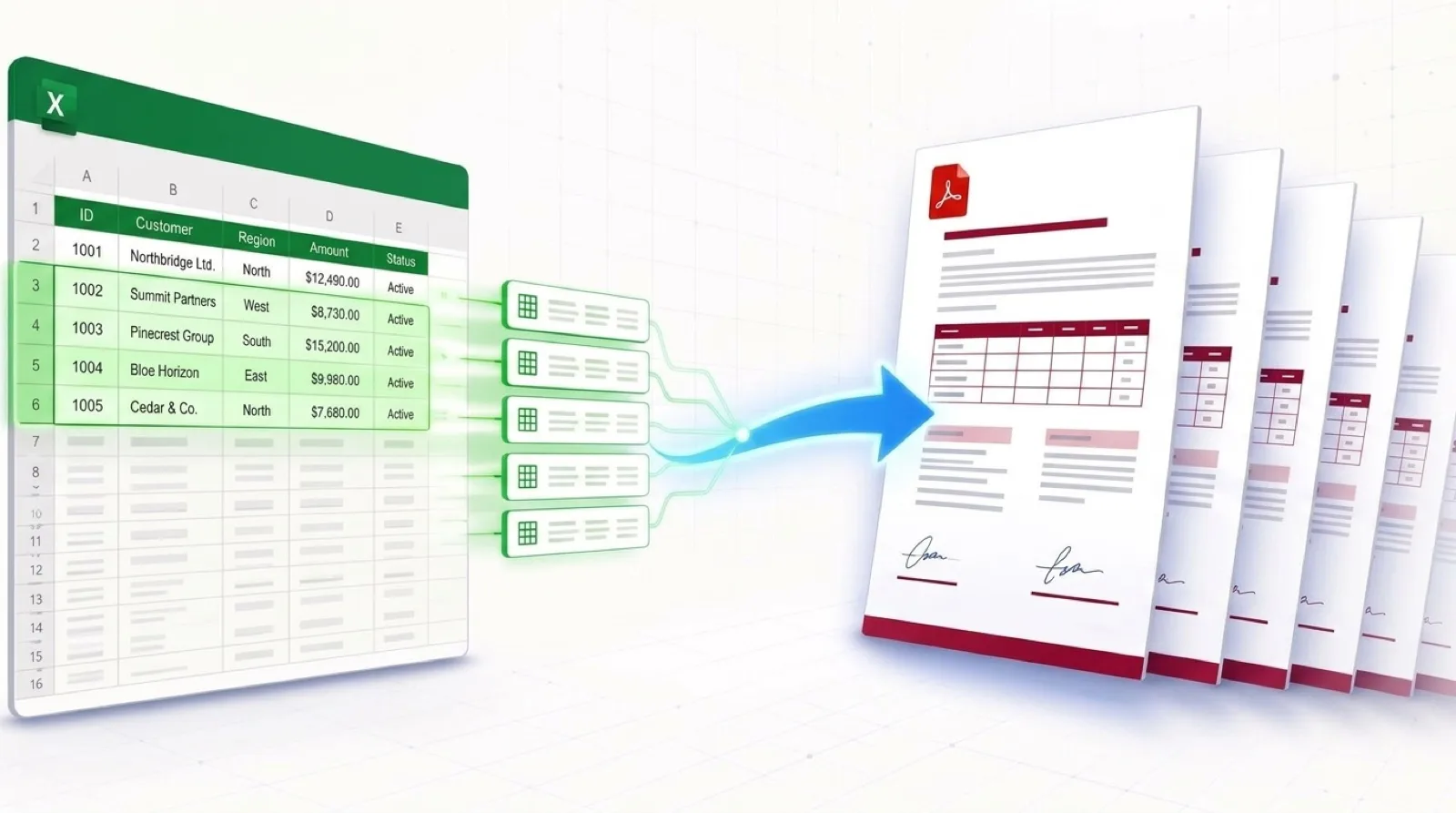
When generating documents like invoices, receipts, or product catalogs, you rarely have a static number of items. One invoice might have 2 line items, while another has 50. Standard mail merge features fail completely when dealing with one-to-many relationships or variable-length lists.
In this comprehensive guide, we will show you exactly how to automatically repeat rows in Word templates. Using dynamic loops and JSON data arrays, you can easily generate complex tables without writing complex code or VBA macros.
The Problem with Standard Document Generation
If you've ever tried to create an invoice in Word from Excel data, you quickly realize that simple placeholders like {{Price}} only work if there is exactly one price. If a customer buys three different products, you need three rows in your table. Manually predicting the number of rows or copy-pasting tables defeats the entire purpose of automation.
The Solution: Dynamic Loops
Dynamic Loops allow you to define a section of your Word document—such as a single row in a table or a paragraph—that will automatically duplicate itself for every item in your data array. This is perfect for invoices, packing slips, and order summaries.
Step 1: Set Up Your JSON Data Array
To power a dynamic loop, your data must be structured as an array (a list of items). If you are using an API or passing JSON data, it will look something like this:
{
  "customer_name": "Acme Corp",
  "invoice_items": [
    { "description": "Web Design", "price": "$1,000" },
    { "description": "Hosting", "price": "$100" },
    { "description": "Maintenance", "price": "$200" }
  ]
}
In this example, invoice_items is our loop target. We want to generate a table row for each of the three items.
Step 2: Add Loop Tags to Your Word Template
Open Microsoft Word and create your table. To tell the automation engine to loop over a specific row, you wrap the row in special loop tags.
Opening Tag: {> invoice_items }}
Closing Tag: {< invoice_items }}
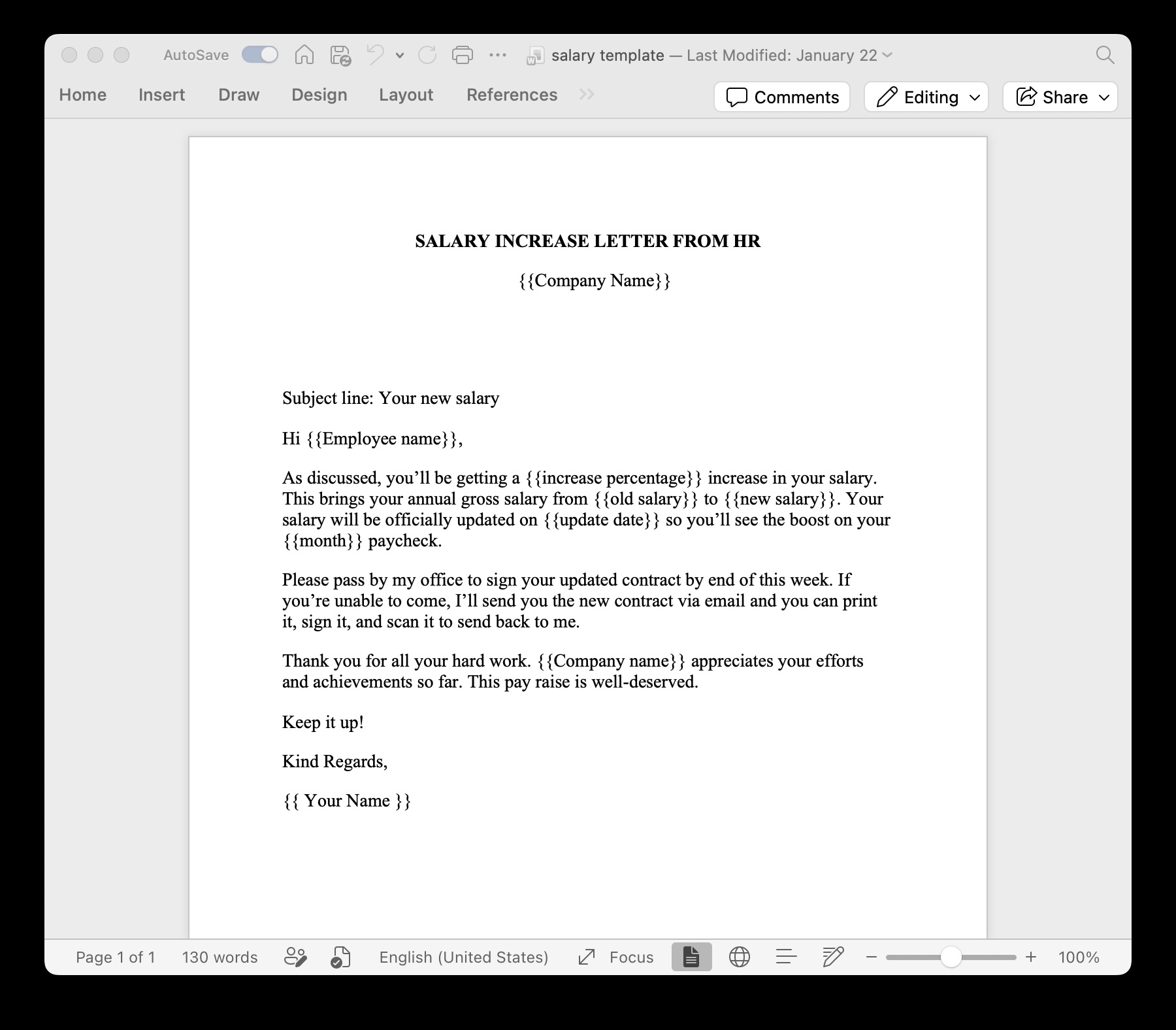
Place the opening tag in the first column of your table row, and the closing tag in the last column of that same row. In between those tags, you can use the standard placeholders for the item properties, like {{description}} and {{price}}. (Tip: Validate these loops with our free Word Template Variable Parser).
Step 3: Generate the Document
Once you upload your Word template to TRYDOKU and send your JSON payload via our API or the web composer, the engine takes over.
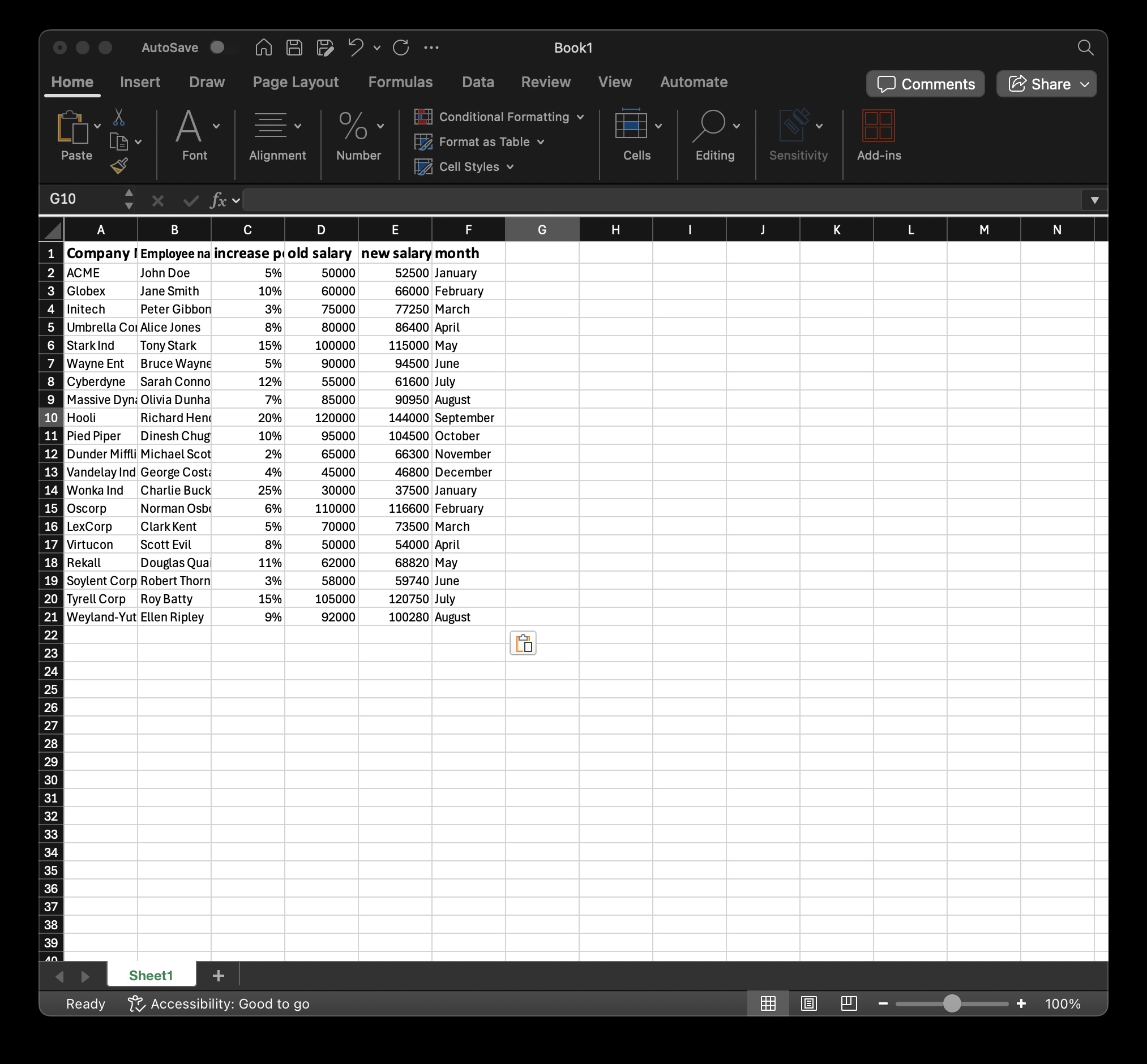
The engine detects the {> invoice_items }} tag, counts the 3 items in your JSON array, and dynamically clones that table row 3 times, filling in the correct description and price for each row. If the next invoice has 50 items, it will generate 50 rows automatically, even spanning across multiple pages perfectly.
Advanced Usage: Nested Loops & Conditional Blocks
Dynamic loops aren't just limited to tables. You can wrap entire paragraphs, bulleted lists, or pages in loop tags to generate multi-page reports. You can even nest loops inside of other loops for complex data structures (e.g., looping through Categories, and then looping through Products within each Category).
Build Smarter Templates
Stop wrestling with manual tables and macros. Start generating dynamic, data-driven documents today.
Get Started for Free